


Sony A7Riii Tethering
Hi Everyone.
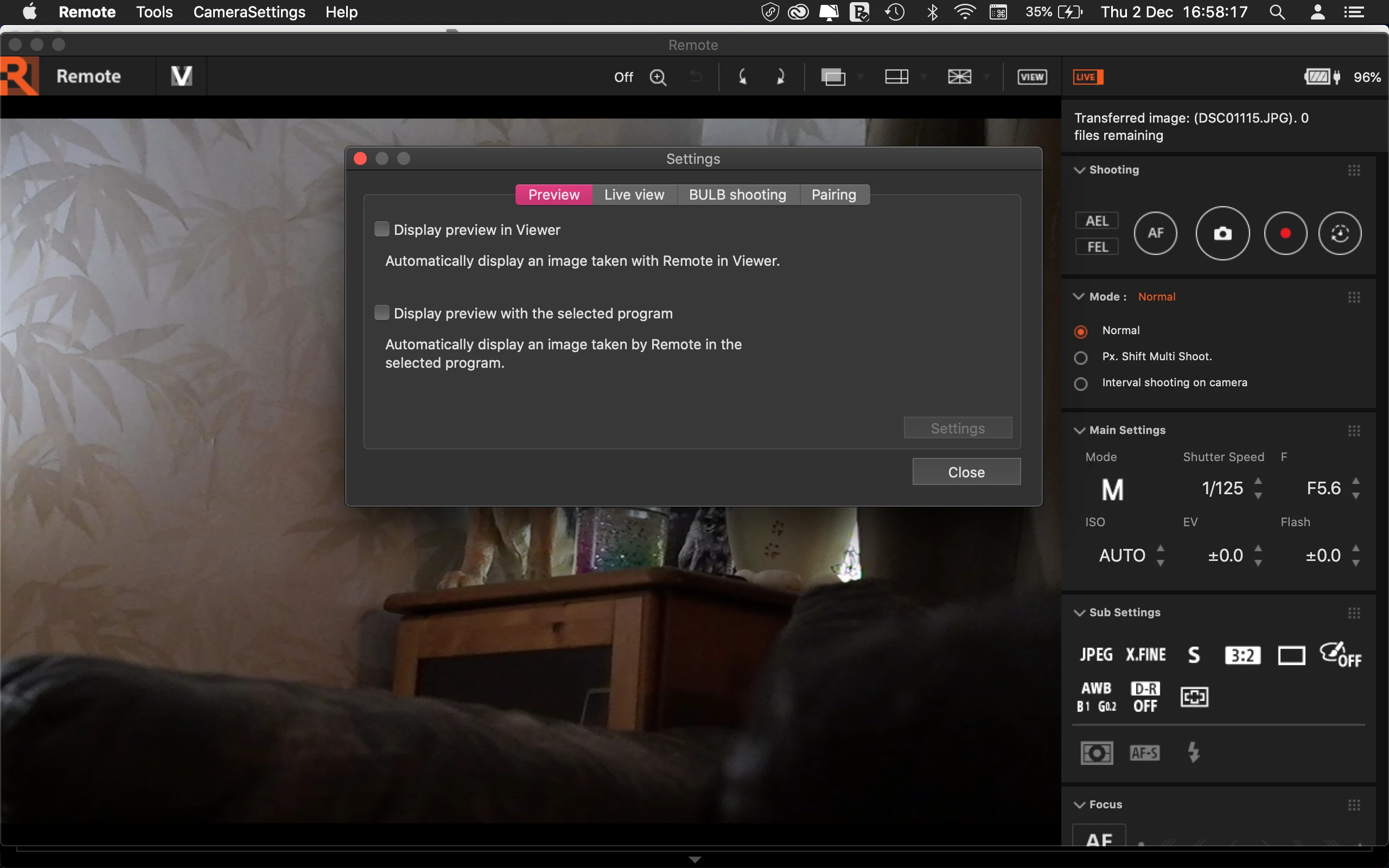
I wonder if anyone can help me? Iv'e watched countless videos on tetheing a Sony A7Riii to LR using Sony's Imaging Edge Desktop Remote software.
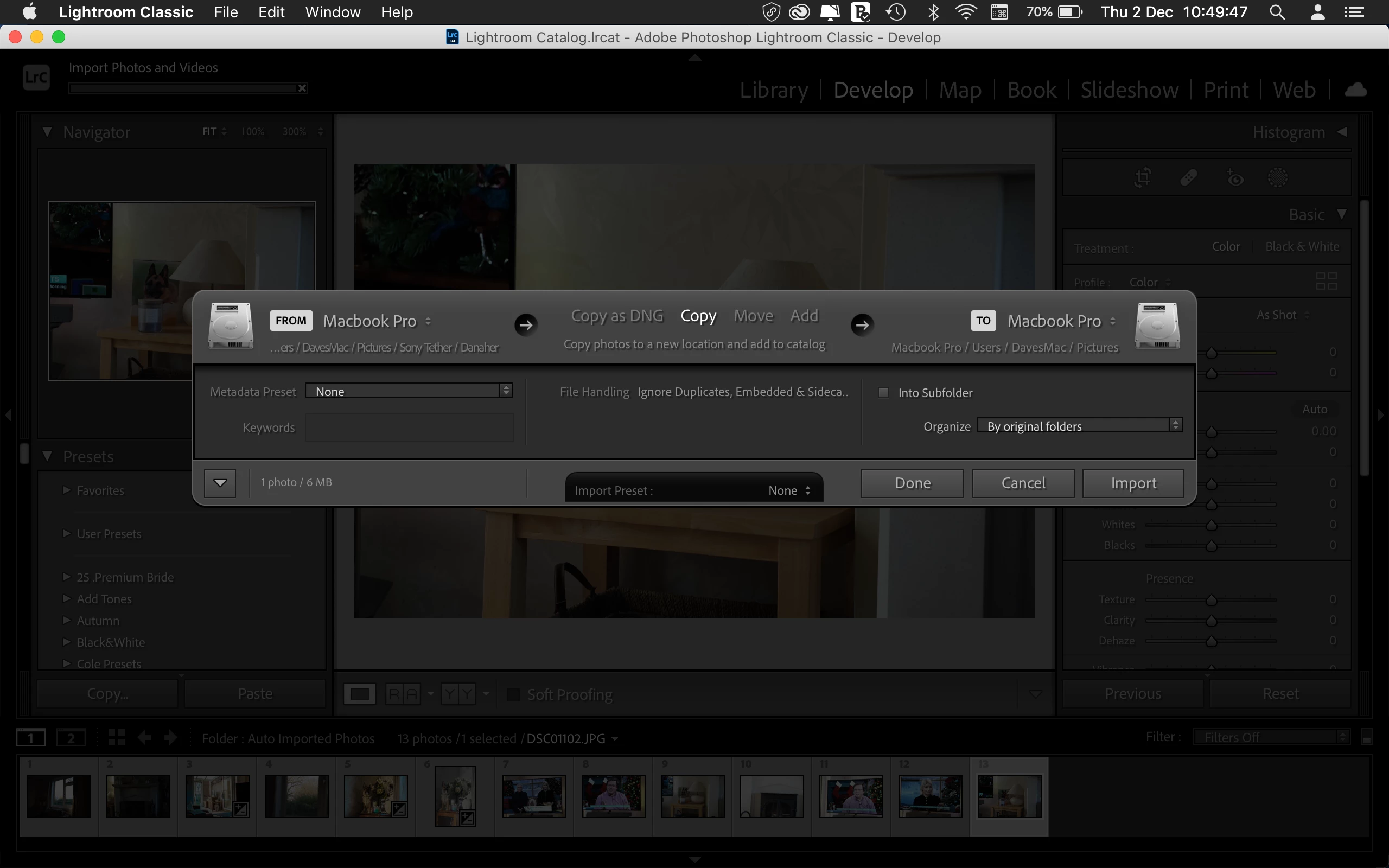
Everything works fine using (Auto Import) apart from the import screen popping up although the image has actully already been imported to the Develop Module ready for editing. I can see this has happened behind the import screen minimised as shown in image below.
So I have to keep pressing cancel on every imported image which is a inconveniant during a shoot.
If I add an image file manualy to the LR auto import "Watching Folder" the import screen doesn't pop up, but if it's added remotly by Sony's Imaging Edge Desktop (Remote) it does every time as shown in image attached.
This doesn't happen in any of the videos I've watched, but they are earlier versions of LR, so is this a bug in this latest version?
My Mac version is Catalina 10.15.7
Stay safe 🙂
 AdChoices