



Super Resolution works great, BUT, how can I crop the image to specific pixel size after enhancement
I updated Lightroom Classic and I really like the new Super Resolution, works great! BUT, this is what I can't figure out how to do. I take mostly pictures of small birds. Even getting really close with a the 300mm lens I have I still can't fill the frame with them, because they are small. My camera outputs 6000 X 4000 pixel raw files. When super resolution is applied, the images are 12,000 X 8,000. What I'd like to do is be able to crop it back to 6,000 X 4,000 so the small bird will be twice the size in the enhanced image.
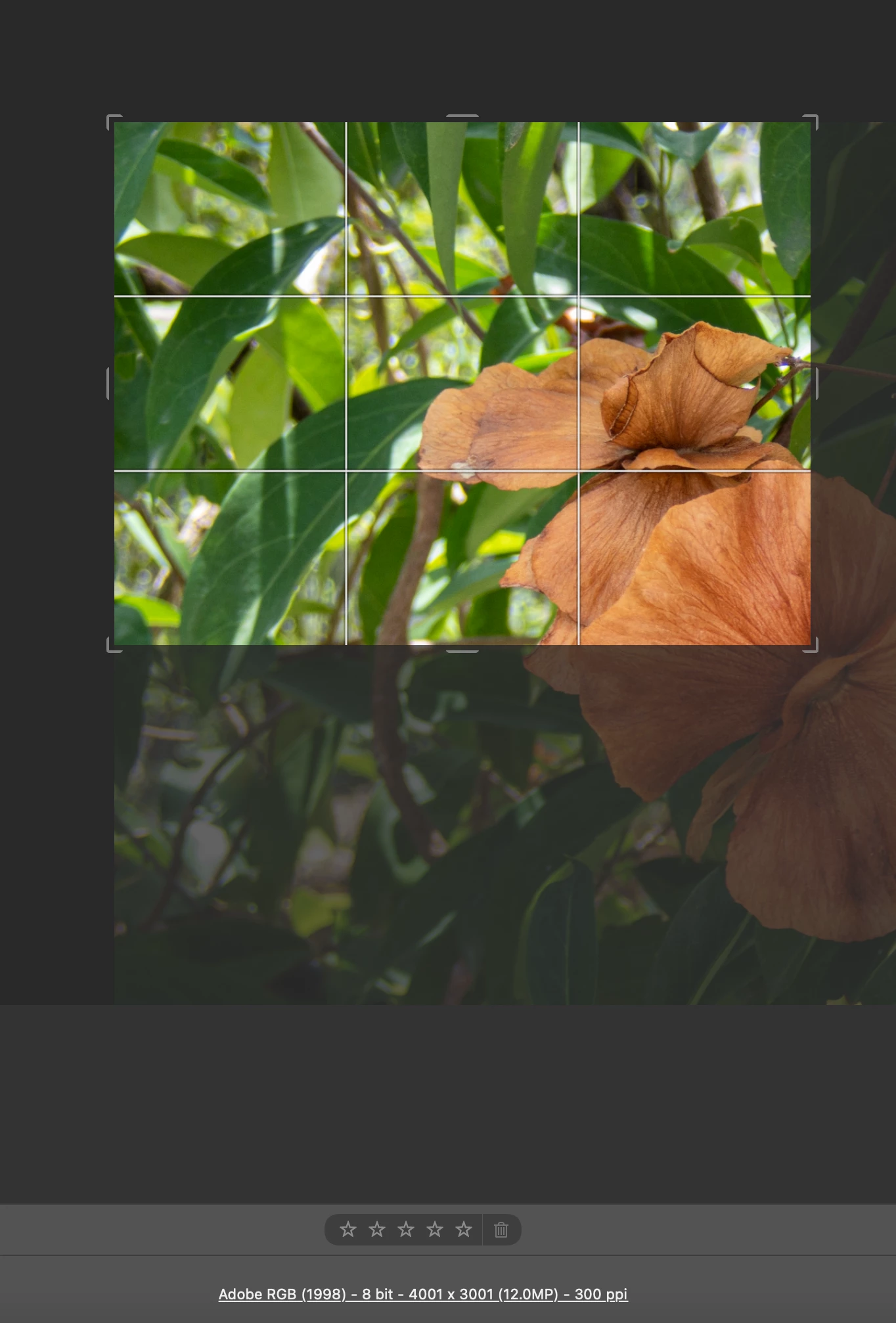
I have been using Lightroom for years and have not found a way to crop to a specific pixel size, only ratios. I want to crop it to the same ratio, but I don't want a random size to export. And I don't want to EXPORT to a specific size, I know how to do that and I do that from time to time. I need to be able to crop it so that it will export at 6,000 X 4,000 without upscaling or downscaling.
I know I could edit it in photoshop, but when you super resolution enhance an image, it makes it into a several hundred megabyte file usually around 350 megabytes in size, then if you edit it in photoshop, it returns a tiff file of at least 340 to 350 megabytes so now you're looking about 700MB of files plus the original RAW file, plus the jpg that you export for the final image. That's just too doggone much if you have a lot of images to process!
Hopefully I've just overlooked something that I could do to crop to a specific size instead of a ratio that is impossible to crop to a specific size.
 AdChoices