


Known Participant
April 26, 2025
Question

Unable to detect Landscape Elements

  • April 26, 2025
  • 2 replies
  • 395 views

I have installed the New LRC 14.3 and trying to use the landscape Masking feature.  following videos etc when I try to detect  landscape I get a error message   "No Landscape feature detected"


I have tried various photos and nothing.. anyone else having issues?


I am on Windows 11 all updated installed using onboard Video Drivers for my MSI motherboard. 
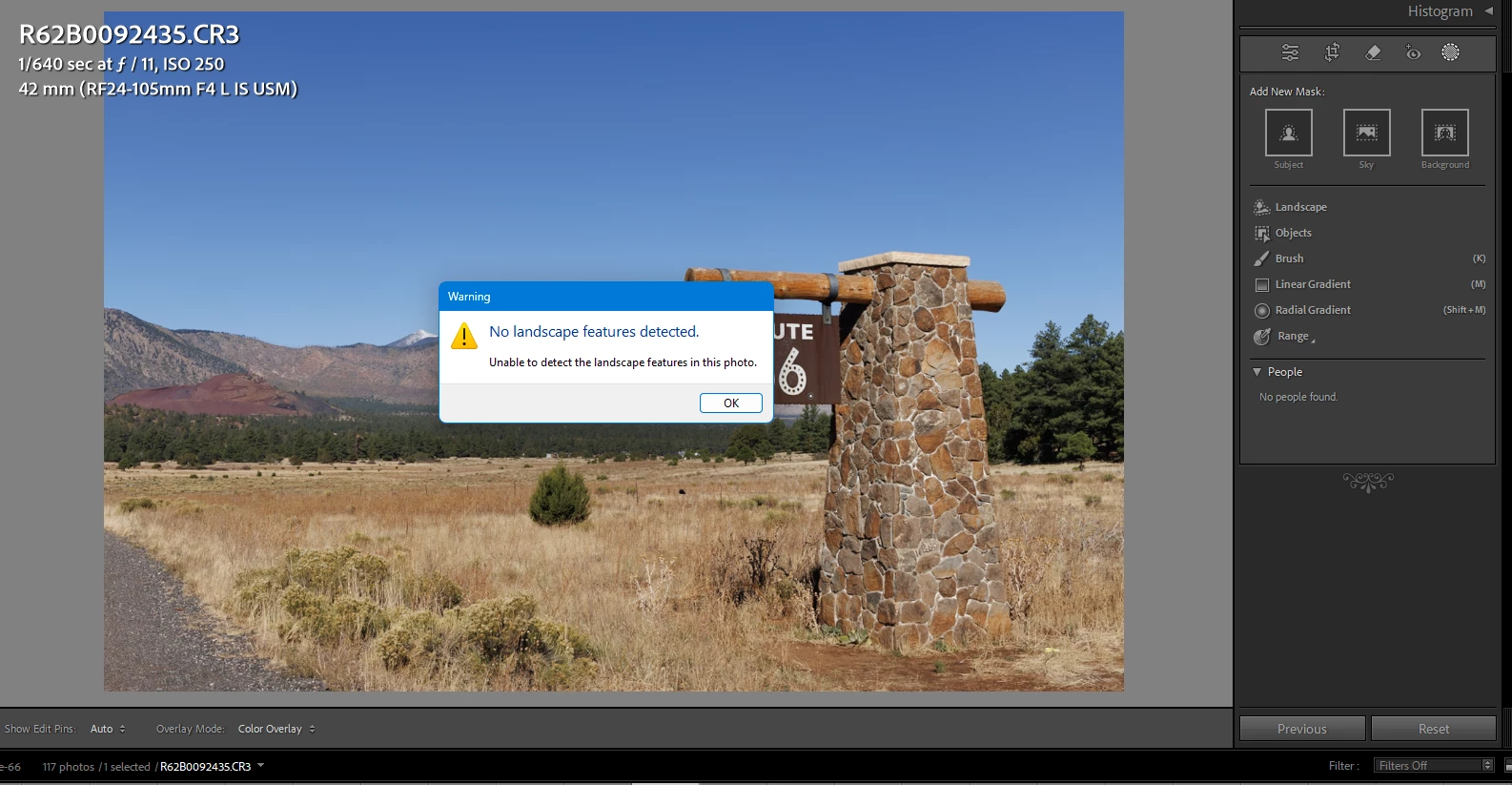


{Moved from Lightroom Cloud to Lightroom Classic Forum by Moderator} 

2 replies

JohanElzenga
Community Expert
Community Expert
April 26, 2025

Problems with AI masks are almost always caused by outdated GPU drivers.


-- Johan W. Elzenga
Snejk67
Participant
April 26, 2025

I have the same problem. In addition to that I also can't use the subject and backround masking tool. It shuts down right after I choose it. No error code or notification.

johnrellis
Genius
April 27, 2025

Try updating your graphics driver by going directly to the manufacturer's web site:
https://helpx.adobe.com/lightroom-classic/kb/troubleshoot-gpu.html#solution-4

If that doesn't help, please copy/paste here the entire contents of the LR menu command Help > System Info -- that will let us see exactly which versions of hardware and software LR thinks you're running.