


Virtual Copies disappearing/not appearing
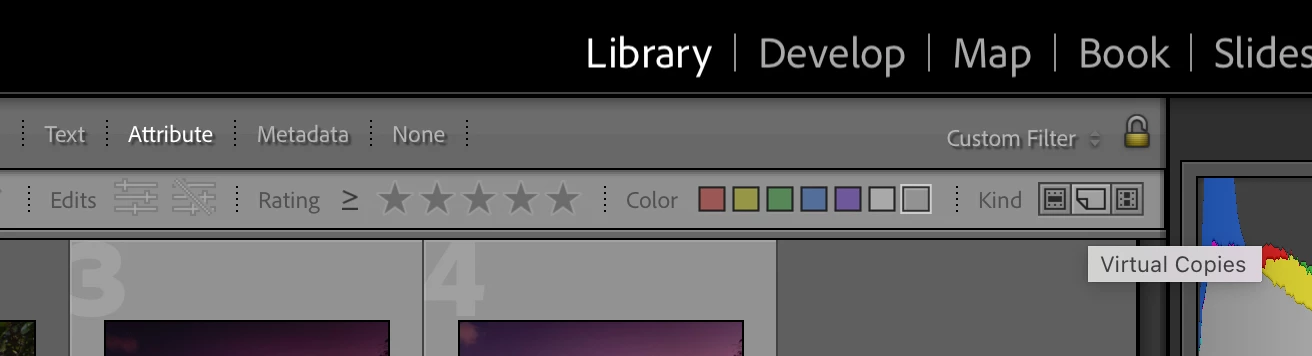
I'm using the latest Lightroom CC. I have been having several problems with VCs not appearing at all when I create them, or alternatively disappearing completely for random reasons. I have found the following:
1. If I create the VC from the Folder in the Library module, then it works without a problem.
2. If I create it from the Collection (inside a collection set), it also generally works.
3. If I create it from a collection set (containing those collections which I am editing) it often works, but sometimes just stops creating virtual copies at all. Virtual copies that I already created remain, however.
4. I also sometimes work from Smart Collections, and there also it generally works, but often just stops creating the virtual copies altogether.
More alarmingly, after having edited a job with a few thousand images and a couple of hundred virtual copies, my original virtual copies completely and utterly disappeared, only to return when I pressed undo. I tried several times to do the same operation (I think I was creating a smart collection or something) and every time the virtual copies just vanished, only to return if I pressed undo.
To be clear, I am not using any filtering on my images, and no stacking either. I am not sure exactly what it is that I do that stops the virtual copies from appearing, or to completely vanish, but I am not changing any of my preferences or filtering options when this occurs.
 AdChoices