


New Participant
June 16, 2023
Answered

When Importing from Camera to folder all images are duplicated

  • June 16, 2023
  • 1 reply
  • 247 views

I have just noticed all of my images imported direct from camera (Fuji XT-5) see screenshot . Latest lightroom 12.4  running win10 pro
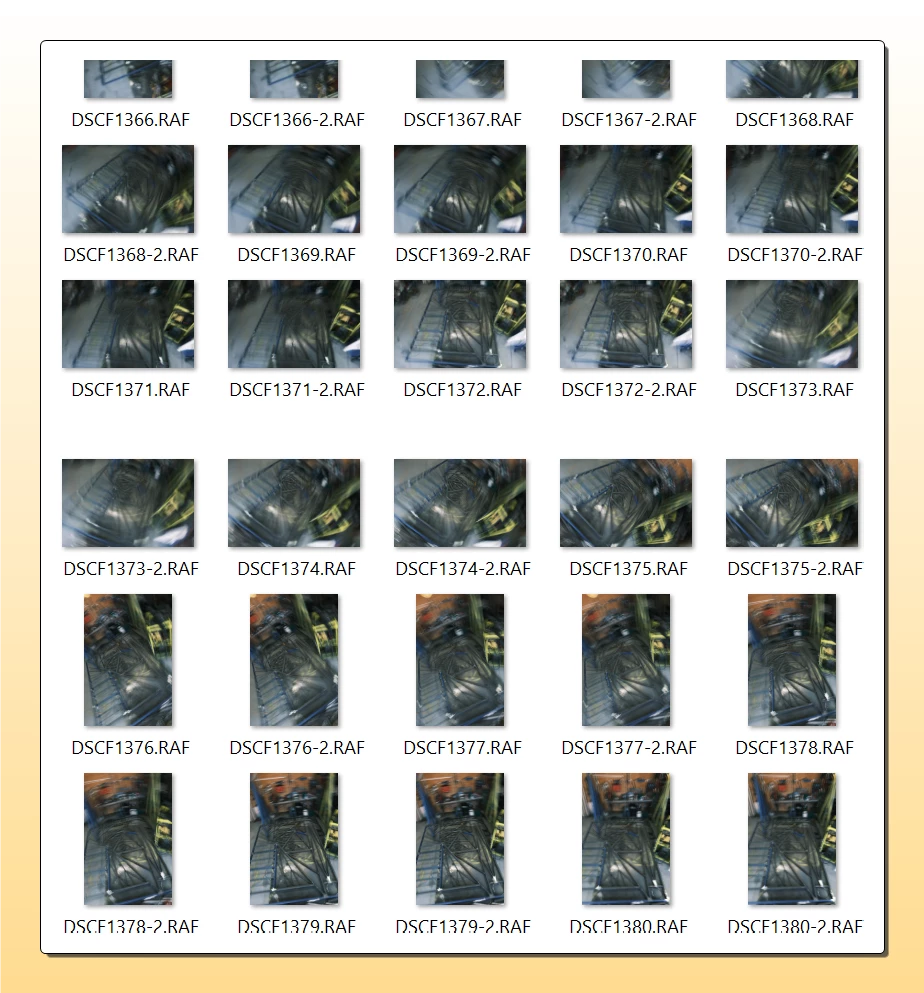
If I import from another location on the pc its not a problem, if I take the card out of the camera its not a problem, but I dont like removeing and replugging cards unnecessarily. the selection at top of the import screen is the same ie copy. This only happens when importing direct from camera


[moved from bugs to discussions - Mod.]
This topic has been closed for replies.
Correct answer Ian Lyons

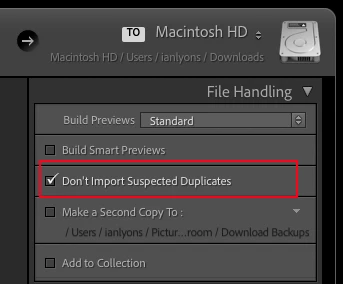
Check that you haven't inadvertently unchecked the Import option 'Don't Import Suspected Duplicates'. I've attached a screenshot showing where to find the option.


1 reply

Ian Lyons
Ian LyonsCorrect answer
Community Expert
June 16, 2023

Check that you haven't inadvertently unchecked the Import option 'Don't Import Suspected Duplicates'. I've attached a screenshot showing where to find the option.


keithJAuthor
New Participant
June 16, 2023

Ian

I have found the issue, I have the camera storage set to backup to the second card so lightroom sees that as extra images, and yes having the don't import dupplicates solves the issue. Thanks for the feedback