


Participating Frequently
April 1, 2025
Answered

AI Denoise in Lightroom uses CPU instead of GPU or NPU

  • April 1, 2025
  • 1 reply
  • 2072 views

I have a Snapdragon X Elite laptop (the lenovo yoga slim 7x) and when I do AI Denoise, it uses the CPU. It has a decent GPU, and quite a powerful NPU, and as far as I know AI Denoise should not use the CPU. Past taking a while, it makes my computer run really loud and get really hot. Please make a fix!
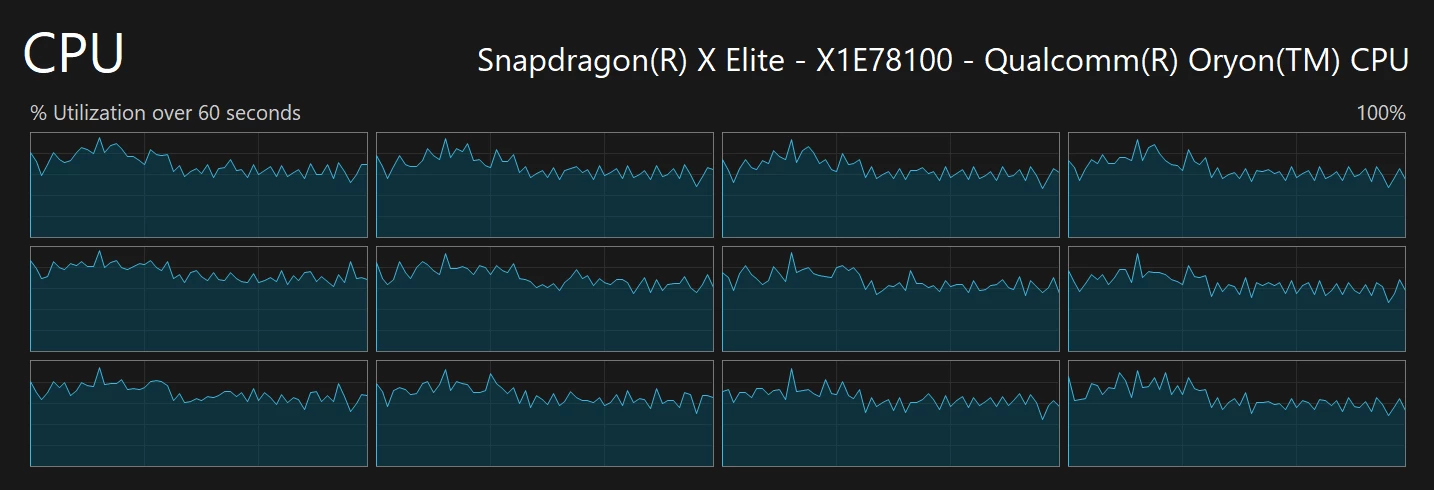
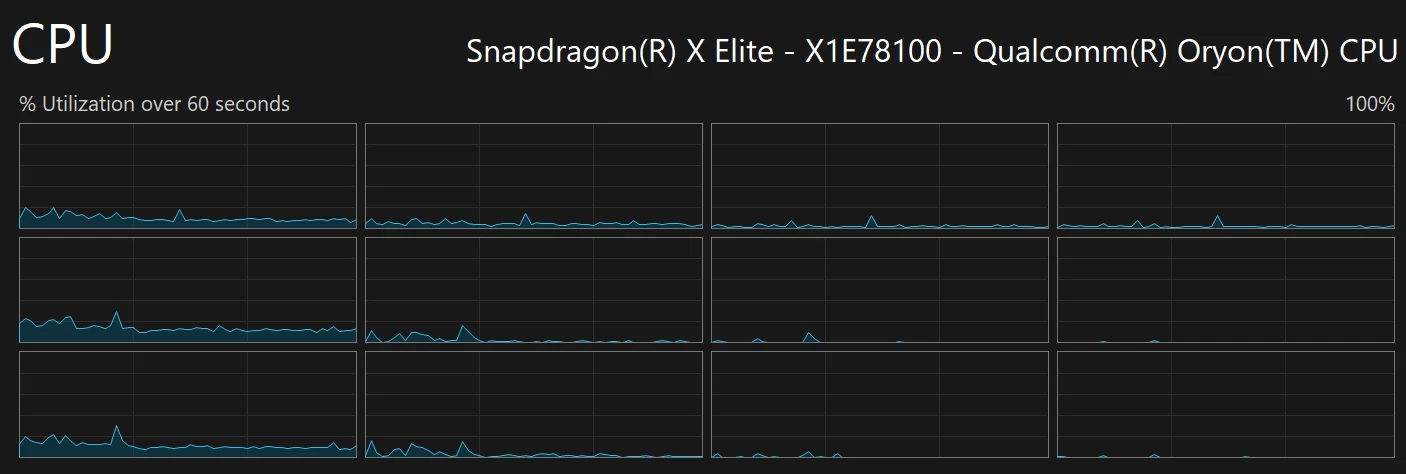
CPU utilization when I am doing AI Denoise vs right after

Correct answer Sameer K

Thanks for your patience. This is currently the expected behavior for Lightroom to rely on the CPU alone when executing machine learning & GPU-intensive tasks on ARM/Snapdragon-powered devices with less than 24GB RAM. This behavior is highly likely to change and improve in the future. 

We hope you understand.

Thanks!
Sameer K

1 reply

Sameer K
Community Manager
Community Manager
April 1, 2025

Hey, @Milan22143881nr5g. Welcome to the Lightroom Community. I'll help you figure this out. 


You can try setting the Adreno GPU as the default GPU for the Lightroom in Windows Display Settings. Head here to set up the default GPU: https://adobe.ly/3FLlQEY


Let me know how it goes. 
Thanks!
Sameer K

(Type '@' and type my name to mention me when you reply)

Participating Frequently
April 6, 2025

@Sameer K (commenting because I forgot to previously mention). Summary is that I tried the change, but it still used CPU instead of GPU/NPU. I also tried it on the previous version of lightroom, and it still used CPU.