New Participant
September 5, 2021
Question

CANNOT allow access to camera roll
  • September 5, 2021
  • 4 replies
  • 3690 views


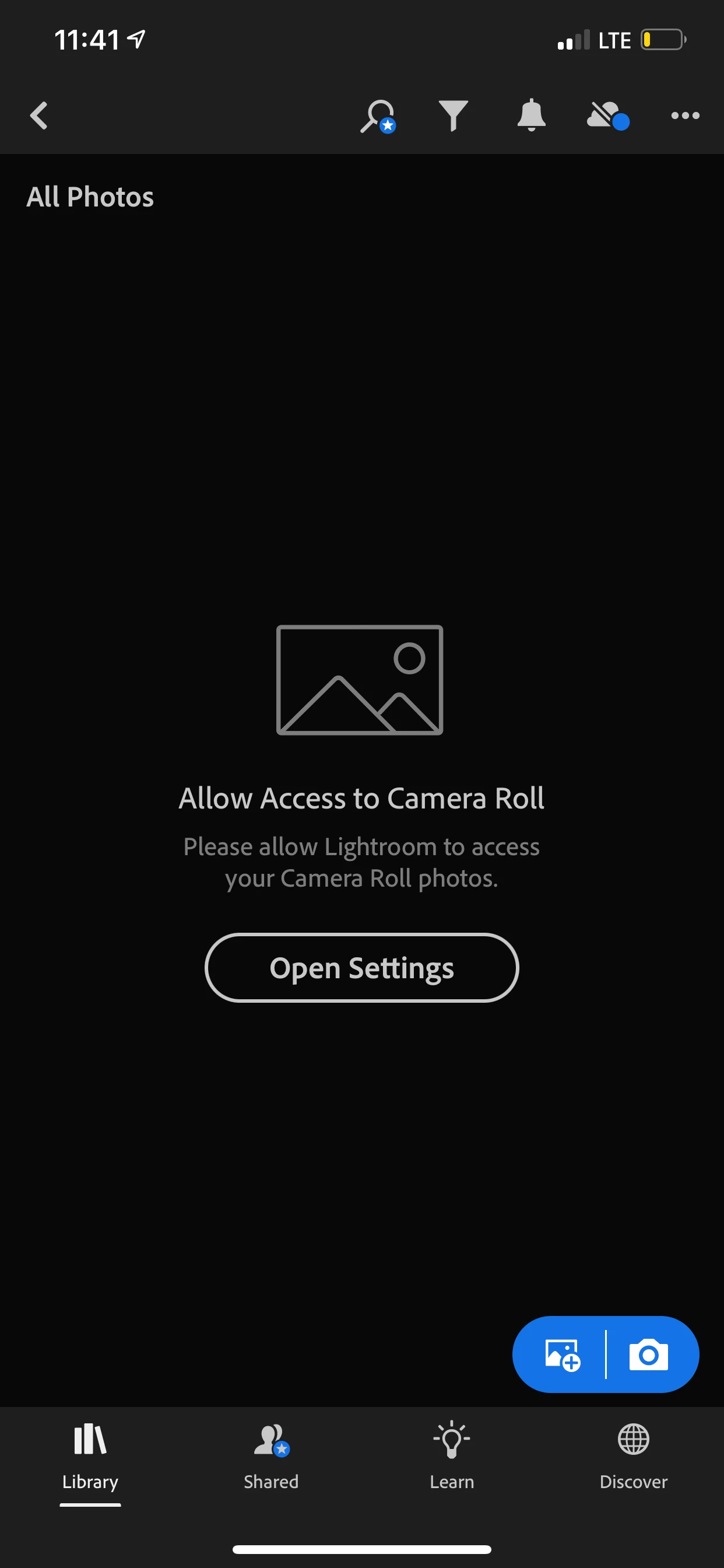
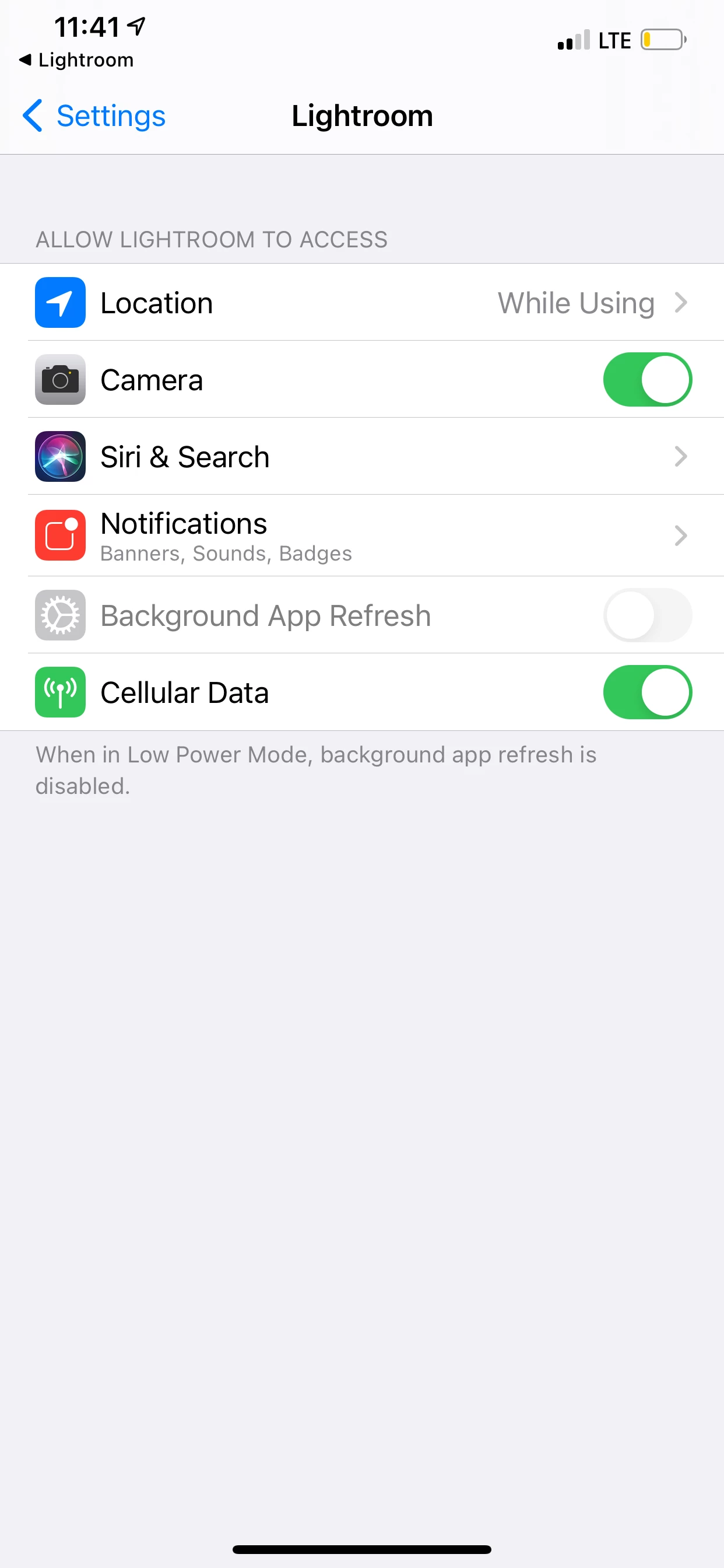
Hi, I have screenshots. I'm very tech savvy and don't usually have issues, but I've been trying to allow access to my camera roll but something's preventing me. I go to Settings > Lightroom > then there's no allow access to photos or anything?!


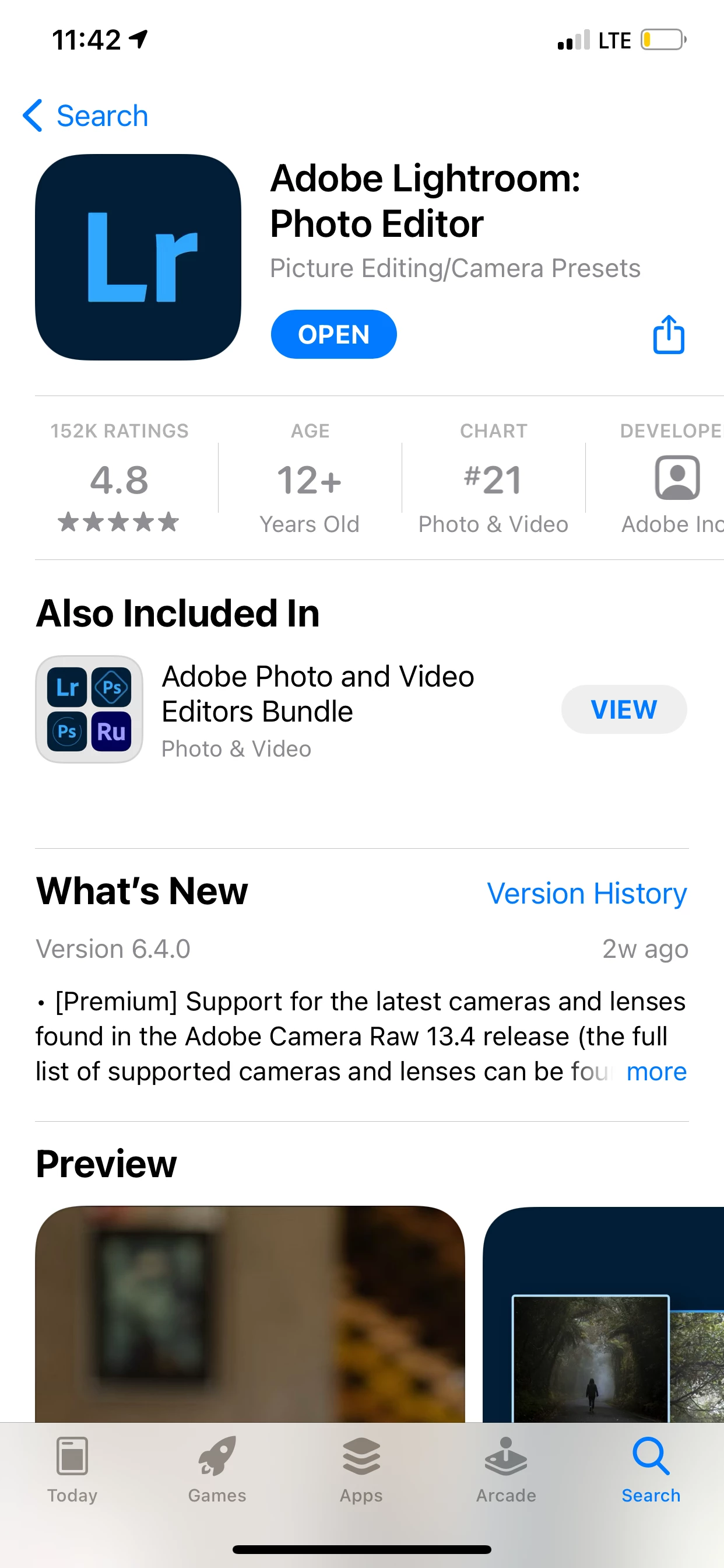
I have the updated Adobe Lightroom: Photo Editor Version. I don't see any others so I'm not sure if there are others? For photo editing, I used VSCO & recently purchased presets for Adobe & now I can't even use them!


PLEASE HELP 🥺! Any help would be great appreciated & I would reciprocate the help anyway I can to display gratitude! 🥺


xo

This topic has been closed for replies.

4 replies

New Participant
October 12, 2023

It worked for me to delete the app from the settings menu. Settings>General>iPhone storage. Delete all, app and data. Then install Lightroom again and grand it full access. After that you can change it as you wish. 

Community Manager
September 7, 2021

@Nasrin Truong 

Try using the Lightroom Mobile camera inside the app.  This should request access to Photos (and it's recommended to allow access to all photos).  More info about the LR in-app camera: https://helpx.adobe.com/lightroom-cc/using/capture-photos-mobile-ios.html


Does this help?

Jim Wilde
Adobe Expert
September 5, 2021

On your phone, go to Settings>Privacy>Photos>Lightroom, then make sure you give Lightroom access to "All Photos" (it's probably currently set to "None").

New Participant
September 6, 2021

I don't see that, as displayed in the screenshot. That's the issue, it's not an option. It's not there and I don't know why.

New Participant
September 5, 2021

I'm gonna attach files since I didn't know I could do that, just thought I used the tools in the message / thread box! 

thank you to anyone who takes uses their free time or takes the time out of their day to help a girl out! xo 


ALSO I HAVE AN IPHONE 11 PRO MAX. It might be a 12 but either way, it's one of the two and PRO MAX. iOS 14.67 or whatever!