New Participant
November 15, 2024
Answered

Detailed export settings?

  • November 15, 2024
  • 1 reply
  • 1229 views

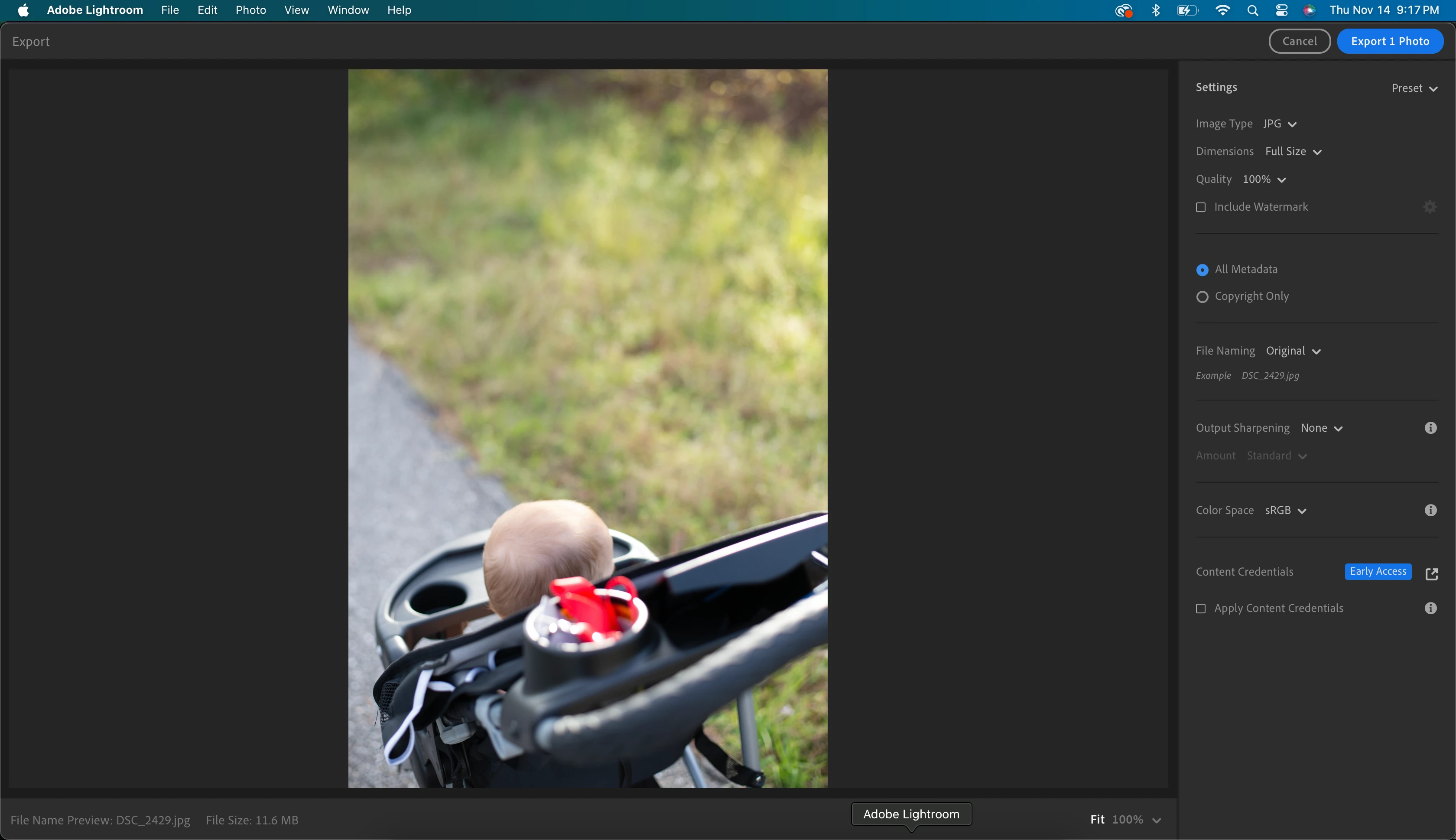
Jumping back into lightroom after some years out. I'm trying to adjust some specific things in my export (specifically limiting file size and selecting PPI), but I can't find these settings anywhere. When I click export -> custom settings, I can adjust the Adobe preset to JPEG small, large, or original + settings, but I have no detailed settings. Screenshot of my export window attached. 
This topic has been closed for replies.
Correct answer Rob_Cullen

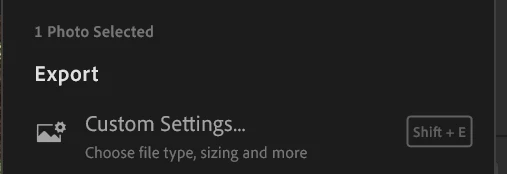
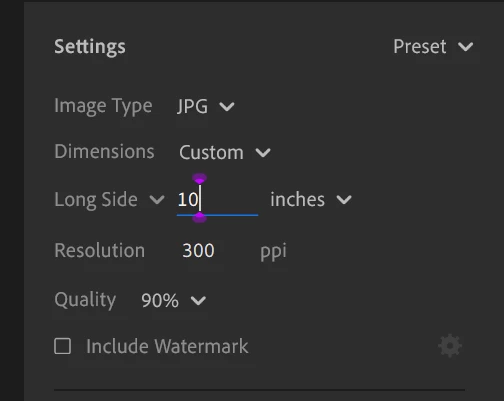
1) Select the [Custom Settings...] Option-

2) Select JPG

3) Set Dimensions to [Custom]

4) Set the [Long Side] Dimension in INCHES

5) Set the PPI you want


The result will be an image file that has pixel dimensions determined by [INCHES x PPI]

eg. 10 INCHES x 300 PPI  will give a file that is 3000pixels on the Long Side.


1 reply

Rob_Cullen
Rob_CullenCorrect answer
Community Expert
November 15, 2024

1) Select the [Custom Settings...] Option-

2) Select JPG

3) Set Dimensions to [Custom]

4) Set the [Long Side] Dimension in INCHES

5) Set the PPI you want


The result will be an image file that has pixel dimensions determined by [INCHES x PPI]

eg. 10 INCHES x 300 PPI  will give a file that is 3000pixels on the Long Side.


Regards. My System: Windows-11, Lightroom-Classic 15.0, Photoshop 27.0, ACR 18.0, Lightroom 9.0, Lr-iOS 10.4.0, Bridge 16.0 .
New Participant
November 15, 2024
Thank you. I assume that there’s no way to access the detailed export panel
from previous versions? I need to trim down my file sizes and was really
hoping I could access the limit file size tool.