


New Participant
July 9, 2020
Question

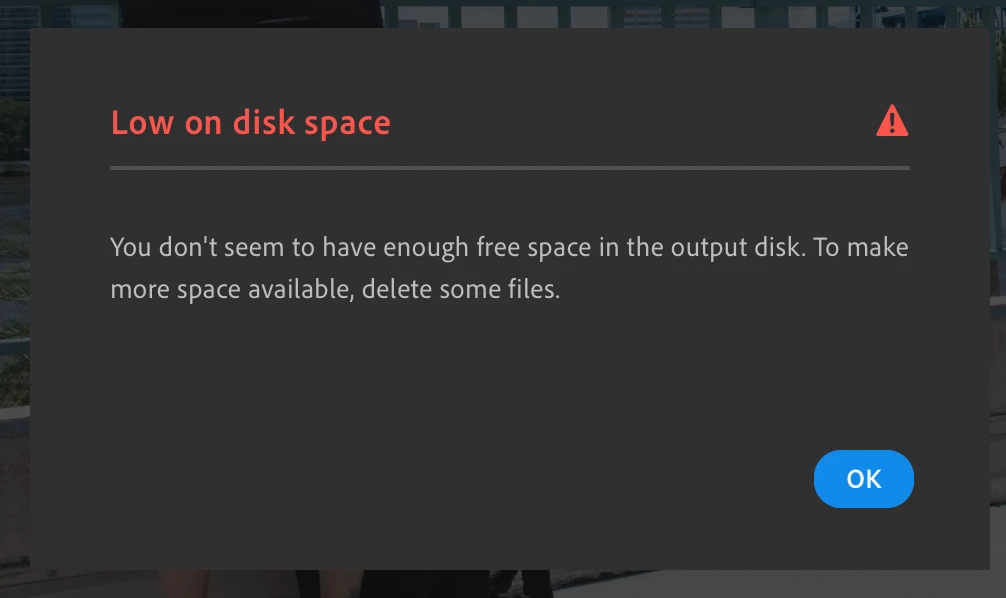
Lightroom CC Export failing due to low disk space

  • July 9, 2020
  • 3 replies
  • 1904 views

Hello! I am trying to export photos from Lightroom CC on a mac and it keeps giving me an error stating I am low on disk space. I have an iMac AND a mac book pro and it does this on both. I only have 364 photos in my library and I have googled for 2 days. I am currently unable to work... can someone help?!
This topic has been closed for replies.

3 replies

Niesha Arya
Adobe Employee
Adobe Employee
June 22, 2021

It seems the place you are exporting does not have required space. Please try the below steps:

1. Try to check how much free space you have in your local drive.

2. Export one or two files and see if you get the error. 

3. Export it to an external drive.

New Participant
November 24, 2021

I'm having the same issue. I get the same message as above.  Lightroom tells me I have 129GB of files on the cloud and I want to export them to a folder on an external drive that has 4TB available.  I've tried another RAID that I regularly write to directly and using Resolve and Avid MC.


New Participant
May 16, 2021

I am currently having the same issue. Did you find a solution?

selondon
Community Expert
July 9, 2020

Can you provide a screen grab of the local storage preferences also... it may give a a member of the community an idea of the cause.