


Participant
June 6, 2023
Question

Lightroom failed to initialize due to an internal error

  • June 6, 2023
  • 4 replies
  • 2684 views

Ive seen people post about LR having other internal errors, but I am not finding one with my error message so I am posting it here and asking for some help!


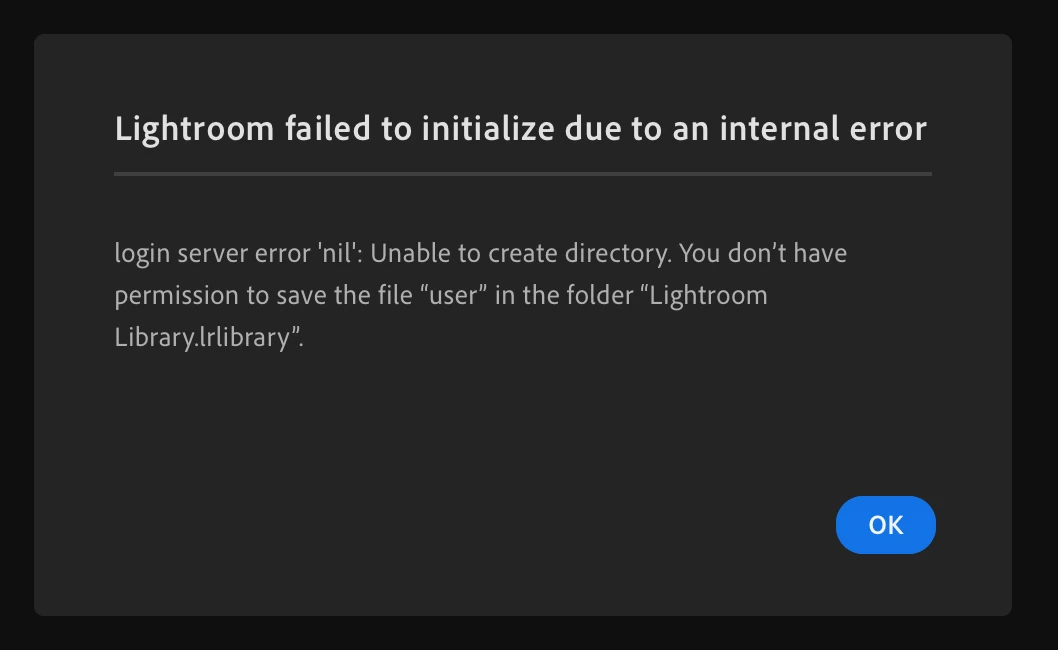
Lightroom failed to initialize due to an internal error

login server error 'nil: Unable to create directory. You don't have permission to save the file "user" in the folder "Lightroom Library.Irlibrary"


Above is the error message I get EVERY time I try and open LR. Lightroom is a new program we are about to use but I can not even get the program to open. I have never used the program before so there shouldnt be a catalog. After selecting ok on the error message, LR just force closes. Even after uninstalling and then installing it again, I get the exact same error message and force quit.


Are there any solutions to this? I am on a 2019 Macbook running MacOS Ventura 13.2. Its a company laptop and its managed but all Mac users have admin rights. Not sure if that helps or not.


Thanks in advace!
4 replies

Participant
July 17, 2025

Press ESC button 

turisma
Participating Frequently
January 26, 2024

I have the same issue. I removed all Adobe apps and cleaned my disk using tools like CleanMyMac to remove all leftovers, but I still have it.

It started with something else: I couldn't open Lightroom Classic (any catalog I tried, even from backup from a different location (NAS), didn't work). I could not create a new catalog as well.
Seems like Apple or Adobe (or both) messed up with something.
Lightroom Classic and CC lack permission to write in the Pictures folder. When I choose a different folder, it works.
However, I checked Lightroom CC, and all my photos disappeared. The button "Add photos" is disabled.


I can access my photos in the cloud via iPad, iPhone, and the browser.


I had a two-hour session with Adobe support today, but we had to schedule a follow-up for Monday.

I'm unsure if they will find a solution, so I decided to clean any traces of Adobe apps, but when I launch Lightroom CC, I see the same error as you.


I can't even open Lightroom to change the path in its settings 😕😕 So, the circle closes.

fleeknasty
Participant
March 17, 2024

Uhhh any resolution here?


I'm getting the same error... can't use a product I'm paying for, with no support for this error code...

Participant
September 2, 2024

same problem here too with photos.adobe.io port 443: Timed out Message...

Participant
December 6, 2023

I'm on a MacBook, and ive been using lightroom for years. I've nevr got an error message like this until yesterday, but the one I got is a little different...

Participant
July 23, 2023

I just installed Lightroom today for the first time on my MacBook, and ran into the same error.


Does anyone have any clue?


Thanks!