


Ruby014
New Participant
August 19, 2023
Question

Lightroom Mobile problem - Failed to load development version

  • August 19, 2023
  • 7 replies
  • 10597 views

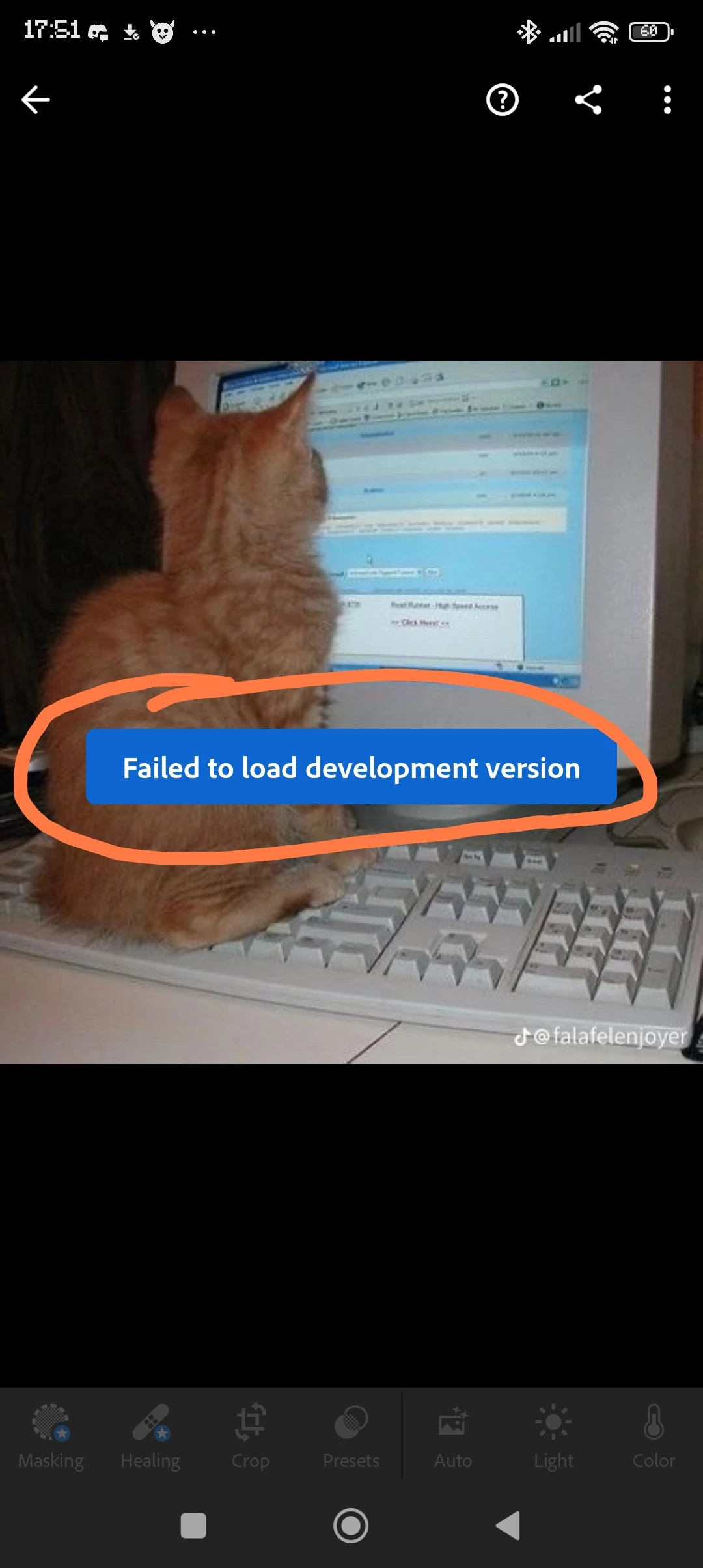
Hi, when click on photo it says "failed to load development version" can someone help me to fix it? 

{Thread title edited by Moderator}

7 replies

New Participant
May 4, 2025
  •  


Dear Adobe Support Team,


I'm writing to report a persistent issue with cloud syncing in Adobe Lightroom. Whenever I attempt to sync my edits across devices, I encounter an error that prevents successful synchronization.


Details of the issue:


- Application version: [Insert version]

- Device/Platform: [Insert device/platform information]

- Error Message: [Insert error message, if any]

- Steps taken so far: [Insert troubleshooting steps tried]


Impact:


This issue hinders my workflow, causing inconvenience and potential loss of edits.


I would appreciate assistance in resolving this issue. Please let me know if you need further information.


Thank you for your prompt attention.


New Participant
January 23, 2025

New Participant
February 19, 2025

Hey, I had the same problem. I also couldn't open a photo because the error "failed to load development version." I found that the images I wanted to open were in .raw format.

The solution was to convert .raw to .jpg or .png and open the photo in .jpg or .jpg format.

New Participant
October 17, 2024

I just bought the app and I have the same problem with some photos starting at a certain date.

What kind of crap is this?

I don't have time to search for solutions, it just has to work.

If it is not working, I will cancel my subscription. I have a 7 day try-out. Will be an easy decision I guess...

Sameer K
Community Manager
Community Manager
October 17, 2024

Hey, @Akshay33208043y8pb. Welcome to the Lightroom Community. I'll need more info to help you figure this out. What version of Lightroom, Device, and Android OS are you working on? 


Does this happen with images from a specific source? Were these images shot & imported on the same device?

After importing the images, please wait a couple of minutes for them to sync. 


Let me know how it goes. Thanks!
Sameer K

(Use '@mention' to tag me when you reply)

New Participant
July 30, 2024

i also have the same problem but my photos do not even show thumbnails they are just black and say the same error message sadly enough i had work i had not save now i cannot access them 🥺 help🙏

New Participant
October 27, 2023

The latest updated version is not good at all. All my previous photos is gone in vain 'coz it shows fail to load development version. I don't like at all this one. Even I will not be able to use my presets in my present work. Don't like at all. Please solve this problem as soon as possible No doubt editing quality is too good but now this one bug is so much irritating

New Participant
October 27, 2023

Version :  android 9.0 ( paid version ) 

Puxel 6 pro

Get image from friend's iphone, try to open the image from gallwry in lightroom. It loops continuously and shows this error.


Does anyone know how to fix this? 

New Participant
April 14, 2024

I got same problem, get images from friend iphone, i think the problem cause its end with (.heif)

Sameer K
Community Manager
Community Manager
August 22, 2023

Hey @Ruby014. Welcome to the Lightroom Community. I'll need more info to help you figure this out.

What specific device and version of Lightroom & the OS are you working on? Has this started with recently edited images, or do all images behave similarly?


Try these suggestions and let me know how it goes:

  • Try adding a star rating or flag to the images you see this error with. Wait for a couple of seconds and check if the issue exists.
  • Try resetting the image & then use Undo to go back & reverse the reset back to the way the how image was before.


Thanks!
Sameer K