



Answered
Lightroom on web (Lightroom.adobe.com) suddenly always showing file-names
Hey all,
suddenly my lightroom on the web shows all images with their file-name on them in the left bottom corner. That might be handy for some, but for me it really ruins how it looks in the galleries...
I think, I tried everything but can't seem to find a way back to no file-names on my images.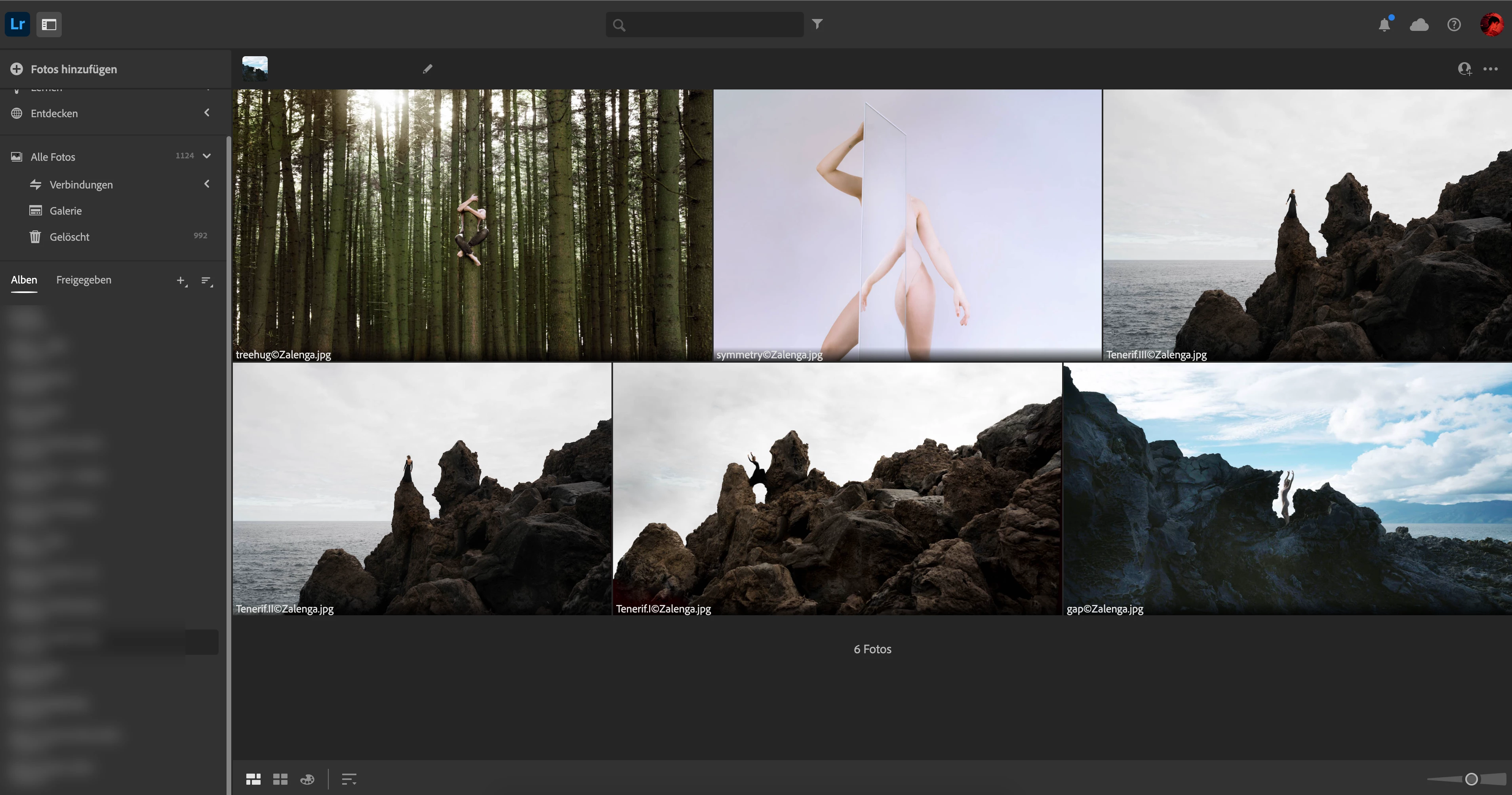 I really hope someone here had this problem before and found a solution.
Thanks in advance,
Laura
 AdChoices