


Answered
What is the 'two way street' sign on image thumbnails mean?
I only recall seeing this on the last import and on none previous. Can you tell me what the 'two-way' sign means on thumbnails in Lightroom?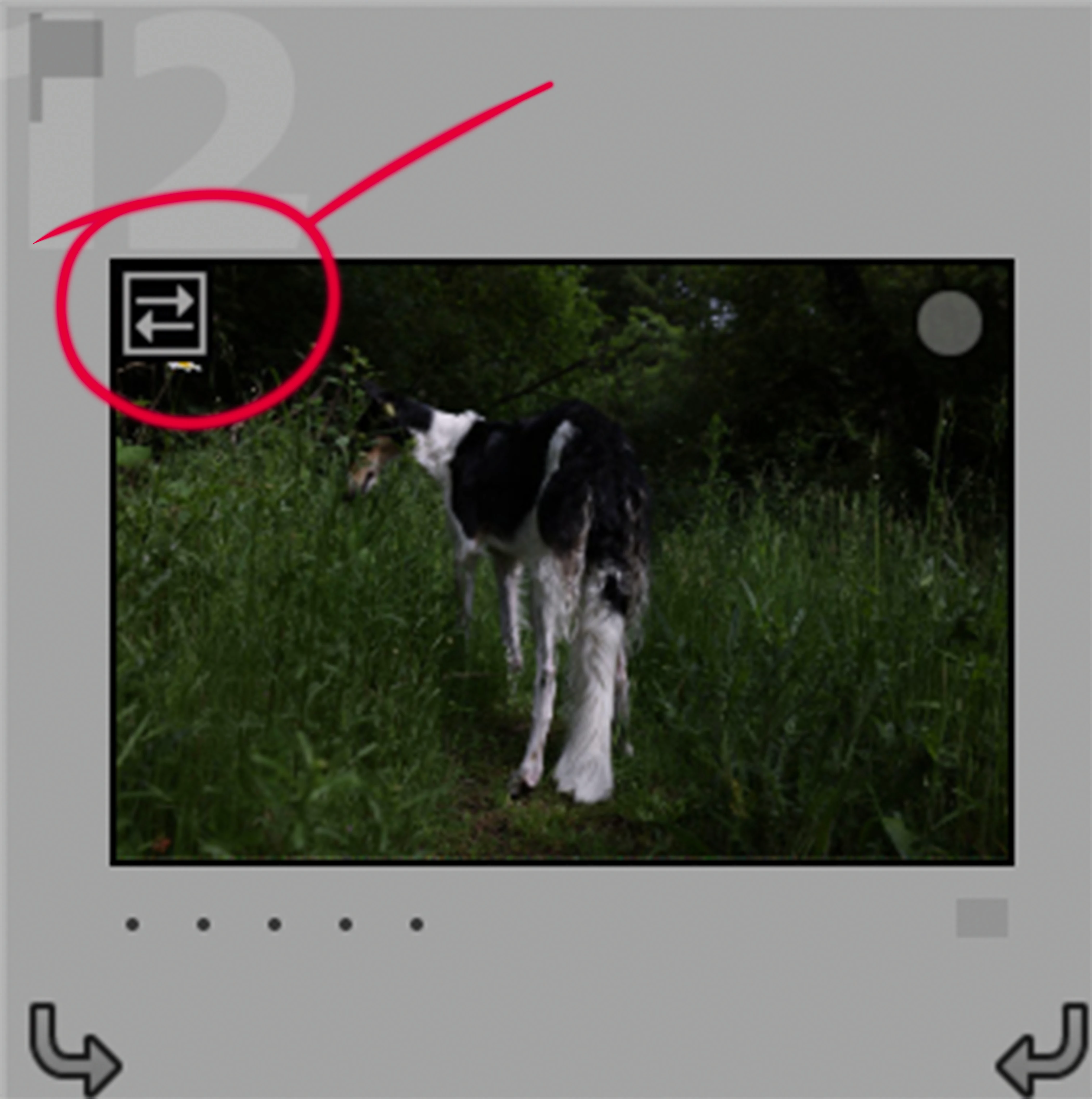

I only recall seeing this on the last import and on none previous. Can you tell me what the 'two-way' sign means on thumbnails in Lightroom?
If you hover the cursor over that icon it will tell you that the image is an Embedded Preview, i.e. during the import you selected the "Embedded & Sidecar" preview option. That means that Lightroom will display the jpeg preview that cameras embed in the raw files, rather than generate a new preview via conversion of the raw file. It's mainly a performance aid, as it allows the user to quickly start culling a new batch of imports without having to wait for Standard or 1:1 previews to be built.
Already have an account? Login
Enter your E-mail address. We'll send you an e-mail with instructions to reset your password.
 AdChoices