


Participating Frequently
April 5, 2023
Answered

Color is missing when I upload mixamo

  • April 5, 2023
  • 2 replies
  • 10960 views

Hi!

I'm using Obj Blender. when I upload Mixamo only comes with a gray color.

got with a texture and everything.

how can I fix the problem?

Regards Samaale


This topic has been closed for replies.
Correct answer Ussnorway7605025

hi mate,

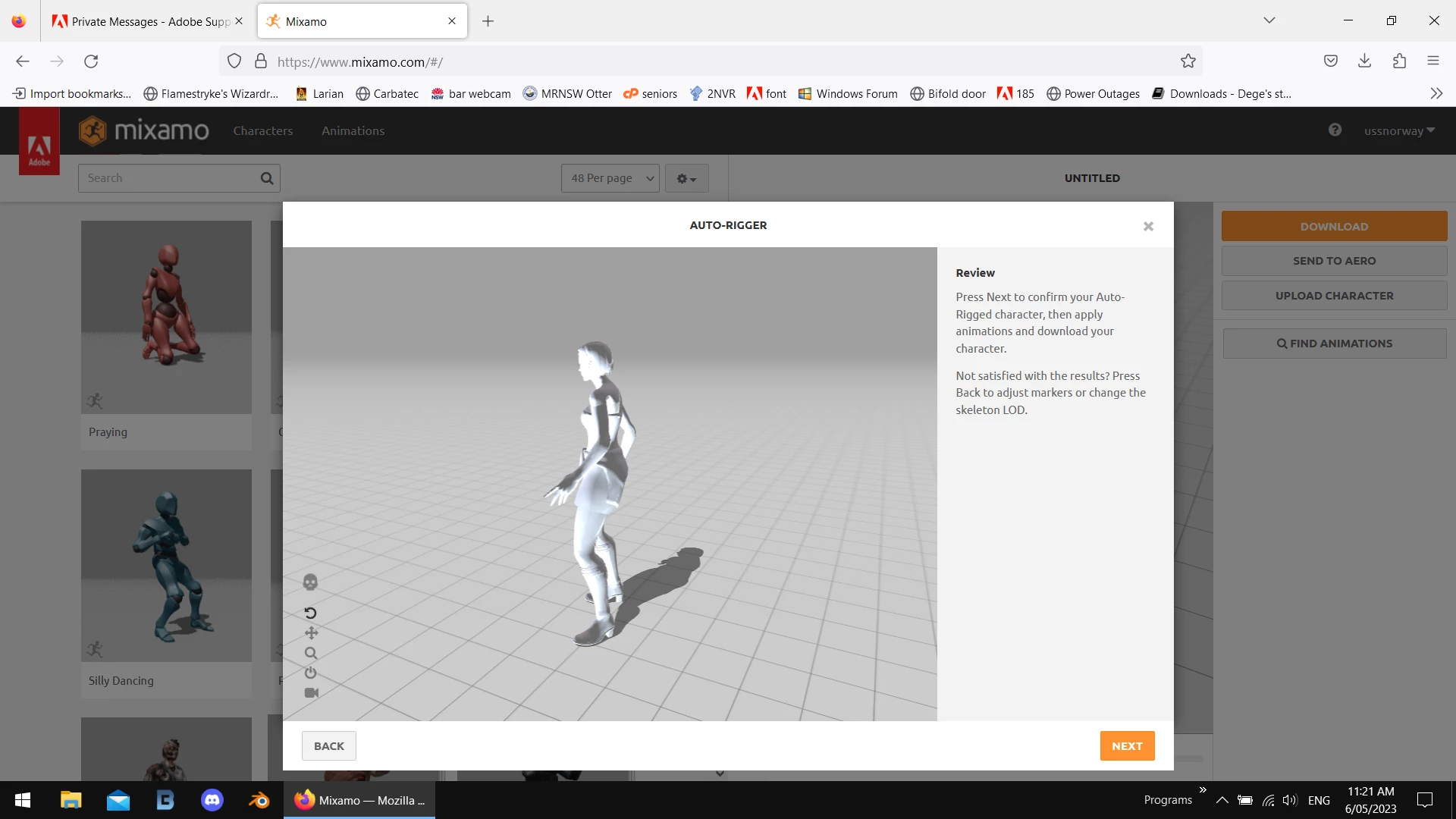
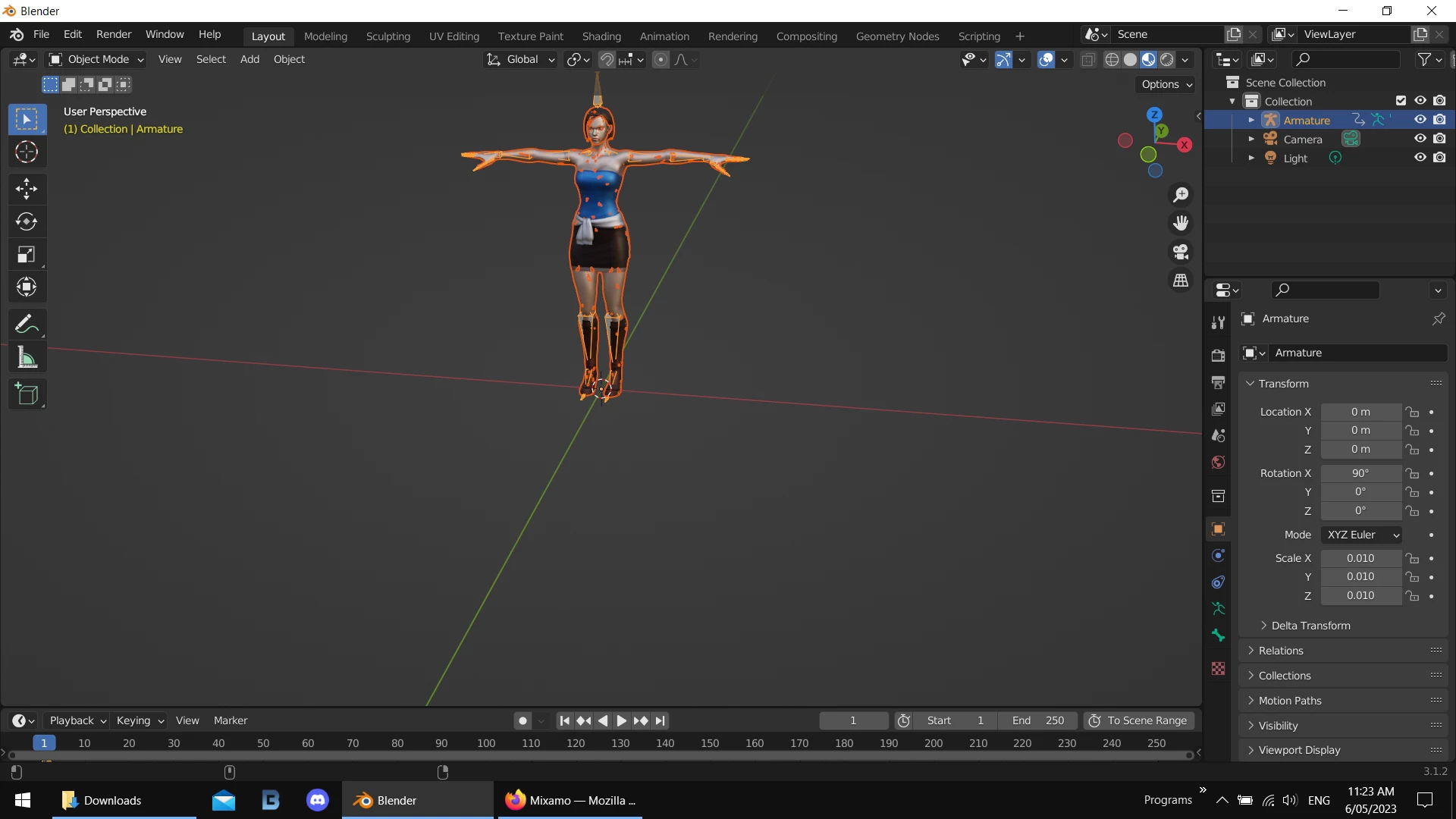
the textures ARE there but Mixamo can't read a dds file so it just shows it as gray

option 1 = convert all those dds files to Jpg or Png first

option 2 = just zip them all in and upload them... Mixamo will rig it [i assume this option for you]
 

2 replies

Ussnorway7605025
Legend
April 8, 2023

the textures don't match the model and the top of her head is missing because of it + her arms are too close to her side which makes them rig odd in T pose


Participating Frequently
May 5, 2023

Hi!

it's me, I don't wanna be so annoying to you but can you help with the last texture color with this one?

I'm trying to do the same as you did before and upload texture color via Mixamo and didn't work.

can you fix this one for me just the last one?

https://easyupload.io/dh28rp


Regards Samaale


Ussnorway7605025
Ussnorway7605025Correct answer
Legend
May 6, 2023

hi mate,

the textures ARE there but Mixamo can't read a dds file so it just shows it as gray

option 1 = convert all those dds files to Jpg or Png first

option 2 = just zip them all in and upload them... Mixamo will rig it [i assume this option for you]


Ussnorway7605025
Legend
April 5, 2023

white = there is no texture included in the zip file

gray = there is a texture but Mixamo can't read it [normally because the wrong type]


if you share the model i'll try to test it

Participating Frequently
April 5, 2023
texture_(15).png