

Known Participant
November 5, 2020

P: Using the Color Picker to change shape fill causes hang/freeze

  • November 5, 2020
  • 9 replies
  • 466 views
New CMYK document (A4/300dpi) 
One layer added.
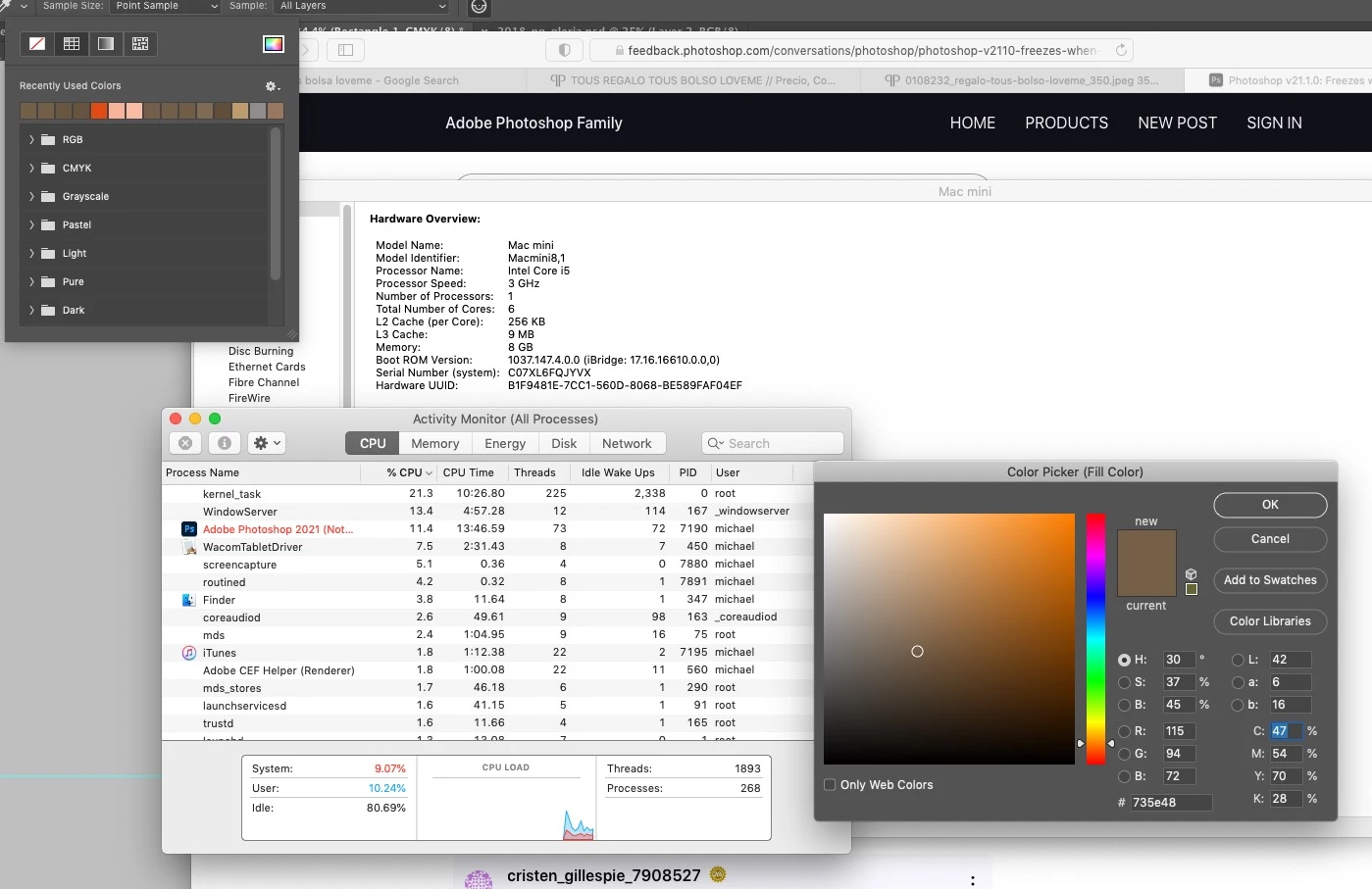
Shape tool => Add Rectangle => fill color => color picker


This topic has been closed for replies.

9 replies

_Nurie
Participating Frequently
February 26, 2022

Clarification: I switched to a new PC. The PC I used simultaneously with the Macbook Pro was a different computer. However, I can no longer test that old computer as it's been dismantled.

_Nurie
Participating Frequently
February 26, 2022

Sorry for the very late reply. Unfortunately, what you mentioned did not work, but it seems like a fresh install + settings removal worked. I'll explain in a bit more detail, just in case someone else will run into the same problem in the future.


I was a MAC user who sold their Macbook pro and switched to a PC. Though, I did use Photoshop on both the Macbook and another PC simultaneously without any problems whatsoever.

Anyway, I may have kept the previous settings (Potential Issue #1); I do not remember. Either way, it worked okay until I upgraded to the newest version (Pote. Issue #2) of Photoshop. So, I used that link you sent and deleted the settings from every Photoshop folder I could find.

Then, I uninstalled it and also chose to discard previous preferences/settings. After that, I restarted and did a fresh install. It works now.

The problem seemed to be that something was stopping the Color Picker Window from popping up, and it would just get stuck that way. But, of course, the program didn't crash or anything, so I was utterly stumped. Anyway, I hope this will help someone else in the future.

Thank you again for the help, Jeffrey!

Legend
February 24, 2022

@_Nurie First, let's make sure we're in a default state and there are no stale setting somewhere:
Restore your preferences using this manual method:
https://helpx.adobe.com/photoshop/using/preferences.html#Manually
Does it work correctly?
If that doesn't solve it, you can quit Photoshop and put the Settings folder back.
If it does solve the problem, I would like to get the folder of settings to try and figure out what is bad with them.

_Nurie
Participating Frequently
February 23, 2022

It's not just using the shape tool and then trying out the color picker... for some reason, clicking on the color to access the color picker itself is what's causing the freeze to happen. I also tried using a simple photo file with just one layer, and it's the same problem.

_Nurie
Participating Frequently
February 23, 2022

No, I use Windows 10.

Legend
February 23, 2022
_Nurie
Participating Frequently
February 22, 2022

I am currently having this problem and it's driving me crazy. Can this be fixed, please? Thank you.

Known Participant
November 17, 2020

This issue appears to be resolved in 22.0.1.

Legend
November 5, 2020

Good one! Great steps. Let me get this in front of engineers.
