



Ged_Traynor
Community Expert
Community Expert
September 24, 2025

P: Photoshop 26.11 freeze at launch on Reading Brushes & Building Color Conversion Tables

  • September 24, 2025
  • 100 replies
  • 11137 views

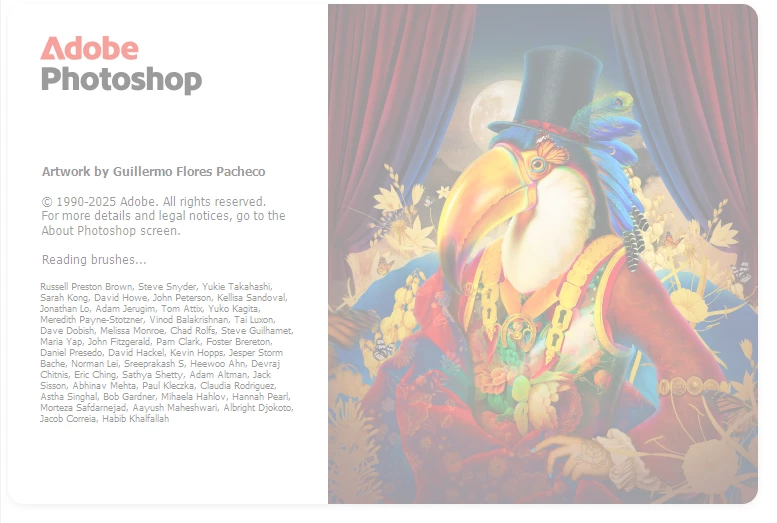
Just installed version 26.11 on Windows 10 and Photoshop is freezing on reading brushes, have already tried manually resetting the preferences, uninstalling version 26.11 and deleting the Adobe Photoshop 2025 folder from the appdata folder, reinstall version 26.11 same issue.

Reverted back to version 26.10, and it's working fine.
 

100 replies

Participating Frequently
October 2, 2025

install photoshop 26.0 and it will work. 26.11 and 26.10 won't work on windows 11. as per their "tech support" install 26.0 is the best option for windows 11. I asked what version 26.10 and 26.11 versions for who? he didn't answer. this is what they are hiring now.

New Participant
October 2, 2025

Same here. I'm having the exact same issue on Windows 10 with version 26.11. Photoshop freezes on "reading brushes". Reverting to 26.10 fixed it for me as well.

Participating Frequently
October 2, 2025

Adding my name to the list. Reverted back to 26.10 and problem solved.

santan87656998
New Participant
October 2, 2025

I have the same issue now that I updated to Photoshop v26.11..... PLEASE FIX THIS!!!! 

New Participant
October 2, 2025

@Sameer K I have the same problem on one of my machines a Geekom A6 mini PC Ryz7 32GB AMD Based with AMD Graphics. However the problem does not appear on my ten year old way older Intel i7 16GB + Nvidia 1650 machine.

Participating Frequently
October 1, 2025

I just tried the 26100.6725 Update, nothing change for me

As soon as I reactivate the GPU Compositing, startup stuck on Building Color Conversion Tables

And as soon as I inactivate it, launch perfectly

New Participant
October 1, 2025


저렇게 로딩창만 뜨고 안 켜집니다.

그래서 인터넷에서 봤던 방법들로 다시 삭제하고 잔여 파일들 삭제할 수 있는 부분들 다 삭제하고

다시 설치했으나 여전히 로딩창은 그대로입니다.

처음에 다시 설치했을때는 켜졌는데 또 껐다가 다시 키니까 안 됩니다.

왜 이런지 모르겠습니다. 

쓰던 브러쉬 폴더를 덮어쓰기를 했는데 그거 때문에 원점으로 돌아간건지 의문이 가네요.


Imaginerie
Community Expert
Community Expert
October 1, 2025


Just adding my name to the list
I created a post here, but will follow the advice kindly given in the replies.
https://community.adobe.com/t5/photoshop-ecosystem-bugs/photoshop-stuck-on-splash-screen-pc/idi-p/15529314

Imaginerie
Community Expert
Community Expert
October 1, 2025


I have been experiencing  a bug where when I launch Photoshop, the splash screen get stuck on "building colour conversion tables, just before "reading brushes" should happen)
after a while, I get this error message


It's have been happening only since the last update, 4 days ago

It resolves itself after re-starting the computer...


On a PC, Windows 11
Here are my system specs
Processor AMD Ryzen 9 7950X 16-Core Processor (4.50 GHz)
Installed RAM 128 GB (127 GB usable)
System type 64-bit operating system, x64-based processor
Performance in Preferences


Ged_Traynor
Community Expert
Community Expert
October 1, 2025

@Imaginerie you're not alone, as a workaround try disabling GPU compositing in the Photoshop preferences, as mentioned in the below thread

https://community.adobe.com/t5/photoshop-ecosystem-bugs/p-photoshop-26-11-freeze-at-launch-on-reading-brushes-amp-building-color-conversion-tables/idi-p/15518484


Participating Frequently
October 1, 2025

Replying to myself since I can't edit my initial post. Windows pushed an update through overnight (26100.6725) that seems to have fixed this issue for me completely.