



Colours not displaying correctly.
Apologies, as I'm sure this question has been asked many times before, but I just can't seem to find an answer that solves my issue.
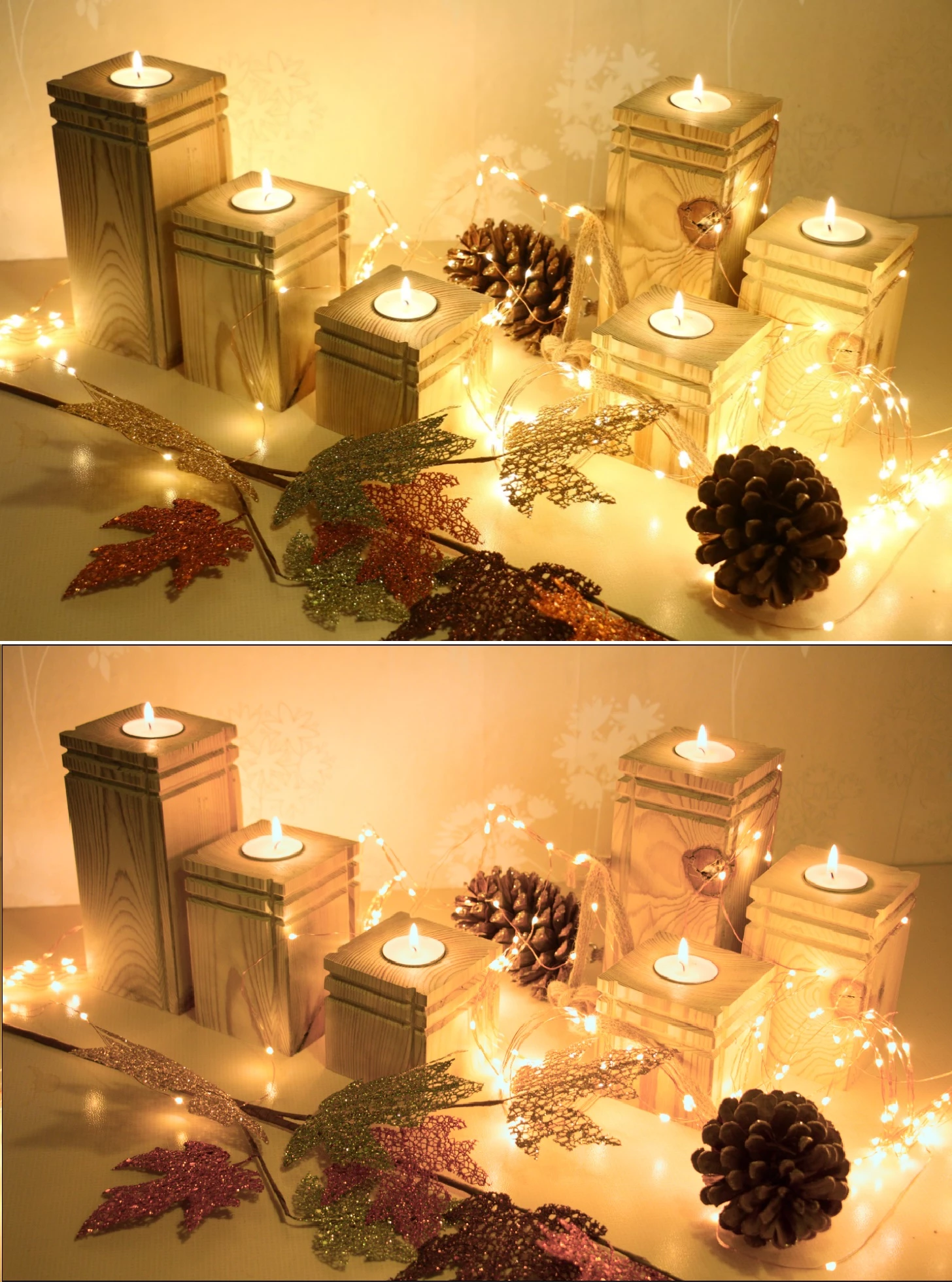
I recently factory reset my laptop, so I had to reinstall Photoshop. Now my RAW images won't display correctly when I open them, especially when using the Camera Raw feature. I'm very much a novice at using Photoshop, so I'm not clued up on colour profiles - I'm assuming there's a mismatch somewhere but don't know how to go about fixing it. I've followed some steps that I found on here to no avail. The picture below illustrates the problem - top image is what I see on Windows Photo Viewer (which is pretty much what I see on the LCD screen on the camera) and the bottom image is what I see in Photoshop.
Any advice would be greatly appreciated!
 AdChoices