Inspiring
February 4, 2019
Answered

Convert all text to shapes - bulk conversion, multiple layers?

  • February 4, 2019
  • 3 replies
  • 2606 views

I have a lot of goups and text layers inside. I need to convert them all (text layers) to shapes before export to PDF. Can I make some bulk convert?

This topic has been closed for replies.
Correct answer Trevor.Dennis

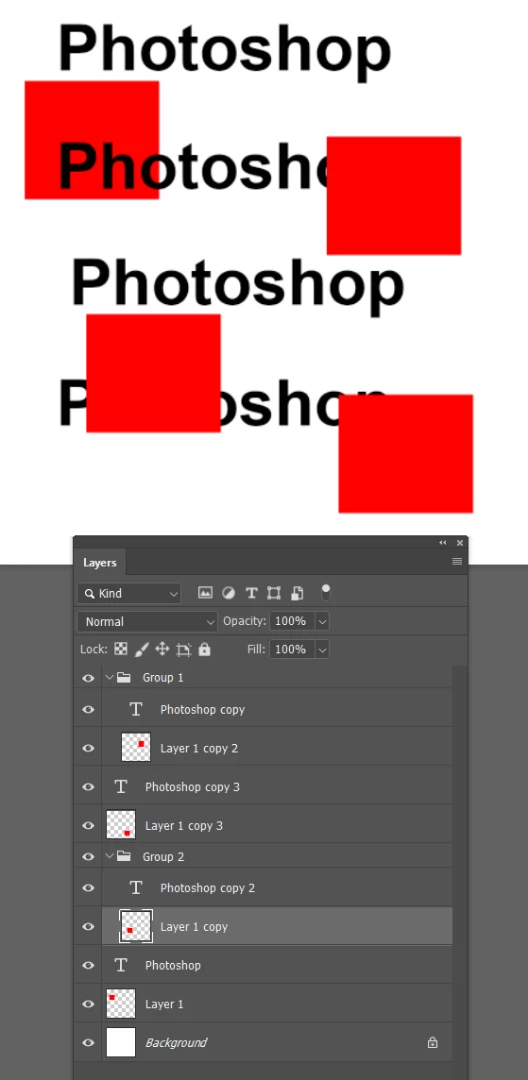
Do you use Layer filters?

Filter only Type layers
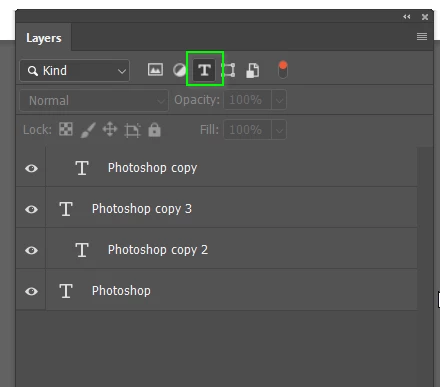
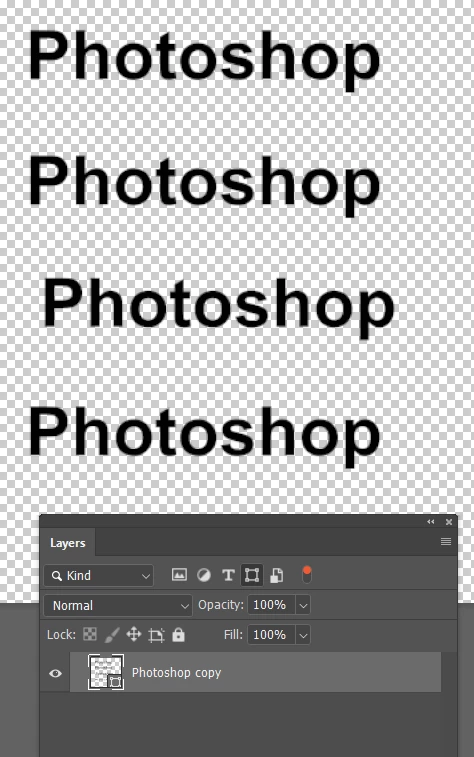
And convert to Shape.  They become individual Shape layers.  Is that OK?
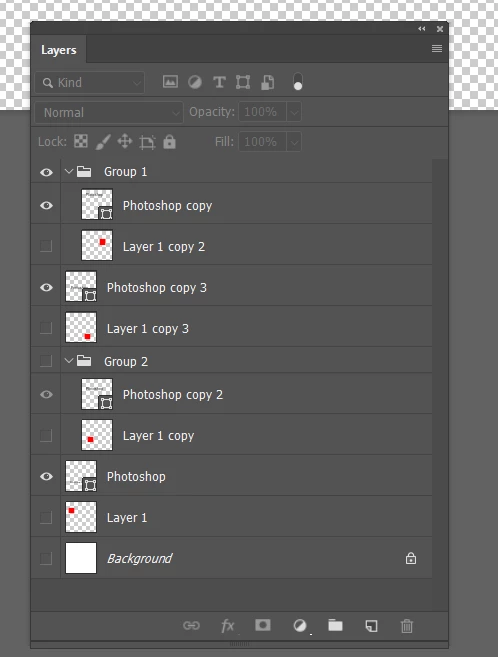
If not, you can filter for Shape layers and merge (Ctrl e)
3 replies

jane-e
Community Expert
February 5, 2019

BryanPS  wrote

I have a lot of goups and text layers inside. I need to convert them all (text layers) to shapes before export to PDF. Can I make some bulk convert?

Hi Bryan,

How can we convince you not to convert your text layers to shapes before exporting to PDF? Not only is it not considered a best practice, it is a bad practice. Keep your text live.

Please read this entire thread, but start with the response from Dov Isaacs​ from Adobe and follow his recommendations.

Re: [Photoshop + Acrobat] "Export As Optimized PDF" distorts / garbles all vector data

~ Jane

BryanPSAuthor
Inspiring
February 5, 2019

jane-e  napisał(-a)

BryanPS   wrote

I have a lot of goups and text layers inside. I need to convert them all (text layers) to shapes before export to PDF. Can I make some bulk convert?

Hi Bryan,

How can we convince you not to convert your text layers to shapes before exporting to PDF? Not only is it not considered a best practice, it is a bad practice. Keep your text live.

Please read this entire thread, but start with the response from https://forums.adobe.com/people/Dov+Isaacs  from Adobe and follow his recommendations.

Re: [Photoshop + Acrobat] "Export As Optimized PDF" distorts / garbles all vector data 

~ Jane

I have to because I need send it to print. Printing house need all text converted to shapes.

jane-e
Community Expert
February 5, 2019

Probably you are right but all printing houses where I was sending projects throught mamy years (logos, branding gadgets, business cards) always said: "TEXT AS SHAPES" - and they never take projects where text layers is as text.


BryanPS  wrote

Probably you are right

I have been trusting Dov for over 25 years and will confirm that he is right. Is finding another print shop a possibility?

~ Jane

Trevor.Dennis
Trevor.DennisCorrect answer
Community Expert
February 4, 2019

Do you use Layer filters?

Filter only Type layers

And convert to Shape.  They become individual Shape layers.  Is that OK?

If not, you can filter for Shape layers and merge (Ctrl e)

Sahil.Chawla
Community Manager
Community Manager
February 4, 2019

Hi Bryan,

Could you please check the steps suggested here and let us know if it helps?

Batch - Convert shapes from text

Regards,
Sahil