


Known Participant
December 7, 2023
Answered

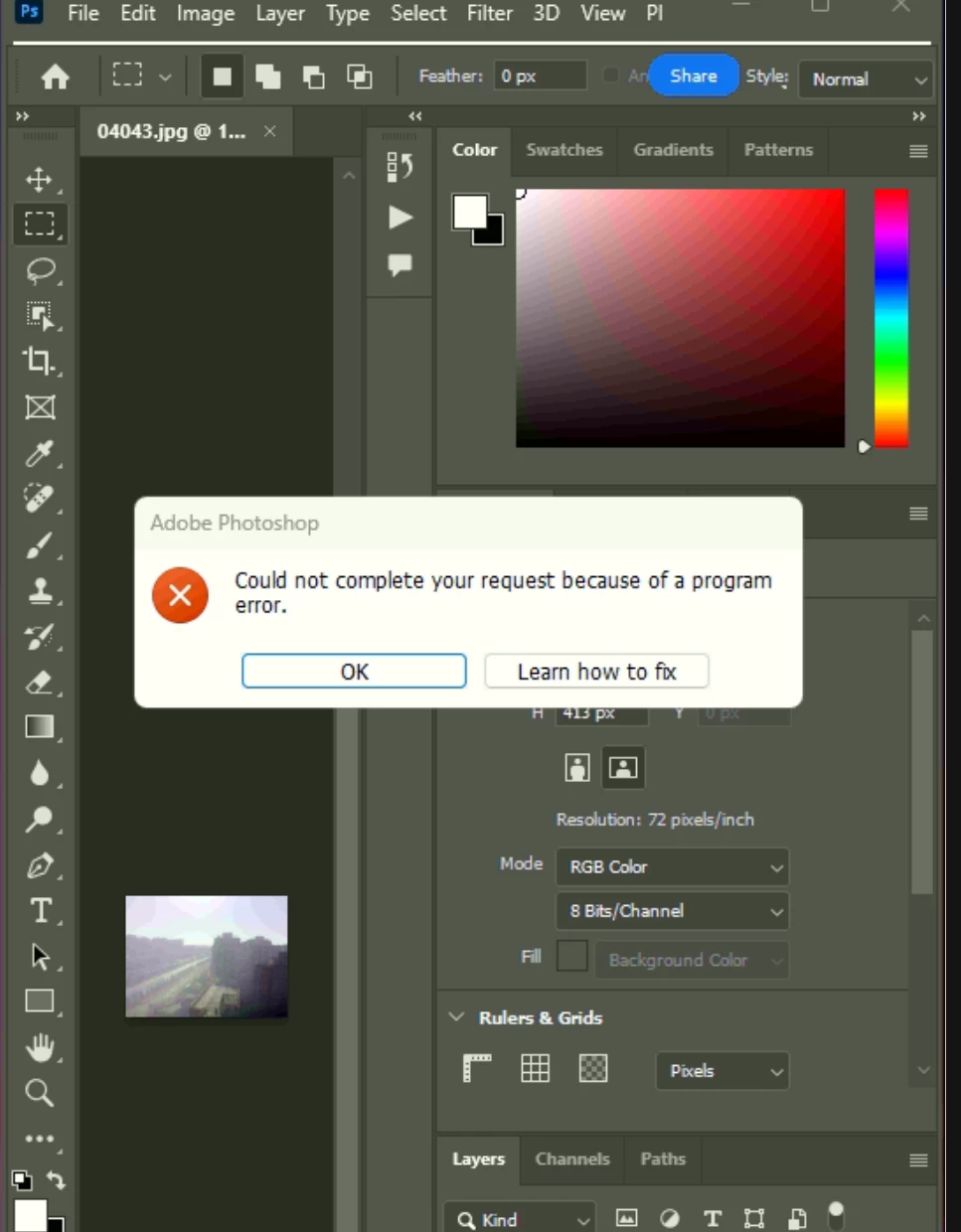
Could not complete your request because of a program error

  • December 7, 2023
  • 1 reply
  • 643 views

I ran a batch automation editing in my Photoshop 25. and got the below error after it edits some photos and then the batch automation stopped working. How can I fix this issue? 
 

Thank you!


This topic has been closed for replies.
Correct answer Sameer K

Thanks for sharing the details. Looking at the screenshot, you're working with some variables that can trigger the error.


1 - The source & the destination locations are probably on an external drive. Please try to move the folders internally.

2 - Remake the action if possible & check if the issue exists.


Thanks!
Sameer K

1 reply

Sameer K
Community Manager
Community Manager
December 7, 2023

Hey, @Tanvirnwu. Welcome to the Photoshop Community. I'll move this to discussions for now. I'll need more info to help you figure this out.


Please share a screenshot of the File > Automate > Batch. In the Batch action, do you include a custom action? Actions are custom workflow, and it'll help if you export and share the action file for us to test this.


Thanks!

Sameer K

TanvirnwuAuthor
Known Participant
December 8, 2023

Hello dear @Sameer K ,


Thank you for your response. Here is the screenshot of my batch page settings. I have one more issue I posted here a few days back. Batch Automation & PS Action Stop Working Suddenly.


Unfortunately, I can not share the action file as it is confidential. However, I can confirm that it is custom and I used several filters in the action such as Neural Filter, Camera Raw Filters etc. 


It would be a great help for me if you could help me to solve the issue. Please let me know if you need further information.


Thank you so much.

Sameer K
Community Manager
Sameer KCommunity ManagerCorrect answer
Community Manager
December 8, 2023

Thanks for sharing the details. Looking at the screenshot, you're working with some variables that can trigger the error.


1 - The source & the destination locations are probably on an external drive. Please try to move the folders internally.

2 - Remake the action if possible & check if the issue exists.


Thanks!
Sameer K