


Inspiring
February 10, 2024
Answered

how to duplicate groups with other images and objects in them

  • February 10, 2024
  • 6 replies
  • 1361 views

hi forum.


I know how to duplicate an image or object using the commands, Ctrl-Alt T, and then Shift-Ctrl-Alt T

and the layer with the objects or images will be replicated along the desired direction.

But how can I do it with groups which have other images, objects in them. I cant figure out a way, or find a tutorial on YT.
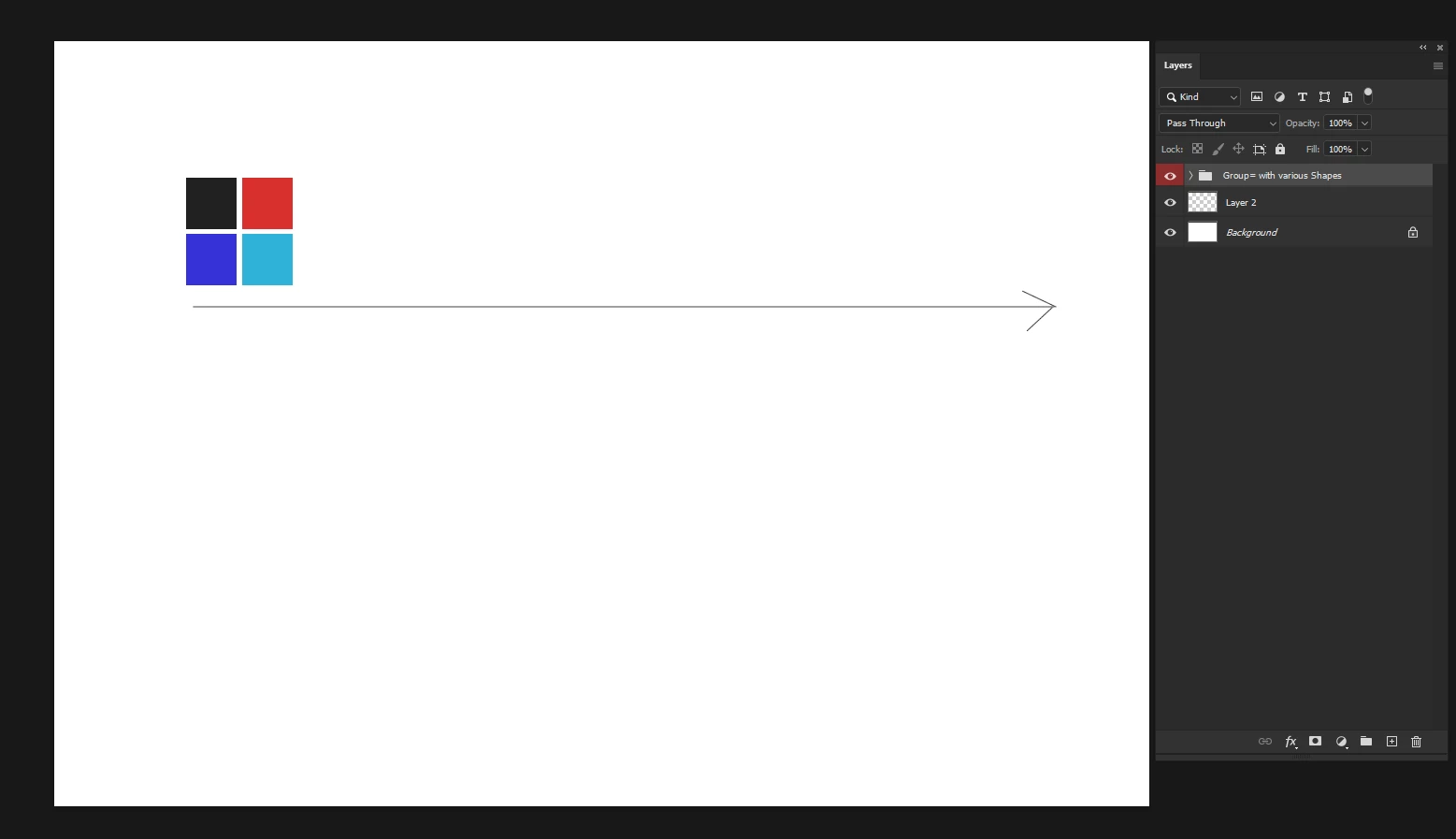


Thnank you.


This topic has been closed for replies.
Correct answer Stephen Marsh

Although I didn't design the following script for this exact task, it does work with layer groups.


It is expected that the canvas is the correct size for the original 1up image, the canvas should not be larger than the image content. The canvas will be extended as required for the step and repeat.

6 replies

c.pfaffenbichler
Community Expert
Community Expert
February 15, 2024

me also 


Please elaborate. 

Participant
February 15, 2024

You are So Janus Sir i Like your Suggestion 


me also 

Stephen Marsh
Community Expert
Stephen MarshCommunity ExpertCorrect answer
Community Expert
February 10, 2024

Although I didn't design the following script for this exact task, it does work with layer groups.


It is expected that the canvas is the correct size for the original 1up image, the canvas should not be larger than the image content. The canvas will be extended as required for the step and repeat.
Inspiring
February 11, 2024

This was helpful, but I wish for the Adobe developers to make it possible to repeat groups without a script to be generated.


Kind regards. 

Stephen Marsh
Community Expert
Community Expert
February 11, 2024
quote

This was helpful, but I wish for the Adobe developers to make it possible to repeat groups without a script to be generated.


Kind regards. 


By @Stefan Cargoski


Well they have and you can!


I have just tested, no need for a smart object. Just Edit > Copy the active layer group and then Edit > Paste in place. Or duplicate as @Bojan Živković11378569 suggested. Transform. Then repeat with Edit > Transform again as many times as needed.

Participant
February 10, 2024

You are So Janus Sir i Like your Suggestion 

Bojan Živković11378569
Community Expert
Community Expert
February 10, 2024

Here is a possible way to automate the process:

- Duplicate the group.
- Transform the group by moving it in free transform mode and confirming the change.
- Duplicate the group again.
- Press Ctrl + Shift + T to repeat the transformation.
- Duplicate the group once more.
- Press Ctrl + Shift + T to repeat the transformation again.
- Duplicate the group...


Or record two step action:

- Duplicate the group.
- Transform the group by moving it in free transform mode and confirming the change.


Assign keyboard shortcut to play action.

Stephen Marsh
Community Expert
Community Expert
February 10, 2024

I'm not in front of the computer, but try converting the group to a smart object layer.

Bojan Živković11378569
Community Expert
Community Expert
February 10, 2024

I tested this on Windows with Photoshop version 25.4.0 and it did not work.