Participating Frequently
November 9, 2021
解決済み

Creating duplicate images for multi-packs on Online Marketplaces within Photoshop

  • November 9, 2021
  • 返信数 6.
  • 22405 ビュー

Hi all, 


I have quite an intermediate understanding of Photoshop, but can't figure out an action or method for quickly creating duplicates of a product within a canvas to then be uploaded to online marketplaces, for example, I have the potential to sell products in multi-packs, there are quite a few sellers online that sell this way and they also create duplicate images of the product for these multi-pack variation ads.


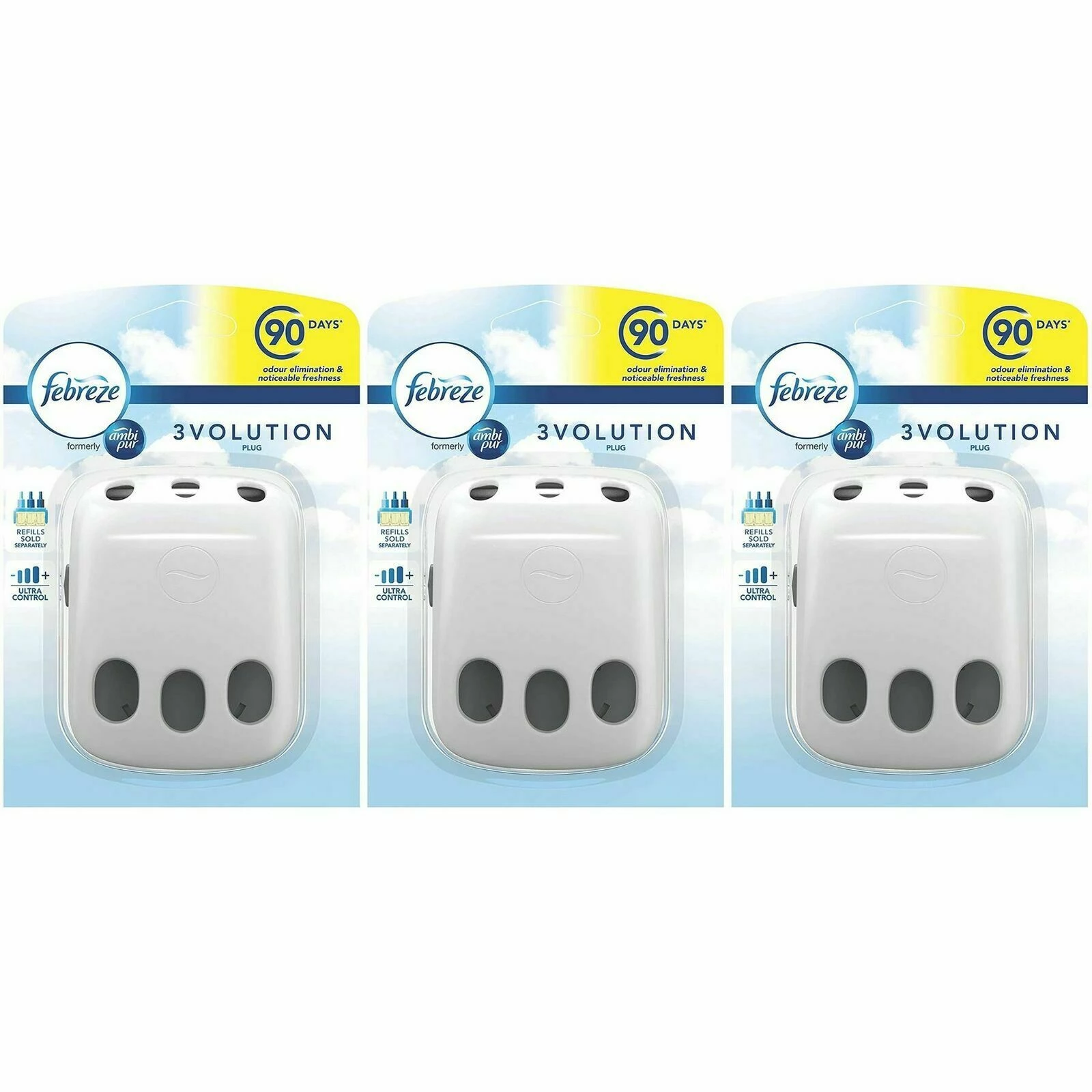
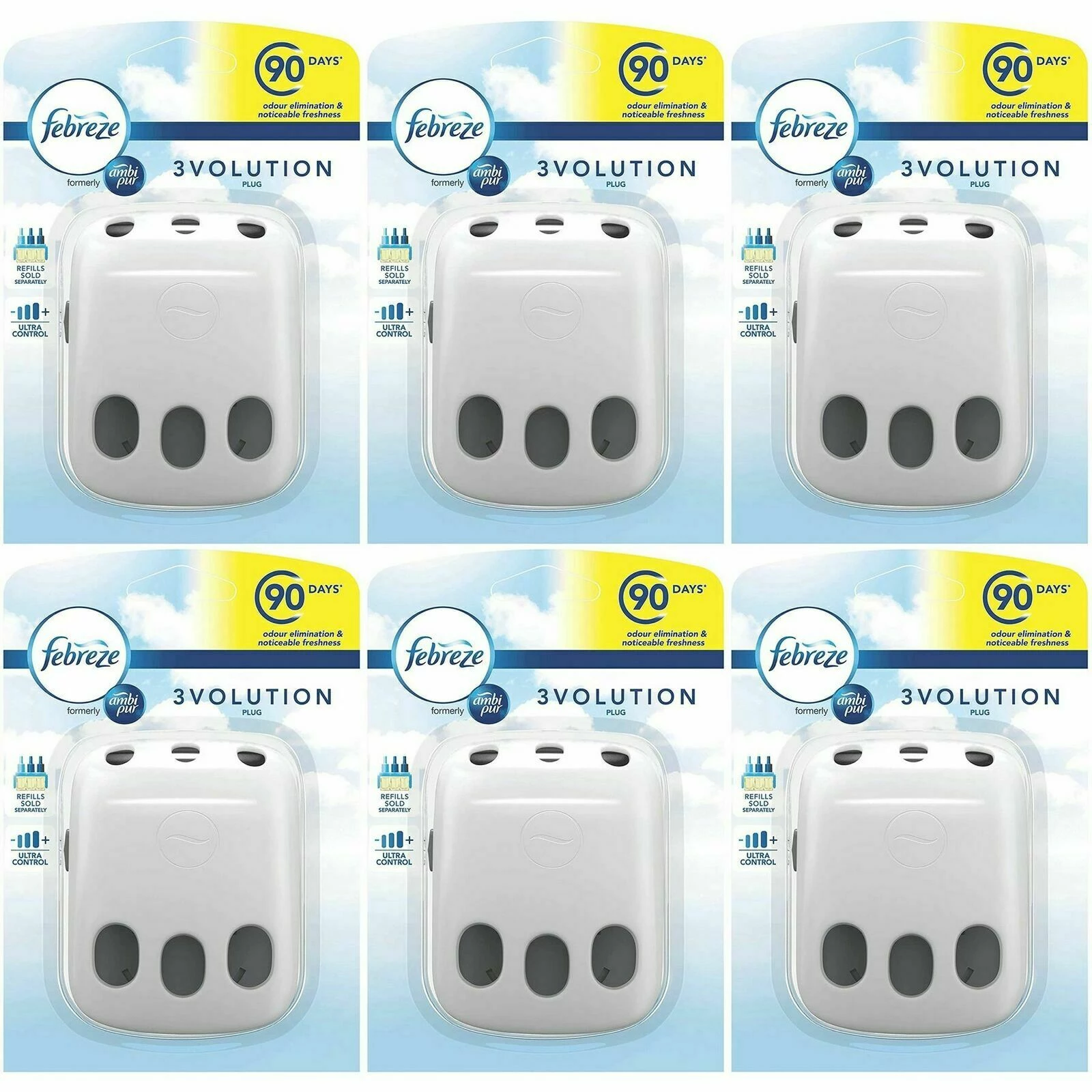
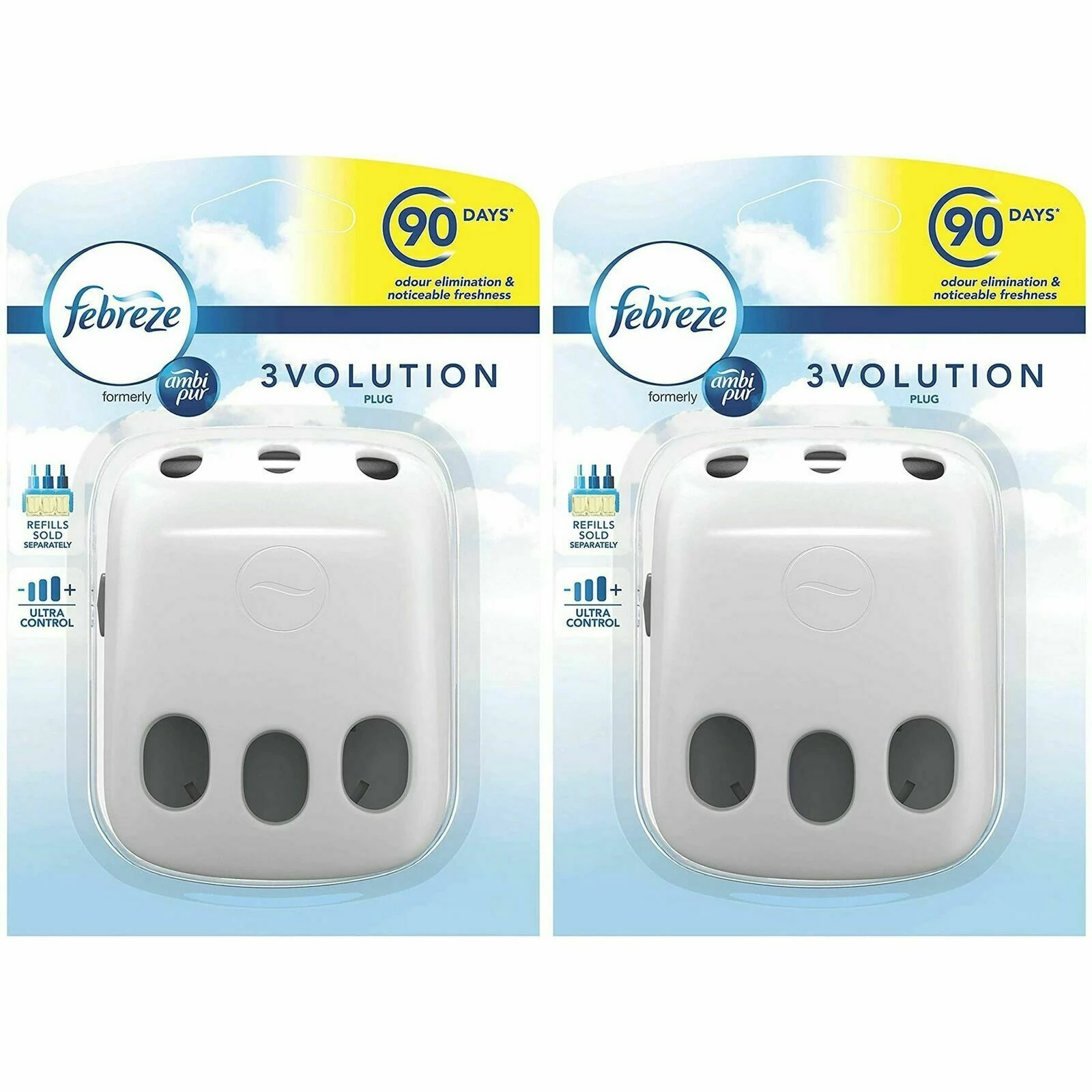
Please see below for an example of multi-pack images that are used for the main image of the advertisements online. 


As you can see, all of these seem to be created in photoshop using some form of action to quickly do this in bulk - does anyone have specific knowledge as to how to recreate this process quickly? 


Many thanks.

解決に役立った回答 Stephen Marsh

@defaultc46l0h0jo9o1 


The following “Multi Pack Generator" script offers the following features:


  • Trims the input image to the upper left & lower right pixel colour
  • Creates six different PNG output files in a user-adjustable array for 1, 2, 3, 4, 6, and 12 pack combinations. PNG versions are saved to the same location as the input image. If the input image has not been previously saved, you will be prompted to select an output location.
  • Output is 1000px square with white background
  • The script can be recorded into an Action, then used via File > Automate > Batch to bulk process an input folder of multiple images.


/*
Multi Pack Generator.jsx
v1.0 - Stephen Marsh, 30th October 2022
https://community.adobe.com/t5/photoshop-ecosystem-discussions/creating-duplicate-images-for-multi-packs-on-online-marketplaces-within-photoshop/td-p/12511723
*/

#target photoshop

if (app.documents.length) {

	var savedRuler = app.preferences.rulerUnits;
	app.preferences.rulerUnits = Units.PIXELS;

	var doc = activeDocument;
	var docName = activeDocument.name.replace(/\.[^\.]+$/, '');

	// Prepare for step and repeat
	trim(true, true, true, true, "topLeftPixelColor");
	trim(true, true, true, true, "bottomRightPixelColor");
	layerFromBackground(docName);

	var docWidth = activeDocument.width.value;
	var docHeight = activeDocument.height.value;

	try {
		// Use the previously saved directory path
		var docPath = activeDocument.path;
	} catch (e) {
		// If unsaved, prompt for the save path
		var docPath = Folder.selectDialog('Unsaved file, select the save directory:');
	}

	////////// 1 pack //////////
	arrayGenerator(1, 1);
	var saveFile = new File(docPath + '/' + docName + '_1-pack.png');
	saveAsPNG(saveFile, 9);
	executeAction(stringIDToTypeID("revert"), undefined, DialogModes.NO);
	trim(true, true, true, true, "topLeftPixelColor");
	trim(true, true, true, true, "bottomRightPixelColor");
	layerFromBackground(docName);
	////////////////////////////

	////////// 2 pack //////////
	arrayGenerator(2, 1);
	var saveFile = new File(docPath + '/' + docName + '_2-pack.png');
	saveAsPNG(saveFile, 9);
	executeAction(stringIDToTypeID("revert"), undefined, DialogModes.NO);
	trim(true, true, true, true, "topLeftPixelColor");
	trim(true, true, true, true, "bottomRightPixelColor");
	layerFromBackground(docName);
	////////////////////////////

	////////// 3 pack //////////
	arrayGenerator(3, 1);
	var saveFile = new File(docPath + '/' + docName + '_3-pack.png');
	saveAsPNG(saveFile, 9);
	executeAction(stringIDToTypeID("revert"), undefined, DialogModes.NO);
	trim(true, true, true, true, "topLeftPixelColor");
	trim(true, true, true, true, "bottomRightPixelColor");
	layerFromBackground(docName);
	////////////////////////////

	////////// 4 pack //////////
	arrayGenerator(2, 2);
	var saveFile = new File(docPath + '/' + docName + '_4-pack.png');
	saveAsPNG(saveFile, 9);
	executeAction(stringIDToTypeID("revert"), undefined, DialogModes.NO);
	trim(true, true, true, true, "topLeftPixelColor");
	trim(true, true, true, true, "bottomRightPixelColor");
	layerFromBackground(docName);
	////////////////////////////

	////////// 6 pack //////////
	arrayGenerator(3, 2);
	var saveFile = new File(docPath + '/' + docName + '_6-pack.png');
	saveAsPNG(saveFile, 9);
	executeAction(stringIDToTypeID("revert"), undefined, DialogModes.NO);
	trim(true, true, true, true, "topLeftPixelColor");
	trim(true, true, true, true, "bottomRightPixelColor");
	layerFromBackground(docName);
	////////////////////////////

	////////// 12 pack //////////
	arrayGenerator(4, 3);
	var saveFile = new File(docPath + '/' + docName + '_12-pack.png');
	saveAsPNG(saveFile, 9);
	executeAction(stringIDToTypeID("revert"), undefined, DialogModes.NO);
	////////////////////////////

	app.preferences.rulerUnits = savedRuler;

} else {
	alert("A document must be open to use this script!");
}


/* Functions */

function fitImage(fWidth, fHeight) {
	if (doc.height > doc.width) {
		doc.resizeImage(null, UnitValue(fHeight, "px"), null, ResampleMethod.BICUBIC);
	} else {
		doc.resizeImage(UnitValue(fWidth, "px"), null, null, ResampleMethod.BICUBIC);
	}
}

function layerFromBackground(layerName) {
	if (activeDocument.activeLayer.isBackgroundLayer && activeDocument.layers.length === 1) {
		function s2t(s) {
			return app.stringIDToTypeID(s);
		}
		var descriptor = new ActionDescriptor();
		var descriptor2 = new ActionDescriptor();
		var reference = new ActionReference();
		reference.putProperty(s2t("layer"), s2t("background"));
		descriptor.putReference(s2t("null"), reference);
		descriptor2.putString(s2t("name"), layerName);
		descriptor2.putUnitDouble(s2t("opacity"), s2t("percentUnit"), 100);
		descriptor2.putEnumerated(s2t("mode"), s2t("blendMode"), s2t("normal"));
		descriptor.putObject(s2t("to"), s2t("layer"), descriptor2);
		executeAction(s2t("set"), descriptor, DialogModes.NO);
	}
}

function trim(top, bottom, left, right, refPoint) {
	var s2t = function (s) {
		return app.stringIDToTypeID(s);
	};
	var descriptor = new ActionDescriptor();
	descriptor.putEnumerated(s2t("trimBasedOn"), s2t("trimBasedOn"), s2t(refPoint));
	descriptor.putBoolean(s2t("top"), top);
	descriptor.putBoolean(s2t("bottom"), bottom);
	descriptor.putBoolean(s2t("left"), left);
	descriptor.putBoolean(s2t("right"), right);
	executeAction(s2t("trim"), descriptor, DialogModes.NO);
}

function saveAsPNG(saveFile, quality) {
	pngOpts = new PNGSaveOptions();
	pngOpts.compression = quality; //0-9
	pngOpts.interlaced = false;
	activeDocument.saveAs(File(saveFile), pngOpts, true);
}

//////////

function arrayGenerator(paramX, paramY) {

	var copiesX = paramX - 1;
	var copiesY = paramY - 1;

	// Convert to % for relative canvas resize
	var newCanvasX = copiesX * 100;
	var newCanvasY = copiesY * 100;

	// Relative % canvas resize
	relativeCanvasSizePercent(true, newCanvasX, newCanvasY);

	// Select all layers and group (hack to support multi-layered docs)
	layerFromBackground(docName);
	app.runMenuItem(stringIDToTypeID('selectAllLayers'));
	app.runMenuItem(stringIDToTypeID('groupLayersEvent'));
	doc.activeLayer.name = "Original Layers";

	// Step & repeat X
	for (var i = 0; i < copiesX; i++) {
		copyToLayer();
		movePX(docWidth, 0);
	}

	// Select all layers
	app.runMenuItem(stringIDToTypeID('selectAllLayers'));

	// Step & repeat Y
	for (var i = 0; i < copiesY; i++) {
		copyToLayer();
		movePX(0, docHeight);
	}

	// Select all layers and group
	app.runMenuItem(stringIDToTypeID('selectAllLayers'));
	app.runMenuItem(stringIDToTypeID('groupLayersEvent'));
	doc.activeLayer.name = "Step & Repeat";

	// Extract original layers from step & repeat set
	moveOriginalLayersSet();
	deleteLayerSet();


	/* Helper functions for the array generator */

	function moveOriginalLayersSet() {
		var s2t = function (s) {
			return app.stringIDToTypeID(s);
		};
		var descriptor = new ActionDescriptor();
		var list = new ActionList();
		var reference = new ActionReference();
		var reference2 = new ActionReference();
		reference.putName(s2t("layer"), "Original Layers");
		descriptor.putReference(s2t("null"), reference);
		reference2.putIndex(s2t("layer"), 0);
		descriptor.putReference(s2t("to"), reference2);
		descriptor.putBoolean(s2t("adjustment"), false);
		descriptor.putInteger(s2t("version"), 5);
		list.putInteger(3);
		descriptor.putList(s2t("layerID"), list);
		executeAction(s2t("move"), descriptor, DialogModes.NO);
	}

	function deleteLayerSet() {
		var s2t = function (s) {
			return app.stringIDToTypeID(s);
		};
		var descriptor = new ActionDescriptor();
		var reference = new ActionReference();
		reference.putEnumerated(s2t("layer"), s2t("ordinal"), s2t("targetEnum"));
		descriptor.putReference(s2t("null"), reference);
		descriptor.putBoolean(s2t("deleteContained"), false); // delete set contents
		executeAction(s2t("delete"), descriptor, DialogModes.NO);
	}

	function movePX(horizontal, vertical) {
		var s2t = function (s) {
			return app.stringIDToTypeID(s);
		};
		var descriptor = new ActionDescriptor();
		var descriptor2 = new ActionDescriptor();
		var reference = new ActionReference();
		reference.putEnumerated(s2t("layer"), s2t("ordinal"), s2t("targetEnum"));
		descriptor.putReference(s2t("null"), reference);
		descriptor2.putUnitDouble(s2t("horizontal"), s2t("pixelsUnit"), horizontal);
		descriptor2.putUnitDouble(s2t("vertical"), s2t("pixelsUnit"), vertical);
		descriptor.putObject(s2t("to"), s2t("offset"), descriptor2);
		executeAction(s2t("move"), descriptor, DialogModes.NO);
	}

	function copyToLayer() {
		var s2t = function (s) {
			return app.stringIDToTypeID(s);
		};
		executeAction(s2t("copyToLayer"), undefined, DialogModes.NO);
	}

	function relativeCanvasSizePercent(relative, width, height) {
		var s2t = function (s) {
			return app.stringIDToTypeID(s);
		};
		var descriptor = new ActionDescriptor();
		descriptor.putBoolean(s2t("relative"), relative);
		descriptor.putUnitDouble(s2t("width"), s2t("percentUnit"), width);
		descriptor.putUnitDouble(s2t("height"), s2t("percentUnit"), height);
		descriptor.putEnumerated(s2t("horizontal"), s2t("horizontalLocation"), s2t("left"));
		descriptor.putEnumerated(s2t("vertical"), s2t("verticalLocation"), s2t("top"));
		executeAction(s2t("canvasSize"), descriptor, DialogModes.NO);
	}

	fitImage(950, 950); // pixel value
	doc.resizeCanvas(1000, 1000, AnchorPosition.MIDDLECENTER); // pixel value
	activeDocument.flatten();
}

 

返信数 6

Stephen Marsh
Community Expert
Stephen MarshCommunity Expert解決!
Community Expert
October 29, 2022

@defaultc46l0h0jo9o1 


The following “Multi Pack Generator" script offers the following features:


  • Trims the input image to the upper left & lower right pixel colour
  • Creates six different PNG output files in a user-adjustable array for 1, 2, 3, 4, 6, and 12 pack combinations. PNG versions are saved to the same location as the input image. If the input image has not been previously saved, you will be prompted to select an output location.
  • Output is 1000px square with white background
  • The script can be recorded into an Action, then used via File > Automate > Batch to bulk process an input folder of multiple images.


/*
Multi Pack Generator.jsx
v1.0 - Stephen Marsh, 30th October 2022
https://community.adobe.com/t5/photoshop-ecosystem-discussions/creating-duplicate-images-for-multi-packs-on-online-marketplaces-within-photoshop/td-p/12511723
*/

#target photoshop

if (app.documents.length) {

	var savedRuler = app.preferences.rulerUnits;
	app.preferences.rulerUnits = Units.PIXELS;

	var doc = activeDocument;
	var docName = activeDocument.name.replace(/\.[^\.]+$/, '');

	// Prepare for step and repeat
	trim(true, true, true, true, "topLeftPixelColor");
	trim(true, true, true, true, "bottomRightPixelColor");
	layerFromBackground(docName);

	var docWidth = activeDocument.width.value;
	var docHeight = activeDocument.height.value;

	try {
		// Use the previously saved directory path
		var docPath = activeDocument.path;
	} catch (e) {
		// If unsaved, prompt for the save path
		var docPath = Folder.selectDialog('Unsaved file, select the save directory:');
	}

	////////// 1 pack //////////
	arrayGenerator(1, 1);
	var saveFile = new File(docPath + '/' + docName + '_1-pack.png');
	saveAsPNG(saveFile, 9);
	executeAction(stringIDToTypeID("revert"), undefined, DialogModes.NO);
	trim(true, true, true, true, "topLeftPixelColor");
	trim(true, true, true, true, "bottomRightPixelColor");
	layerFromBackground(docName);
	////////////////////////////

	////////// 2 pack //////////
	arrayGenerator(2, 1);
	var saveFile = new File(docPath + '/' + docName + '_2-pack.png');
	saveAsPNG(saveFile, 9);
	executeAction(stringIDToTypeID("revert"), undefined, DialogModes.NO);
	trim(true, true, true, true, "topLeftPixelColor");
	trim(true, true, true, true, "bottomRightPixelColor");
	layerFromBackground(docName);
	////////////////////////////

	////////// 3 pack //////////
	arrayGenerator(3, 1);
	var saveFile = new File(docPath + '/' + docName + '_3-pack.png');
	saveAsPNG(saveFile, 9);
	executeAction(stringIDToTypeID("revert"), undefined, DialogModes.NO);
	trim(true, true, true, true, "topLeftPixelColor");
	trim(true, true, true, true, "bottomRightPixelColor");
	layerFromBackground(docName);
	////////////////////////////

	////////// 4 pack //////////
	arrayGenerator(2, 2);
	var saveFile = new File(docPath + '/' + docName + '_4-pack.png');
	saveAsPNG(saveFile, 9);
	executeAction(stringIDToTypeID("revert"), undefined, DialogModes.NO);
	trim(true, true, true, true, "topLeftPixelColor");
	trim(true, true, true, true, "bottomRightPixelColor");
	layerFromBackground(docName);
	////////////////////////////

	////////// 6 pack //////////
	arrayGenerator(3, 2);
	var saveFile = new File(docPath + '/' + docName + '_6-pack.png');
	saveAsPNG(saveFile, 9);
	executeAction(stringIDToTypeID("revert"), undefined, DialogModes.NO);
	trim(true, true, true, true, "topLeftPixelColor");
	trim(true, true, true, true, "bottomRightPixelColor");
	layerFromBackground(docName);
	////////////////////////////

	////////// 12 pack //////////
	arrayGenerator(4, 3);
	var saveFile = new File(docPath + '/' + docName + '_12-pack.png');
	saveAsPNG(saveFile, 9);
	executeAction(stringIDToTypeID("revert"), undefined, DialogModes.NO);
	////////////////////////////

	app.preferences.rulerUnits = savedRuler;

} else {
	alert("A document must be open to use this script!");
}


/* Functions */

function fitImage(fWidth, fHeight) {
	if (doc.height > doc.width) {
		doc.resizeImage(null, UnitValue(fHeight, "px"), null, ResampleMethod.BICUBIC);
	} else {
		doc.resizeImage(UnitValue(fWidth, "px"), null, null, ResampleMethod.BICUBIC);
	}
}

function layerFromBackground(layerName) {
	if (activeDocument.activeLayer.isBackgroundLayer && activeDocument.layers.length === 1) {
		function s2t(s) {
			return app.stringIDToTypeID(s);
		}
		var descriptor = new ActionDescriptor();
		var descriptor2 = new ActionDescriptor();
		var reference = new ActionReference();
		reference.putProperty(s2t("layer"), s2t("background"));
		descriptor.putReference(s2t("null"), reference);
		descriptor2.putString(s2t("name"), layerName);
		descriptor2.putUnitDouble(s2t("opacity"), s2t("percentUnit"), 100);
		descriptor2.putEnumerated(s2t("mode"), s2t("blendMode"), s2t("normal"));
		descriptor.putObject(s2t("to"), s2t("layer"), descriptor2);
		executeAction(s2t("set"), descriptor, DialogModes.NO);
	}
}

function trim(top, bottom, left, right, refPoint) {
	var s2t = function (s) {
		return app.stringIDToTypeID(s);
	};
	var descriptor = new ActionDescriptor();
	descriptor.putEnumerated(s2t("trimBasedOn"), s2t("trimBasedOn"), s2t(refPoint));
	descriptor.putBoolean(s2t("top"), top);
	descriptor.putBoolean(s2t("bottom"), bottom);
	descriptor.putBoolean(s2t("left"), left);
	descriptor.putBoolean(s2t("right"), right);
	executeAction(s2t("trim"), descriptor, DialogModes.NO);
}

function saveAsPNG(saveFile, quality) {
	pngOpts = new PNGSaveOptions();
	pngOpts.compression = quality; //0-9
	pngOpts.interlaced = false;
	activeDocument.saveAs(File(saveFile), pngOpts, true);
}

//////////

function arrayGenerator(paramX, paramY) {

	var copiesX = paramX - 1;
	var copiesY = paramY - 1;

	// Convert to % for relative canvas resize
	var newCanvasX = copiesX * 100;
	var newCanvasY = copiesY * 100;

	// Relative % canvas resize
	relativeCanvasSizePercent(true, newCanvasX, newCanvasY);

	// Select all layers and group (hack to support multi-layered docs)
	layerFromBackground(docName);
	app.runMenuItem(stringIDToTypeID('selectAllLayers'));
	app.runMenuItem(stringIDToTypeID('groupLayersEvent'));
	doc.activeLayer.name = "Original Layers";

	// Step & repeat X
	for (var i = 0; i < copiesX; i++) {
		copyToLayer();
		movePX(docWidth, 0);
	}

	// Select all layers
	app.runMenuItem(stringIDToTypeID('selectAllLayers'));

	// Step & repeat Y
	for (var i = 0; i < copiesY; i++) {
		copyToLayer();
		movePX(0, docHeight);
	}

	// Select all layers and group
	app.runMenuItem(stringIDToTypeID('selectAllLayers'));
	app.runMenuItem(stringIDToTypeID('groupLayersEvent'));
	doc.activeLayer.name = "Step & Repeat";

	// Extract original layers from step & repeat set
	moveOriginalLayersSet();
	deleteLayerSet();


	/* Helper functions for the array generator */

	function moveOriginalLayersSet() {
		var s2t = function (s) {
			return app.stringIDToTypeID(s);
		};
		var descriptor = new ActionDescriptor();
		var list = new ActionList();
		var reference = new ActionReference();
		var reference2 = new ActionReference();
		reference.putName(s2t("layer"), "Original Layers");
		descriptor.putReference(s2t("null"), reference);
		reference2.putIndex(s2t("layer"), 0);
		descriptor.putReference(s2t("to"), reference2);
		descriptor.putBoolean(s2t("adjustment"), false);
		descriptor.putInteger(s2t("version"), 5);
		list.putInteger(3);
		descriptor.putList(s2t("layerID"), list);
		executeAction(s2t("move"), descriptor, DialogModes.NO);
	}

	function deleteLayerSet() {
		var s2t = function (s) {
			return app.stringIDToTypeID(s);
		};
		var descriptor = new ActionDescriptor();
		var reference = new ActionReference();
		reference.putEnumerated(s2t("layer"), s2t("ordinal"), s2t("targetEnum"));
		descriptor.putReference(s2t("null"), reference);
		descriptor.putBoolean(s2t("deleteContained"), false); // delete set contents
		executeAction(s2t("delete"), descriptor, DialogModes.NO);
	}

	function movePX(horizontal, vertical) {
		var s2t = function (s) {
			return app.stringIDToTypeID(s);
		};
		var descriptor = new ActionDescriptor();
		var descriptor2 = new ActionDescriptor();
		var reference = new ActionReference();
		reference.putEnumerated(s2t("layer"), s2t("ordinal"), s2t("targetEnum"));
		descriptor.putReference(s2t("null"), reference);
		descriptor2.putUnitDouble(s2t("horizontal"), s2t("pixelsUnit"), horizontal);
		descriptor2.putUnitDouble(s2t("vertical"), s2t("pixelsUnit"), vertical);
		descriptor.putObject(s2t("to"), s2t("offset"), descriptor2);
		executeAction(s2t("move"), descriptor, DialogModes.NO);
	}

	function copyToLayer() {
		var s2t = function (s) {
			return app.stringIDToTypeID(s);
		};
		executeAction(s2t("copyToLayer"), undefined, DialogModes.NO);
	}

	function relativeCanvasSizePercent(relative, width, height) {
		var s2t = function (s) {
			return app.stringIDToTypeID(s);
		};
		var descriptor = new ActionDescriptor();
		descriptor.putBoolean(s2t("relative"), relative);
		descriptor.putUnitDouble(s2t("width"), s2t("percentUnit"), width);
		descriptor.putUnitDouble(s2t("height"), s2t("percentUnit"), height);
		descriptor.putEnumerated(s2t("horizontal"), s2t("horizontalLocation"), s2t("left"));
		descriptor.putEnumerated(s2t("vertical"), s2t("verticalLocation"), s2t("top"));
		executeAction(s2t("canvasSize"), descriptor, DialogModes.NO);
	}

	fitImage(950, 950); // pixel value
	doc.resizeCanvas(1000, 1000, AnchorPosition.MIDDLECENTER); // pixel value
	activeDocument.flatten();
}
 

Stephen Marsh
Community Expert
Community Expert
October 28, 2022

@defaultc46l0h0jo9o1 – John, this is a very bespoke workflow and there are many variables. The scope and requirements have changed from the initial brief way too much for my liking. I apologise, but I have to be honest and blunt. Scripting is just a hobby for me, this feels too much like hard work, hard work that I wouldn't wish to do for money, let alone for free.


I might look into automating preset step/repeat combinations with hard-coded values, no GUI. This would be an extension of the initial work that I did previously based on the initial brief.


EDIT: John, please compare this 6up version attached to the Finish 6up sample that you provided. I can see this working, providing preset combinations of step and repeat. The source image would always have to be cropped correctly before being processed by the script. The script would basically just step and repeat with no margins/gutters, fit to 950px on the longest edge, then make the canvas square to 1000px resulting in an approx 25px outer margin. No variables, it is what it is, but it would automatically create the various 1, 2, 3, 4, 6, and 12 combinations with no variation.

PECourtejoie
Community Expert
Community Expert
October 28, 2022

@26290676, your script works as intended, then it is just a matter to scale to the desired size.

Could the OP lauch your script via an action, set the number of copies, and then scale to size.

It always surprises me how demanding some can be with someone else's time, and they intend to make money out of it!!!


@defaultc46l0h0jo9o1  An action can do it as well: jump to new layer, set to percentage, canvas size, alt-drag a copy, repeat as desired, scale down as wanted. You'll learn a lot while experimenting!

Again from Trevor Morris: https://morris-photographics.com/photoshop/tutorials/actions.html


Stephen Marsh
Community Expert
Community Expert
October 28, 2022
quote

@defaultc46l0h0jo9o1  An action can do it as well: jump to new layer, set to percentage, canvas size, alt-drag a copy, repeat as desired, scale down as wanted. You'll learn a lot while experimenting!

Again from Trevor Morris: https://morris-photographics.com/photoshop/tutorials/actions.html


By @PECourtejoie


Agreed, it would only take 6 actions... Then a single action could play all 6 actions, and this could be batched or run from Image Processor or other batch scripts.


Probably quicker to just make the 6 actions than to code this as a script. The actions can be duped, so the 2up could be modified into the 3up etc. All one needs to do is use relative % sizing, transforms etc. so that the action is "generic" and not specific to absolute values, except for the fit image and canvas size which do need to be absolute px values.

Stephen Marsh
Community Expert
Community Expert
January 5, 2022

@defaultc46l0h0jo9o1 - Any feedback?

Kukurykus
Legend
January 5, 2022

First response after almost 2 months is like shouting to emptiness.

Stephen Marsh
Community Expert
Community Expert
January 5, 2022

Hah, didn't see the date stamp! Another hit and run...

JJMack
Community Expert
Community Expert
January 1, 2022

The first thing you would need to do is crop your Image to some known aspect ratio. So you can scale the Images for the Web,   Then  you could Tile the image for your packages for web display.  A one pack, a two pack, .... a twelve pack. Here I cropped your image to have a 2:3 Aspect ratio.   I then wanted to create a 12 Pack for the web.   Displays these days normally have at least a ppi resolution of 100ppi.   So if I want a 12 pack to have 4 column  and 3 rows  4x2" = 8" and 3x3" = 9" at 100 ppi the canvas size would be  800px by 900px and fit on most web devices  displays.  The Image most likely will be smaller the 8"x 9" many displays will have resolutions higher then 100ppi.  So after I crop your image I saved it with its 2:3 Aspect Ratio. Then ran my Paste Image Roll script set to 100ppi 12 copies of images that are scaled to 2" x 3". I selected the saved 2:3 image.

Paste Image Roll Documentation 

Paste Image Roll Script 


JJMack
Stephen Marsh
Community Expert
Community Expert
December 31, 2021

Edited to add: Yes, an action can automate this task, but you would need different actions or running the same action multiple times, depending on how the action is built.


Scripting provides more flexibility and power.


For starters:


https://morris-photographics.com/photoshop/scripts/array-generator.html


Stephen Marsh
Community Expert
Community Expert
January 1, 2022

It appears that the script from Trevor Morris linked above does not work correctly with current versions of Photoshop.


Rather than debugging the code, I decided to create my own:


/*
Step & Repeat N Times.jsx
v1.0 - Stephen Marsh, 2nd January 2022

https://community.adobe.com/t5/photoshop-ecosystem-discussions/creating-duplicate-images-for-multi-packs-on-online-marketplaces-within-photoshop/td-p/12511723
*/

#target photoshop

/* ScriptUI Dialog */
// Dialog
var dialog = new Window("dialog");
dialog.text = "Step & Repeat N Times";
dialog.preferredSize.width = 280;
dialog.preferredSize.height = 135;
dialog.orientation = "row";
dialog.alignChildren = ["center", "top"];
dialog.spacing = 10;
dialog.margins = 10;

// Copies group
var copiesGroup = dialog.add("group", undefined, {
    name: "copiesGroup"
});
copiesGroup.orientation = "column";
copiesGroup.alignChildren = ["left", "top"];
copiesGroup.spacing = 5;
copiesGroup.margins = 0;

var labelCopiesX = copiesGroup.add("statictext", undefined, undefined, {
    name: "labelCopiesX"
});
labelCopiesX.text = "X Copies:";

// Note: use editnumber instead of edittext for numerical fields!

var copiesX = copiesGroup.add('editnumber {properties: {name: "copiesX"}}');
copiesX.text = "1";
copiesX.preferredSize.width = 50;
copiesX.alignment = ["fill", "top"];
// Preset the first field to be selected/active
copiesX.active = true;

var labelCopiesY = copiesGroup.add("statictext", undefined, undefined, {
    name: "labelCopiesY"
});
labelCopiesY.text = "Y Copies:";

var copiesY = copiesGroup.add('editnumber {properties: {name: "copiesY"}}');
copiesY.text = "1";
copiesY.preferredSize.width = 50;
copiesY.alignment = ["fill", "top"];

// Info footer text
/*
var infoGroup = copiesGroup.add("group", undefined, {name: "infoGroup"}); 
    infoGroup.orientation = "column"; 
    infoGroup.alignChildren = ["left","top"]; 
    infoGroup.spacing = 10; 
    infoGroup.margins = [0,10,0,0]; 
    infoGroup.alignment = ["left","top"]; 
    var infoText = infoGroup.add("statictext", undefined, undefined, {name: "infoText"}); 
    infoText.text = "v1.0 - Stephen Marsh, 2nd January 2022";
*/

// Gap group
var gapGroup = dialog.add("group", undefined, {
    name: "gapGroup"
});
gapGroup.orientation = "column";
gapGroup.alignChildren = ["left", "top"];
gapGroup.spacing = 5;
gapGroup.margins = 0;

var labelGapX = gapGroup.add("statictext", undefined, undefined, {
    name: "labelGapX"
});
labelGapX.text = "X Gap (px):";

var gapX = gapGroup.add('editnumber {properties: {name: "gapX"}}');
gapX.text = "0";
gapX.preferredSize.width = 50;
gapX.alignment = ["fill", "top"];

var labelGapY = gapGroup.add("statictext", undefined, undefined, {
    name: "labelGapY"
});
labelGapY.text = "Y Gap (px):";

var gapY = gapGroup.add('editnumber {properties: {name: "gapY"}}');
gapY.text = "0";
gapY.preferredSize.width = 50;
gapY.alignment = ["fill", "top"];

// Border group
var borderGroup = dialog.add("group", undefined, {
    name: "borderGroup"
});
borderGroup.orientation = "column";
borderGroup.alignChildren = ["left", "top"];
borderGroup.spacing = 5;
borderGroup.margins = 0;

var labelBorder = borderGroup.add("statictext", undefined, undefined, {
    name: "labelBorder"
});
labelBorder.text = "Border (px):";

var border = borderGroup.add('editnumber {properties: {name: "border"}}');
border.text = "0";
border.preferredSize.width = 50;
border.alignment = ["fill", "top"];

var okButton = borderGroup.add("button", undefined, undefined, {
    name: "okButton"
});
okButton.text = "OK";
okButton.alignment = ["fill", "top"];

var cancelButton = borderGroup.add("button", undefined, undefined, {
    name: "cancelButton"
});
cancelButton.text = "Cancel";
cancelButton.alignment = ["fill", "top"];

// Remember, digits entered into fields are strings, not numbers!


/* Main script */
function main() {
    // Ensure that the active layer is not a Background, is only a single layer and that the content is not empty
    if (!app.activeDocument.activeLayer.isBackgroundLayer && app.activeDocument.layers.length === 1) {
        // Render the GUI and OK button logic
        if (dialog.show() === 1) {
            // Call the function
            arrayGenerator();
            // End of script notification
            app.beep();
        }
    } else {
        alert("This script is designed to work only on a non-Background, single layer document!");
    }
}
app.activeDocument.suspendHistory("Step & Repeat N Times", "main()");

/* Main script function */
function arrayGenerator() {

    var doc = app.activeDocument;

    // Convert GUI variable strings to numbers...
    // var copiesX2 = Math.floor(copiesX.text);
    // The “double tilde” (~~) operator is a double NOT Bitwise operator. Use it as a substitute for Math.floor(), since it’s faster.
    var copiesX2 = ~~copiesX.text;
    var copiesY2 = ~~copiesY.text;
    var gapX2 = ~~gapX.text;
    var gapY2 = ~~gapY.text;
    var border2 = ~~border.text;
    /*
    alert(copiesX2.toSource())
    alert(copiesY2.toSource())
    alert(gapX2.toSource())
    alert(gapY2.toSource())
    alert(border2.toSource())
    */

    // Convert to % for relative canvas resize
    var newCanvasX = copiesX2 * 100;
    var newCanvasY = copiesY2 * 100;

    var savedRuler = app.preferences.rulerUnits;
    app.preferences.rulerUnits = Units.PIXELS;

    // Relative % canvas resize
    relativeCanvasSizePercent(true, newCanvasX, newCanvasY);
    // Absolute px canvas resize
    doc.resizeCanvas(doc.width + gapX2 * copiesX2, doc.height + gapY2 * copiesY2, AnchorPosition.TOPLEFT);

    // Dupe X loop
    for (var i = 0; i < copiesX2; i++) {
        doc.activeLayer.duplicate();
    }
    // Align X to right
    align2SelectAll('AdRg');
    app.runMenuItem(stringIDToTypeID('selectAllLayers'));
    if (copiesX2 > 1) {
        // Distribute X: for 3 or more layers
        var iddistort = stringIDToTypeID("distort");
        var desc788 = new ActionDescriptor();
        var idnull = stringIDToTypeID("null");
        var ref298 = new ActionReference();
        var idlayer = stringIDToTypeID("layer");
        var idordinal = stringIDToTypeID("ordinal");
        var idtargetEnum = stringIDToTypeID("targetEnum");
        ref298.putEnumerated(idlayer, idordinal, idtargetEnum);
        desc788.putReference(idnull, ref298);
        var idusing = stringIDToTypeID("using");
        var idalignDistributeSelector = stringIDToTypeID("alignDistributeSelector");
        var idADSDistH = stringIDToTypeID("ADSDistH");
        desc788.putEnumerated(idusing, idalignDistributeSelector, idADSDistH);
        executeAction(iddistort, desc788, DialogModes.NO);
    }

    // Merge visible layers
    if (doc.layers.length > 1) {
        var idmergeVisible = stringIDToTypeID("mergeVisible");
        executeAction(idmergeVisible, undefined, DialogModes.NO);
    }

    // Rename layer
    doc.activeLayer.name = "Step & Repeat";

    // Dupe Y loop
    for (var i = 0; i < copiesY2; i++) {
        doc.activeLayer.duplicate();
    }
    // Align Y to bottom
    align2SelectAll('AdBt');
    app.runMenuItem(stringIDToTypeID('selectAllLayers'));
    if (copiesY2 > 1) {
        // Distribute Y: for 3 or more layers
        var iddistort = stringIDToTypeID("distort");
        var desc2102 = new ActionDescriptor();
        var idnull = stringIDToTypeID("null");
        var ref945 = new ActionReference();
        var idlayer = stringIDToTypeID("layer");
        var idordinal = stringIDToTypeID("ordinal");
        var idtargetEnum = stringIDToTypeID("targetEnum");
        ref945.putEnumerated(idlayer, idordinal, idtargetEnum);
        desc2102.putReference(idnull, ref945);
        var idusing = stringIDToTypeID("using");
        var idalignDistributeSelector = stringIDToTypeID("alignDistributeSelector");
        var idADSDistV = stringIDToTypeID("ADSDistV");
        desc2102.putEnumerated(idusing, idalignDistributeSelector, idADSDistV);
        executeAction(iddistort, desc2102, DialogModes.NO);
    }

    // Merge visible layers
    if (doc.layers.length > 1) {
        var idmergeVisible = stringIDToTypeID("mergeVisible");
        executeAction(idmergeVisible, undefined, DialogModes.NO);
    }

    // Rename layer
    doc.activeLayer.name = "Step & Repeat";

    // Optional outer margin absolute px canvas resize
    doc.resizeCanvas(doc.width + border2 * 2, doc.height + border2 * 2, AnchorPosition.MIDDLECENTER);

    app.preferences.rulerUnits = savedRuler;
}

/* Helper functions for main script */
function relativeCanvasSizePercent(relative, width, height) {
    var s2t = function (s) {
        return app.stringIDToTypeID(s);
    };
    var descriptor = new ActionDescriptor();
    descriptor.putBoolean(s2t("relative"), relative);
    descriptor.putUnitDouble(s2t("width"), s2t("percentUnit"), width);
    descriptor.putUnitDouble(s2t("height"), s2t("percentUnit"), height);
    descriptor.putEnumerated(s2t("horizontal"), s2t("horizontalLocation"), s2t("left"));
    descriptor.putEnumerated(s2t("vertical"), s2t("verticalLocation"), s2t("top"));
    executeAction(s2t("canvasSize"), descriptor, DialogModes.NO);
}

function align2SelectAll(method) {
    /* 
    AdLf = Align Left
    AdRg = Align Right
    AdCH = Align Centre Horizontal
    AdTp = Align Top
    AdBt = Align Bottom
    AdCV = Align Centre Vertical
    */
    app.activeDocument.selection.selectAll();
    var desc = new ActionDescriptor();
    var ref = new ActionReference();
    ref.putEnumerated(charIDToTypeID("Lyr "), charIDToTypeID("Ordn"), charIDToTypeID("Trgt"));
    desc.putReference(charIDToTypeID("null"), ref);
    desc.putEnumerated(charIDToTypeID("Usng"), charIDToTypeID("ADSt"), charIDToTypeID(method));
    try {
        executeAction(charIDToTypeID("Algn"), desc, DialogModes.NO);
    } catch (e) {}
    app.activeDocument.selection.deselect();
}


https://prepression.blogspot.com/2017/11/downloading-and-installing-adobe-scripts.html


JJMack
Community Expert
Community Expert
January 2, 2022

Your script works but its UI is not intuitive.  To get a 12 Pack a 4 x 3 layout I need to enter 3 x 2 and the layout is not scaled for the web. It is 4000 px by 4500 px.


JJMack
Eugenio.NYC
Participating Frequently
December 31, 2021

Hi, do you know how to work with smart objects? maybe that is part of the solution

also you can work with data variable in Photoshop, check this link

https://helpx.adobe.com/photoshop/using/creating-data-driven-graphics.html

My Best