
I lost PSD files icon with Photoshop 23.5.1 update
Since the last update, files that displayed thumbnails and a small PS icon in the right corner, no longer display that icon...
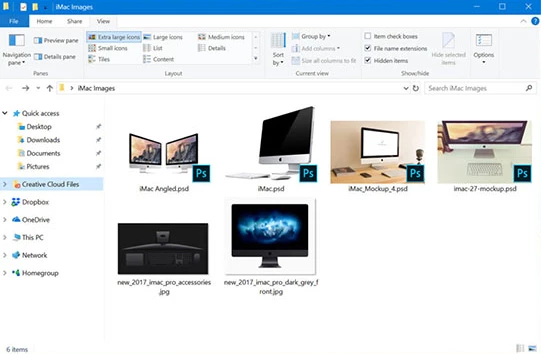
(Something like that, it's from Google images because I don't have a screenshot before this problem occurs)
I want to have the old icon instead, because I don't need PSD thumbnails in Windows File Explorer, but Windows or PS insists on showing me thumbnails when I already disable that option in Preferences:
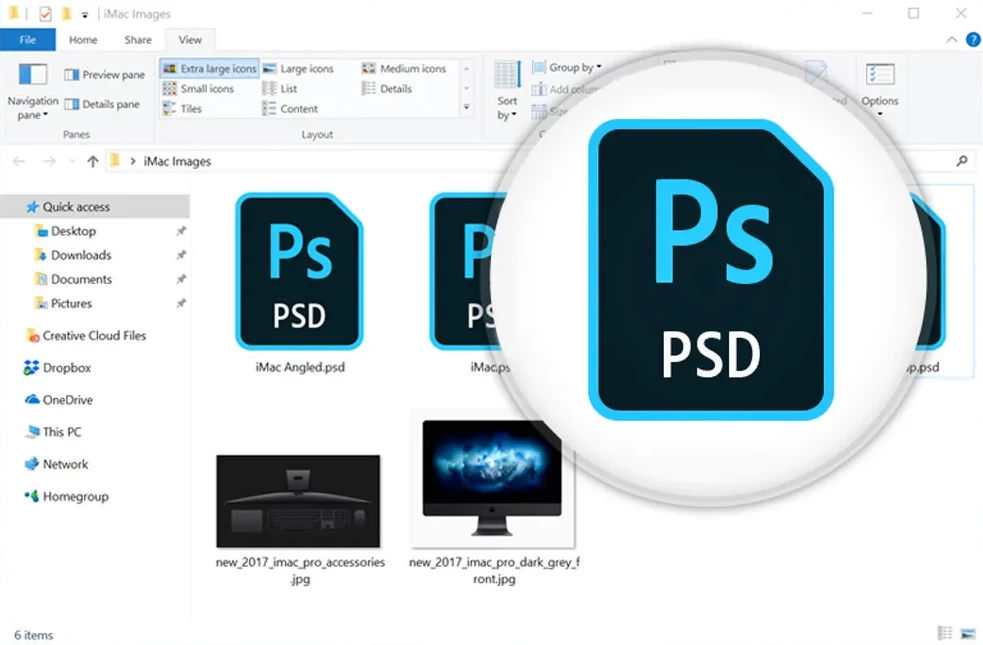
(Example of icon I want to have)
But now, neither the first nor the second option I can see. The only thing I see now is the thumbnail, and it's not visible to the naked eye if the file is a PSD, an image, or another document. It's frustrating.
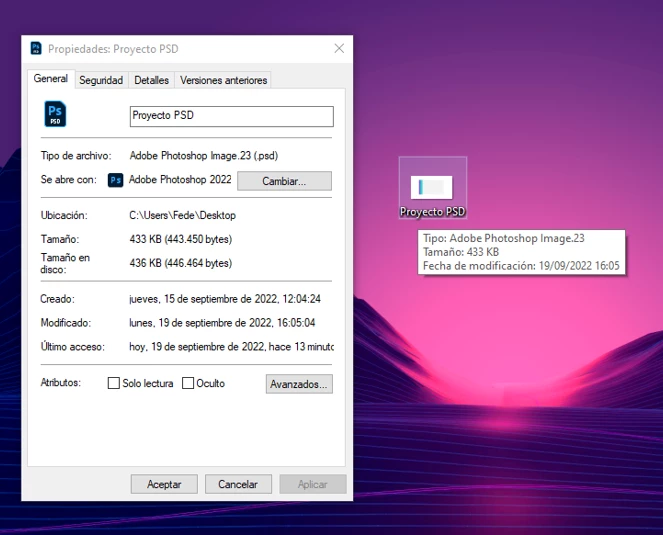
(This is how the files look now, it is impossible to distinguish that it is a PSD)
I work with PSD files everyday and this slow me down a lot.
I don't use SageThumbs or any other third party add-on software that may be affecting it, it's 100% clean Photoshop.
Please help me there must be a solution. I tried many things before posting this: Uninstall and reinstall, clear settings, install a previous version, modify Windows Default Applications options and nothing...
INFO:
Photoshop Version: 23.5.1
Windows 10 (64 bits) - Updated to date
Thanks!
 AdChoices