


Question
Photoshop Beta (BUG) Free Transform and Transform Selection no longer work
Photoshop Beta, version 25.2 (latest)
OS: Windows 11
Troubleshooting steps:
- I have uninstalled ALL adobe products, rebooted and reinstalled. Still same issue
- Reset prefrences on quit
Steps to reproduce:
1. create new project
2. Select Rectangular Marque Tool
3. Select an area on the page
4. right-click, and chose either Free Transform or Transform Selection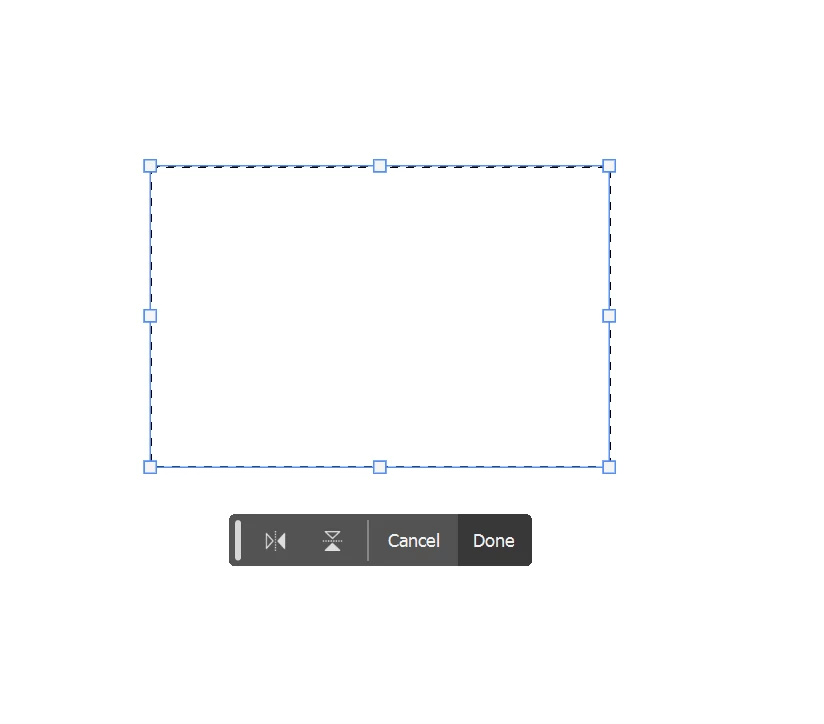
5. clicking and dragging on the handles does nothing, not even rotate works.
The only way to actually transform what you have selected is to change the values in the top bar, or by clicking on a vector (X:, Y:, W:, H:) and dragging. Grabbing and dragging the box handles do nothing.
Everything works okay in the Regular, non-beta, Photoshop and this function worked in previous Beta versions.
 AdChoices