



Remove ALL white that is JUST in the BG of an BW PNG image
Hello.
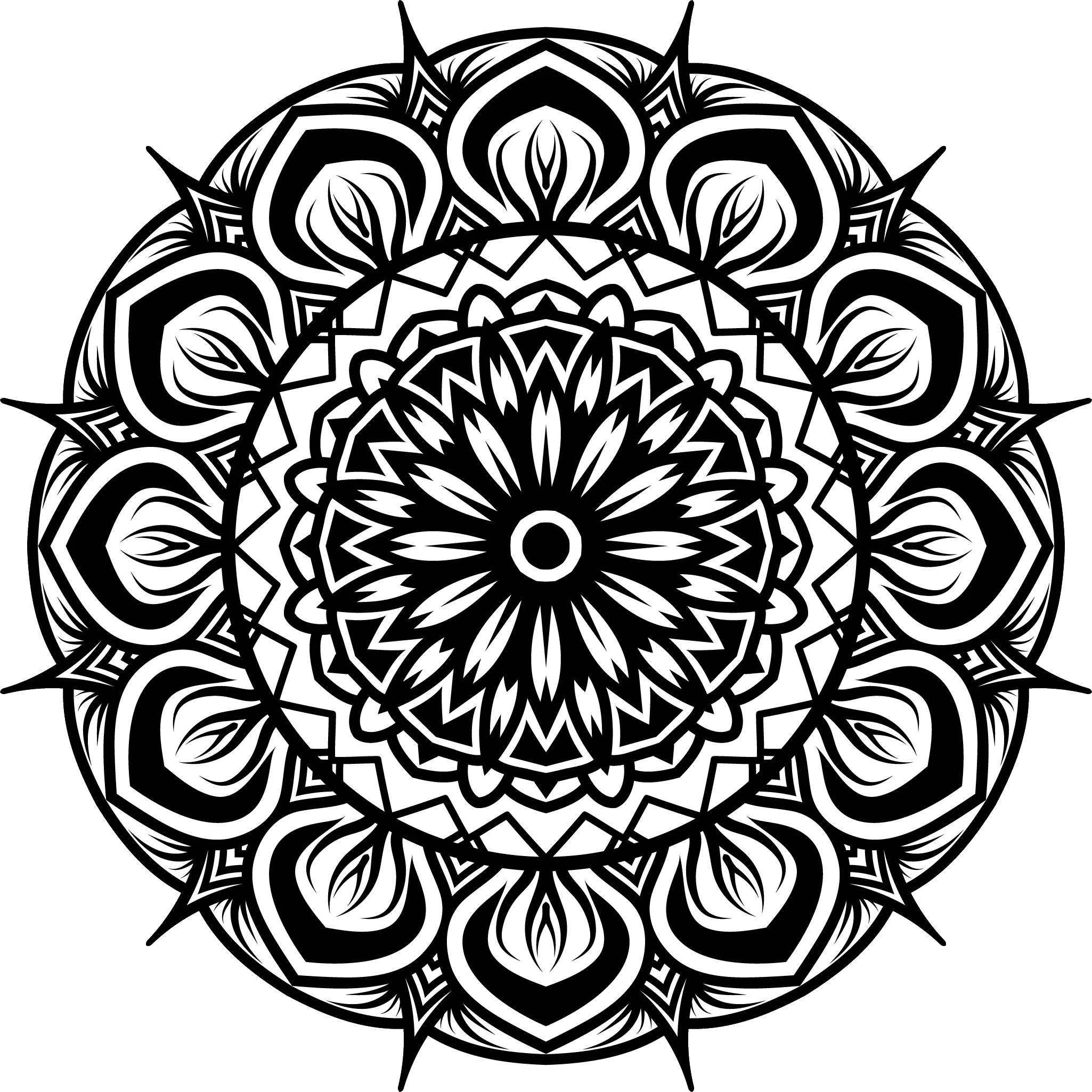
I have +5000 black and white PNG images with black drawings (mandalas) on them that have square dimensions but the image it self is not squared.
I need batch action that will:
a) Select all white around using magic wand
b) Invert selection
c) Crop image to selection
d) Change dimensions to 3000×3000px
e) Save as PNG transparent with 300px (the original is 300px)
Problems I am facing:
- if mandala in original photo is touching the edge the magic wand only selects one corner of white. I hoped I can make multiple magic wand clicks in to action but it is not working.
- save as PNG for some strange reason changes resolution to 96px
Windows 10 PC
Photoshop 22.5.1.441 (others have bugs, artboard is not transparent even if both settings are checked)
I tried using these:
and
I do not understand this one:
With Photoshop, how to batch replace white background with transparent in the image
and how to convert from tiff to PNG at the end. Why export to PNG is not acceptable?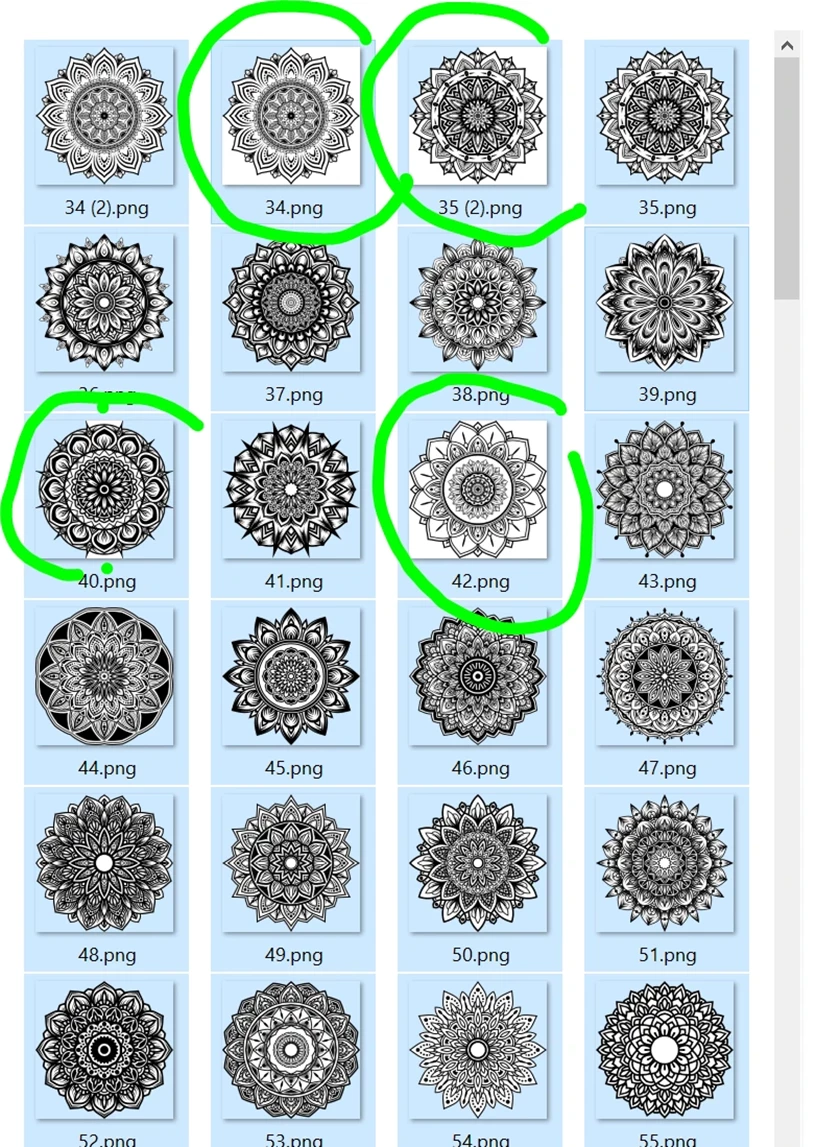
 AdChoices