Participant
November 12, 2022
Question

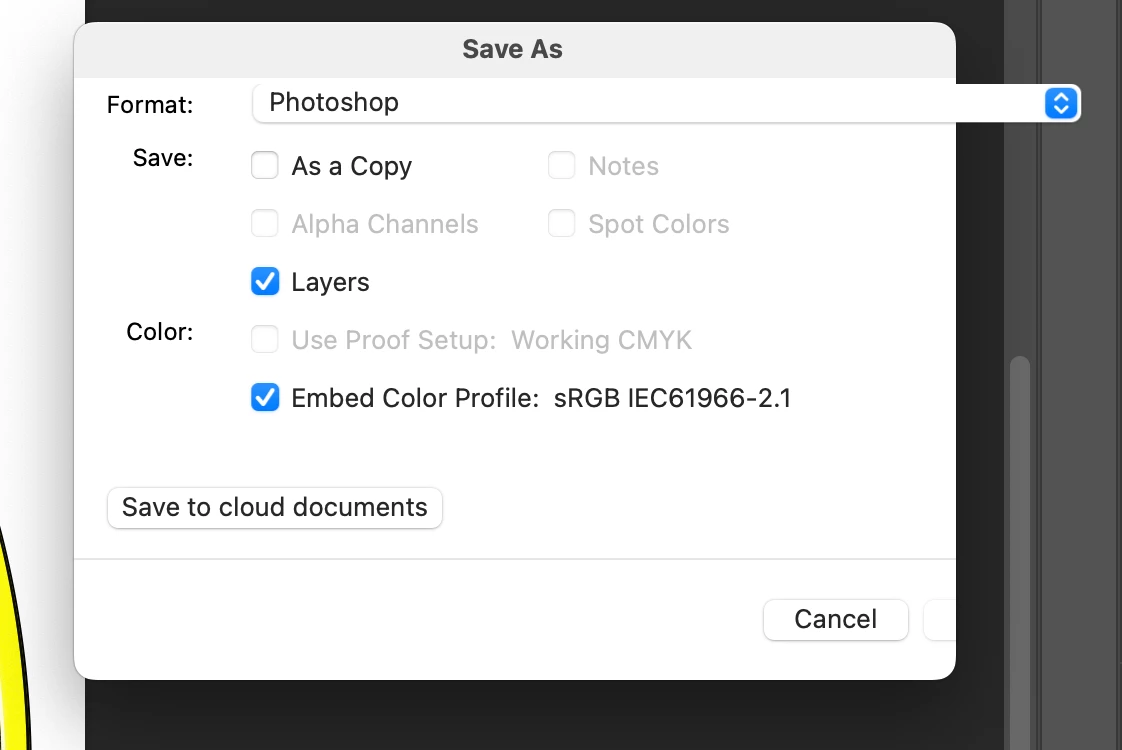
Since I updated mac ,'save as' box doesn't appear completely in my photoshop

  • November 12, 2022
  • 3 replies
  • 517 views

Hi all, Since I updated my mac to 13.0.1,  'save as' box doesn't appear completely in my photoshop! 

the save button doesn't work and i can close the box only using the esc button on my keyboard.
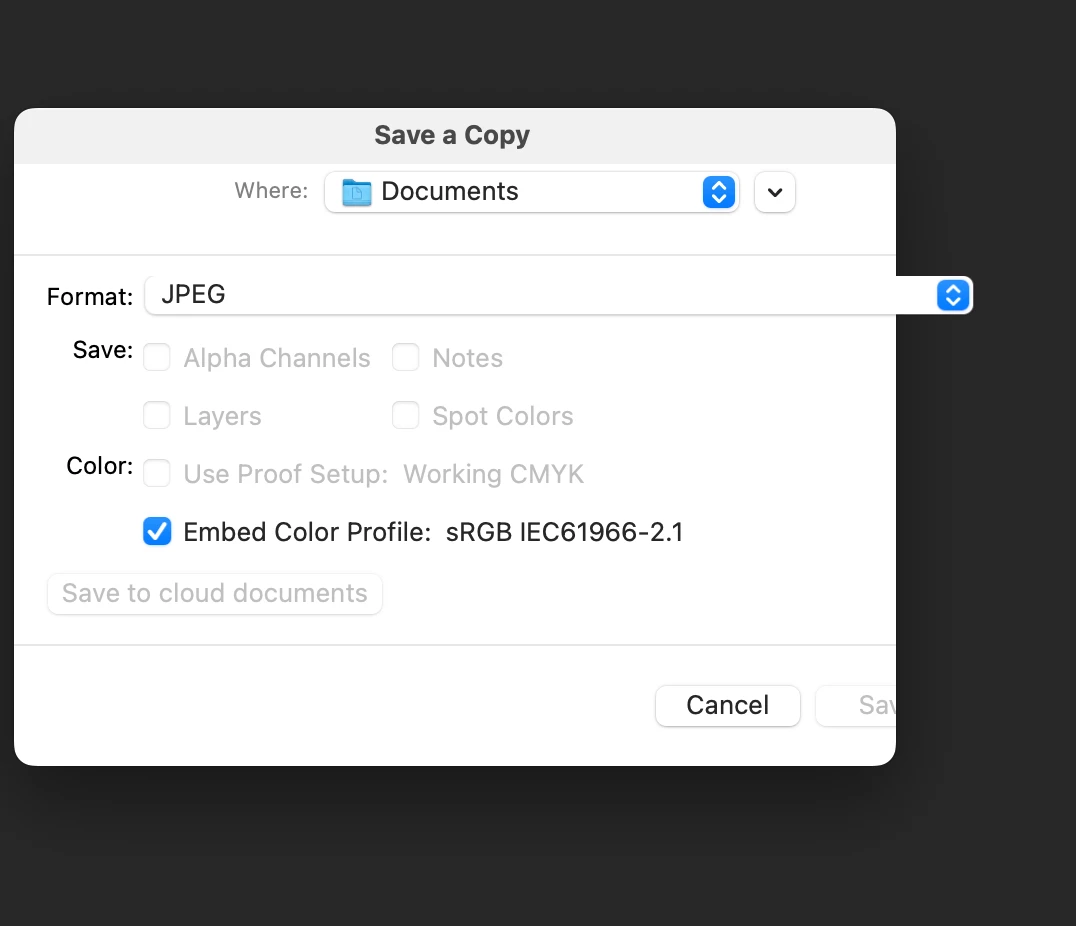
I have the latest version of photoshop. Have tried resetting preferences, have uninstalled and reinstlled photoshop twice, still not working. Was not having this problem before i update my mac.

Any advice would be greatly appreciated!

This topic has been closed for replies.

3 replies

Ged_Traynor
Community Expert
Community Expert
November 12, 2022
jane-e
Community Expert
Community Expert
November 12, 2022

Hi all, Since I updated my mac to 13.0.1,  'save as' box doesn't appear completely in my photoshop!

By @masirez


What happens when you click the expand/collapse button that is built into macOS in the Save As dialog? Does the entire dialog show in other applications?


Other things to try:

  • Press Return for Save; Press Escape to Cancel
  • Reset Preferences after backing up customization:
    Photoshop menu > Preferences > General > Reset Preferences on Quit

Jane

gener7
Community Expert
Community Expert
November 12, 2022