


Answered
Can't install 'Camera RAW'
I've just invested in a new camera (Sony Alpha A7 IV). The previous version of Photoshop Elements I had (2020) wouldn't recognise the RAW files. Despite trying to install a RAW update, it still wouldn't work.
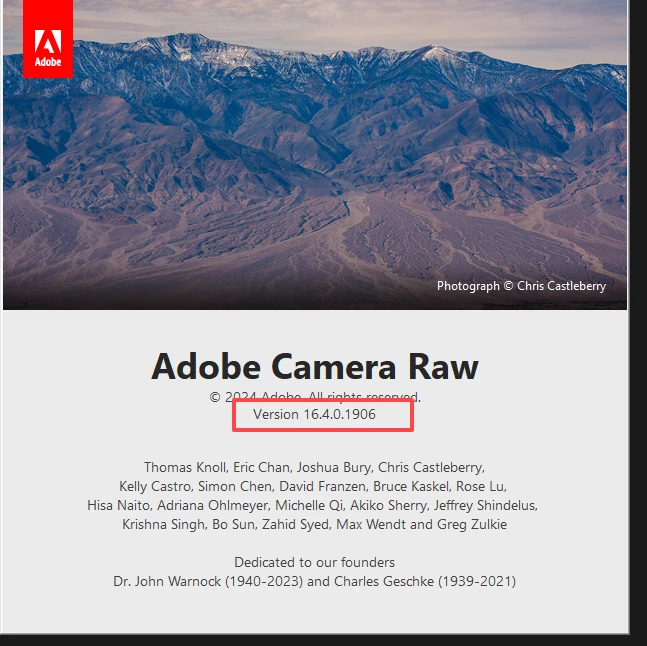
I've now upgraded to the 2024 version and had the same issue. I tried installing 'Camera RAW' on this version but it doesn't seem to install as it still doesn't recognise my RAW files and still shows 'Install Camera RAW' on the help menu.
Can anyone help as at the moment it seems I've wasted £80 on something that doesn't actually work?
 AdChoices