


Can't see text when typing & editing on Adobe Photoshop Elements 2021 19.0
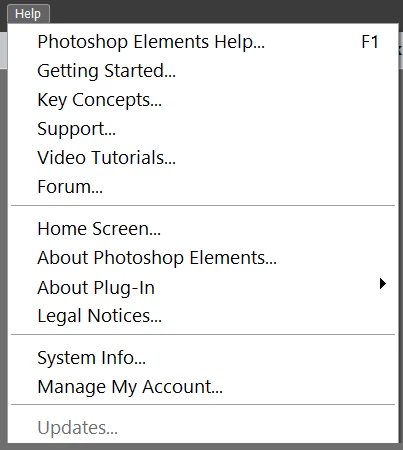
I just purchased APE 2021 on July 22. After communicating with Adobe Care, I uninstalled then reinstalled the program, but defect still exists. I can't see the mistakes I make when I'm typing. Editing gives me the same hassle; I can't see what I'm editing either. Image 1 below shows the line before typing. Image 2 shows the line after typing. The text is not visible. The background is white & the text is black. Image 3 shows the text only after clicking the check mark. Image 5 shows the grayed out update button. Due to this malfunction, I can't update APE 2021. I updated Windows 10, but it didn't fix the problem. Does anybody have the same problem with APE 2021 version? You me email me at
[Personal information removed by moderator.]
if you'd like to see a video of the defect.
Image 1
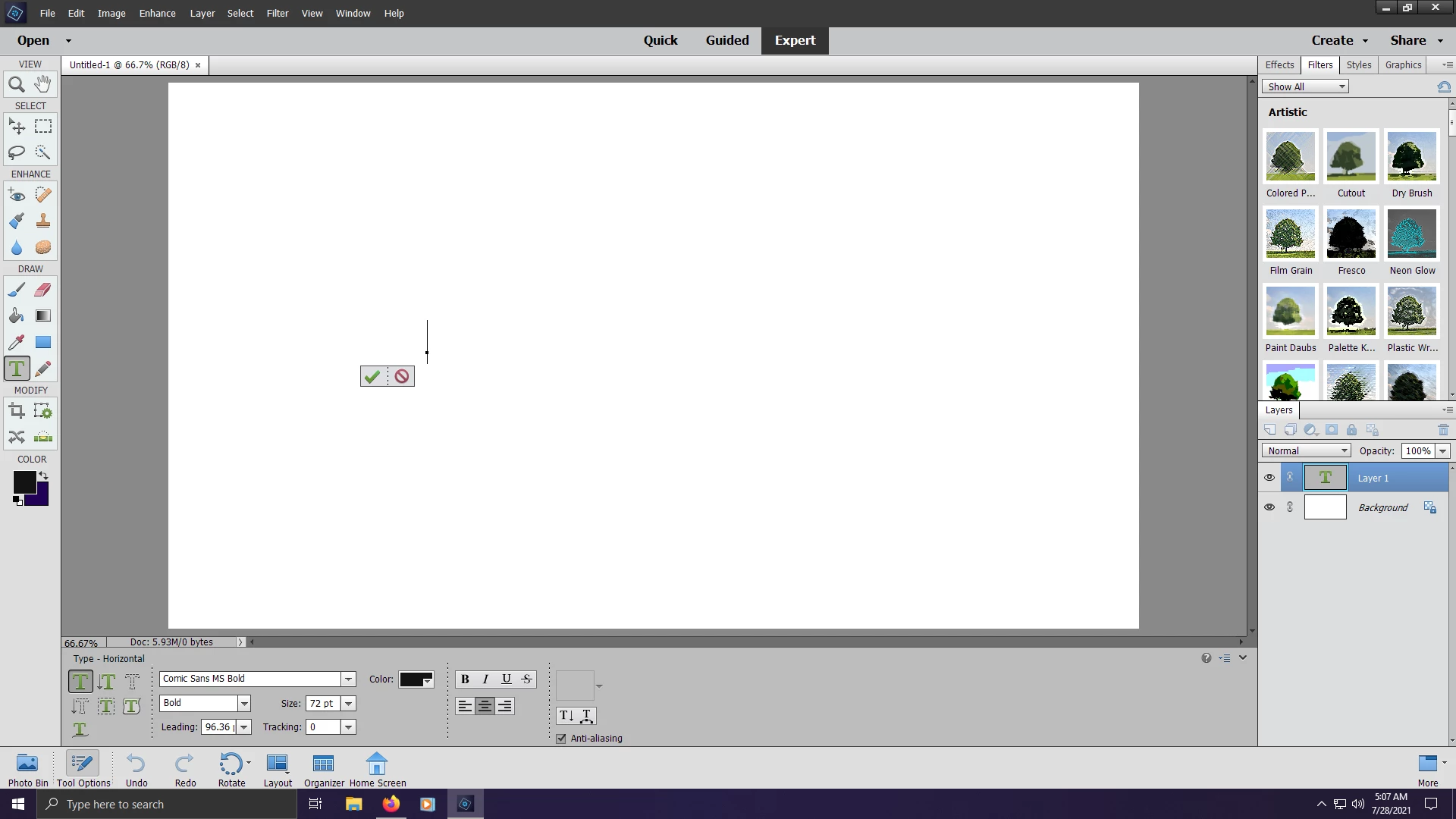
Image 2
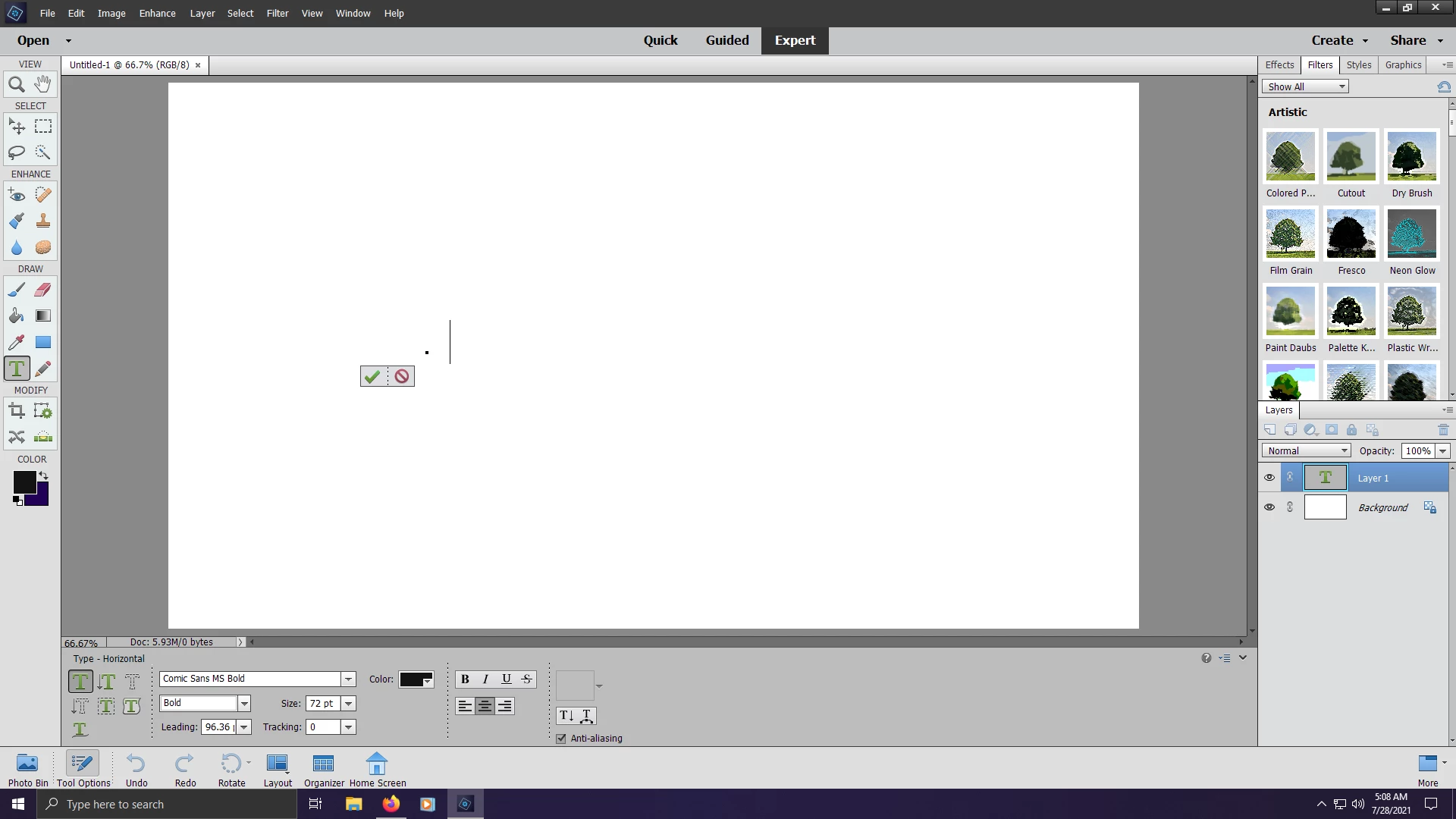
Image 3
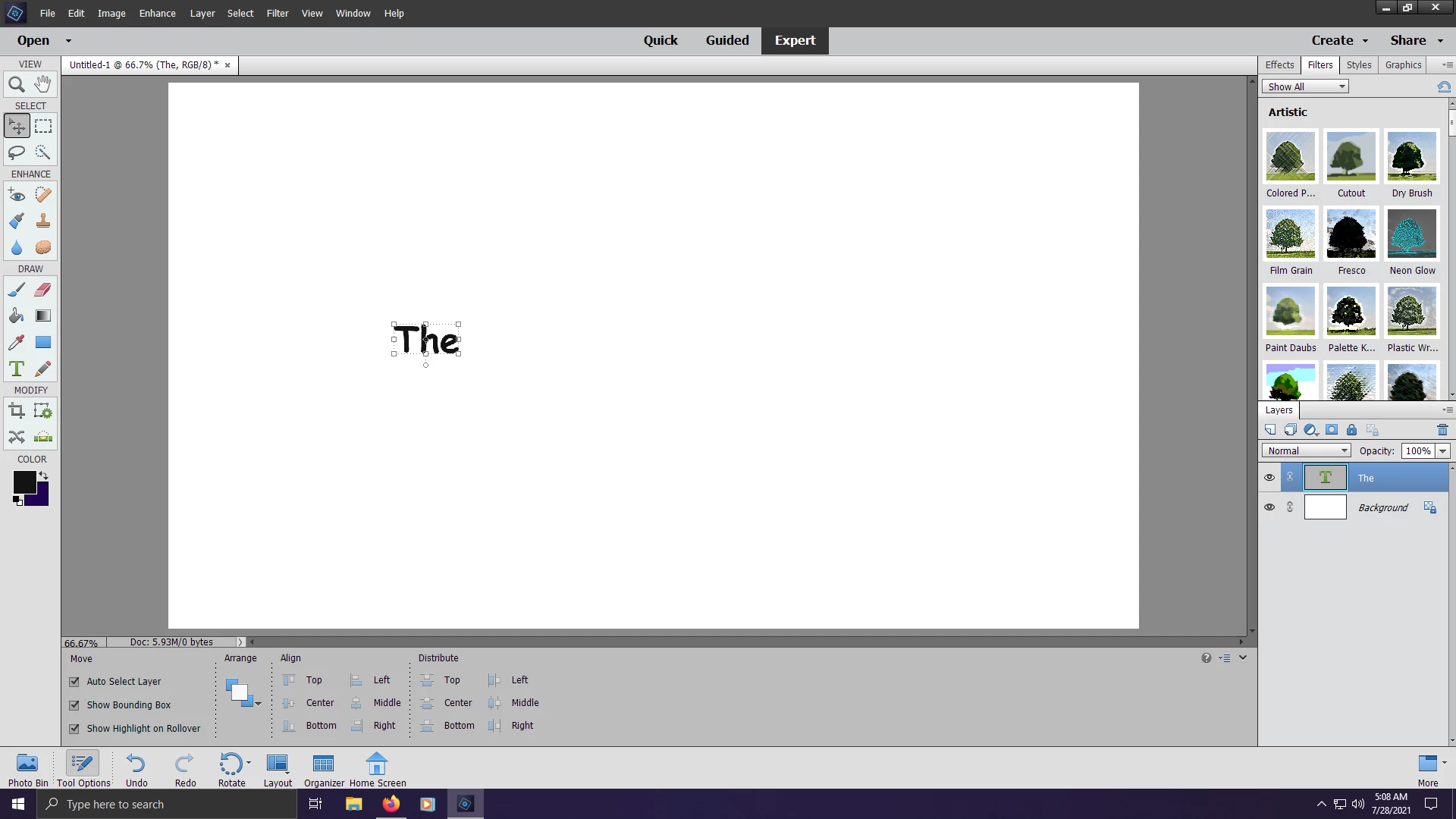
Image 4
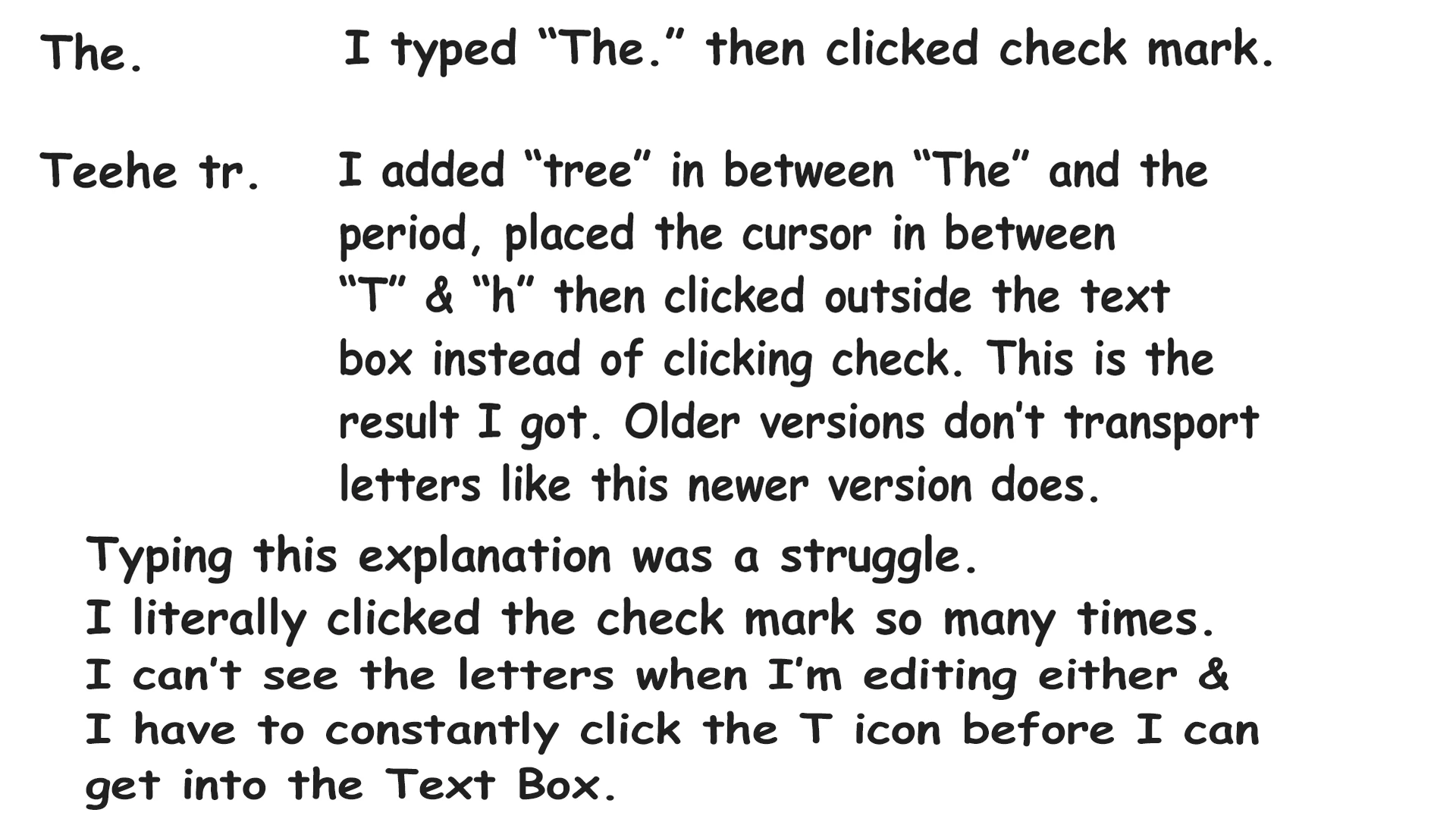
Image 5
 AdChoices