


Answered
How Do I Copy Objects in Photoshop?
I'm using Adobe Photoshop Elements 2021 and I found it nearly impossible to simply copying objects!
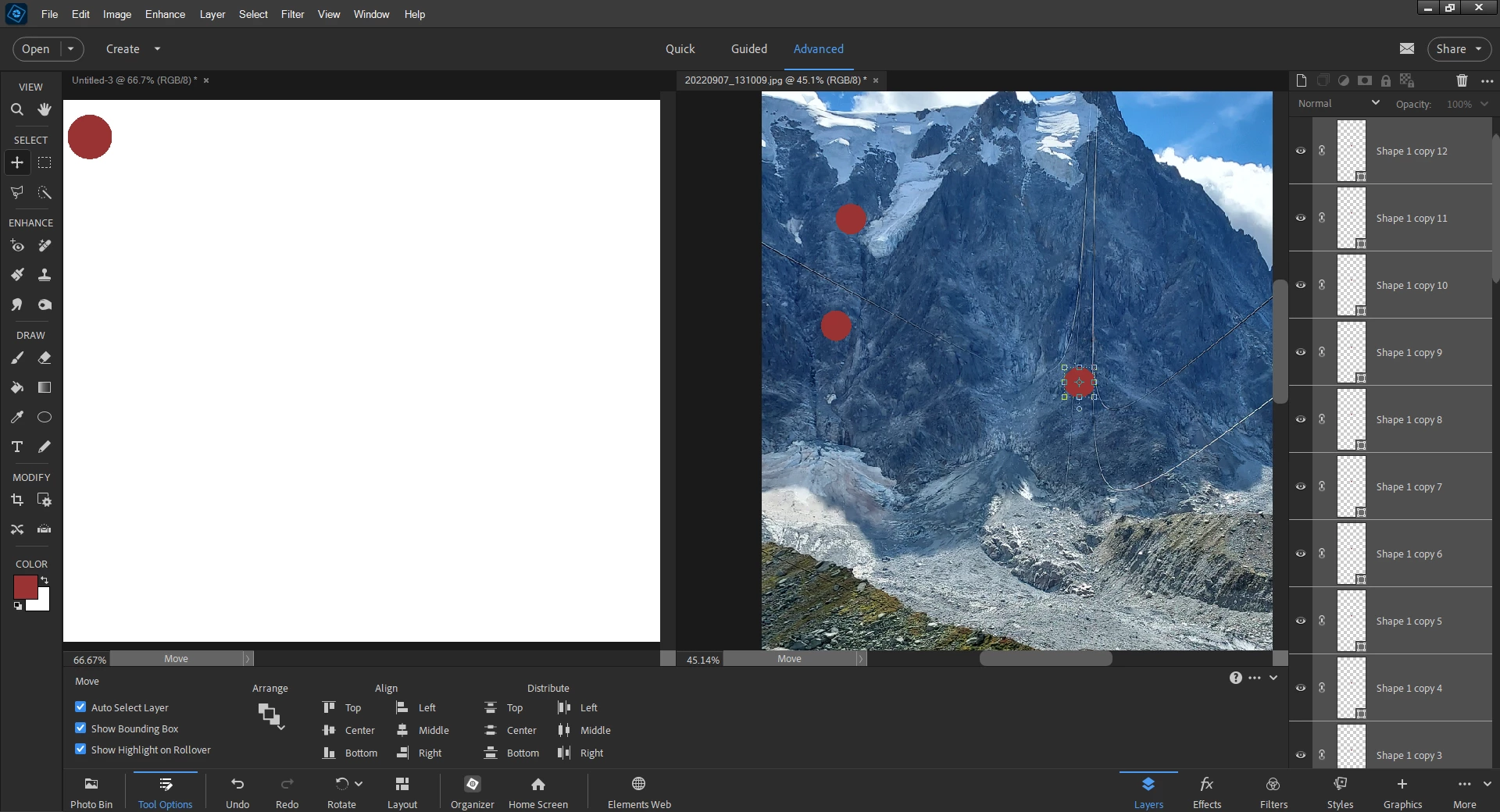
I need to create a subway type of route map with tens of lines and maybe hundred of nodes. I can create one node by drawing a circle. My problem is to reproduce such circles in the amount of hundreds.
However, I cannot just point to the circle and make copy (the copy menu is disabled).
Further, every circle I draw, it creates a separate layer. This will end up hundreds of layers being created.
My question is: how can I simply copy and paste circles? And, is it even possible to keep them in one layer?
 AdChoices