Inspiring
September 30, 2019
Answered

How do I install Photoshop Elements 10?

  • September 30, 2019
  • 3 replies
  • 6607 views

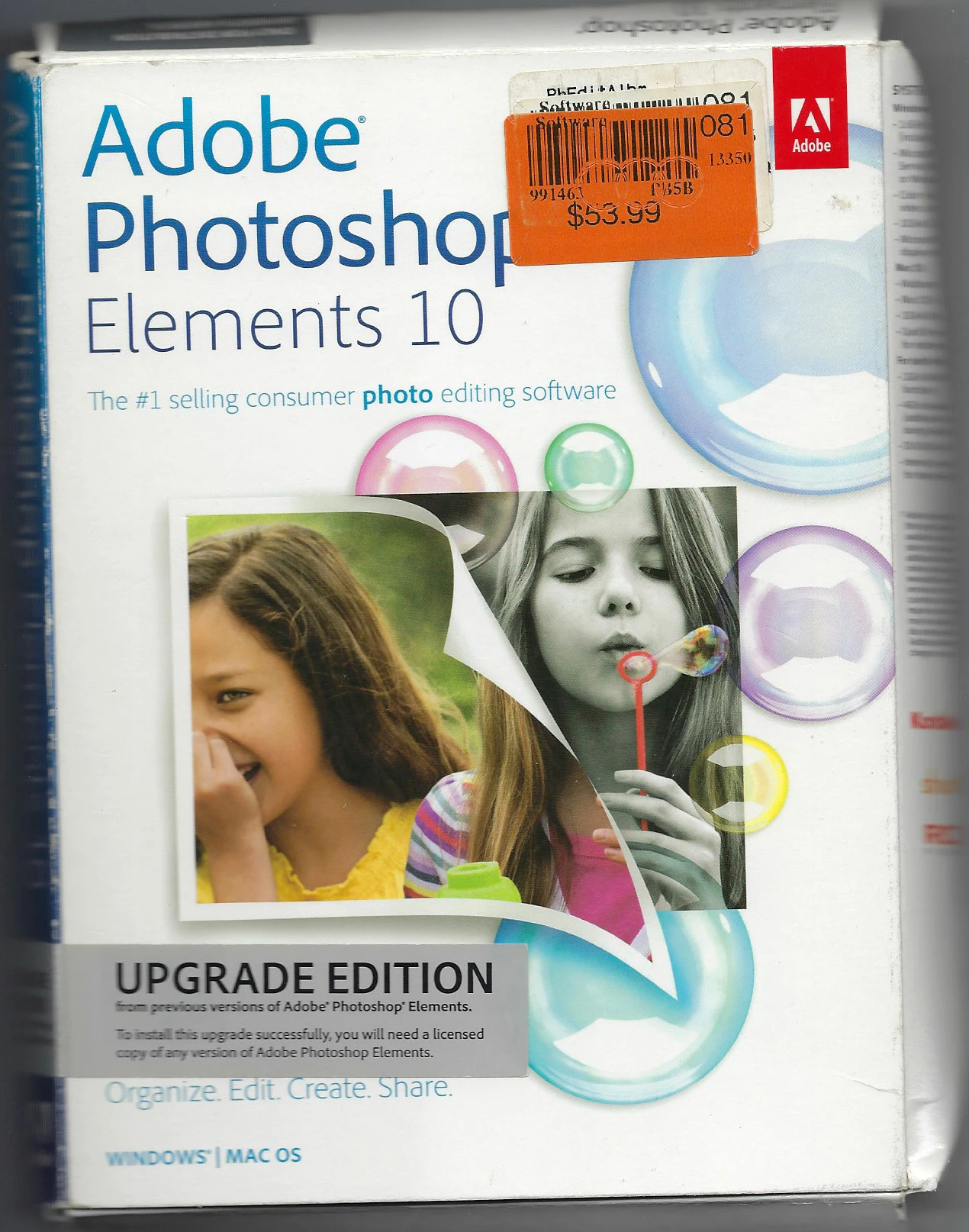
I have a box with three DVDs to install Photoshop Elements 10.
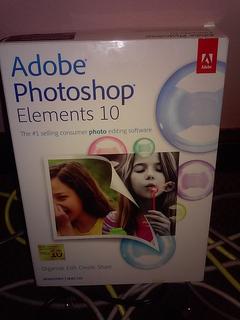
 

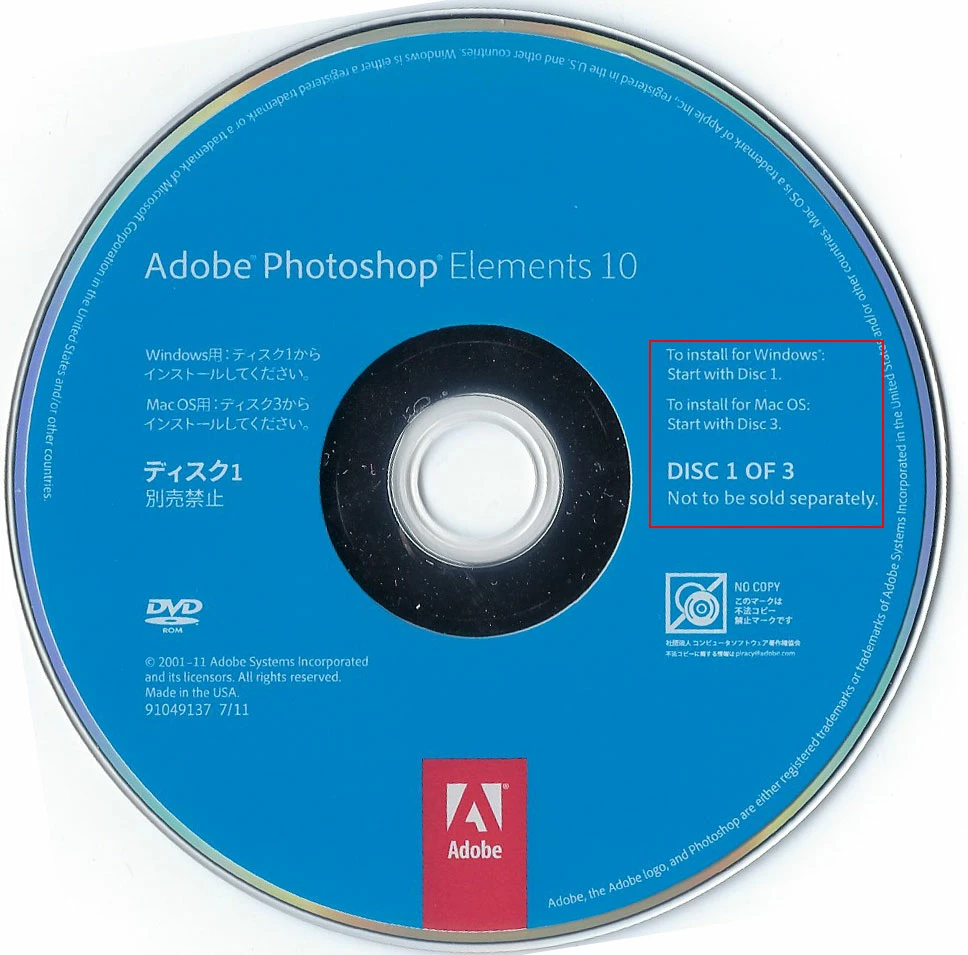
I want to install it on a Windows 64 bit computer. There are no instructions other than on the DVDs. DVD #1 says: "To install for Windows start with Disc 1." DVD #2 says the same thing. And DVD #3 is for Mac.


Then I found this site https://community.adobe.com/t5/Photoshop-Elements/FAQ-Installing-Elements-10-or-What-do-all-these-disks-do/td-p/4332154 that says DVD#2 is for a Windows 64 bit computer.


When I put DVD#2 into the computer, I was expecting on-screen intructions to follow, but there were none. So I opened the DVD with the file manager and there are all these files. I did manage to find an .exe file, and I assumed that I needed to double click that to start the installation, but I figured I'd ask here first to see if that was the best (or wrong) way to go. Thanks.
    This topic has been closed for replies.
    Correct answer Jeff Arola

    I have the same boxed set you do except mine is an "Upgrade Edition"


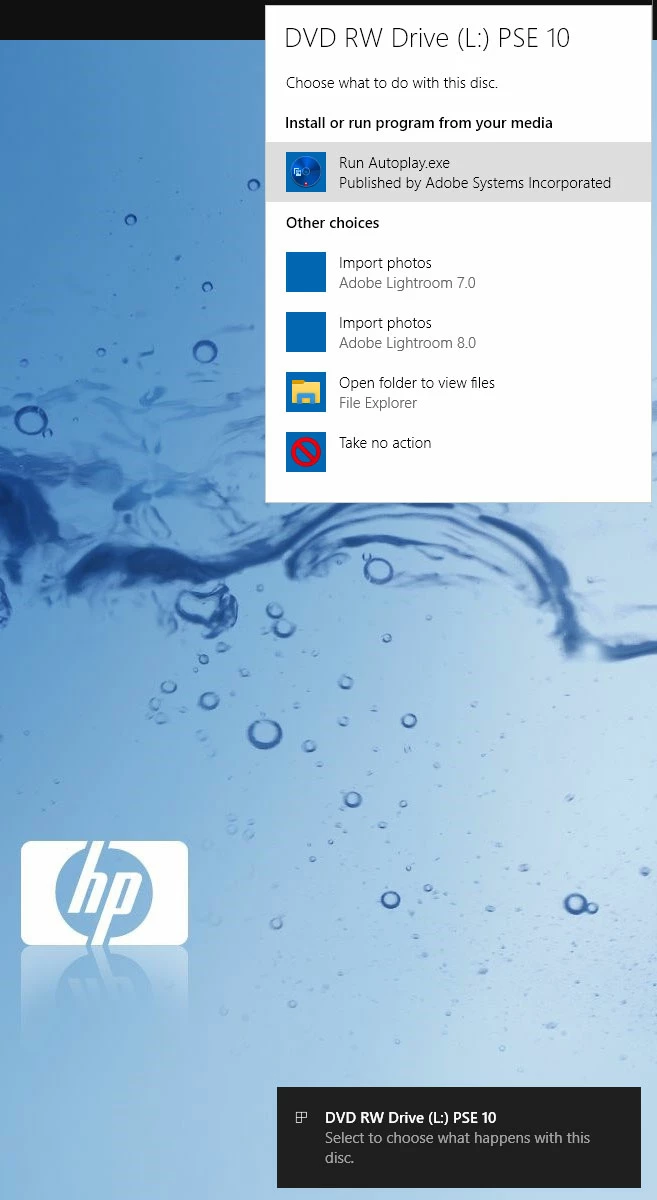
    After you insert disc 1, ideally you should get the win 10 pop-up asking what to do and after clicking on it another dialog should appear that has a list of several choices.


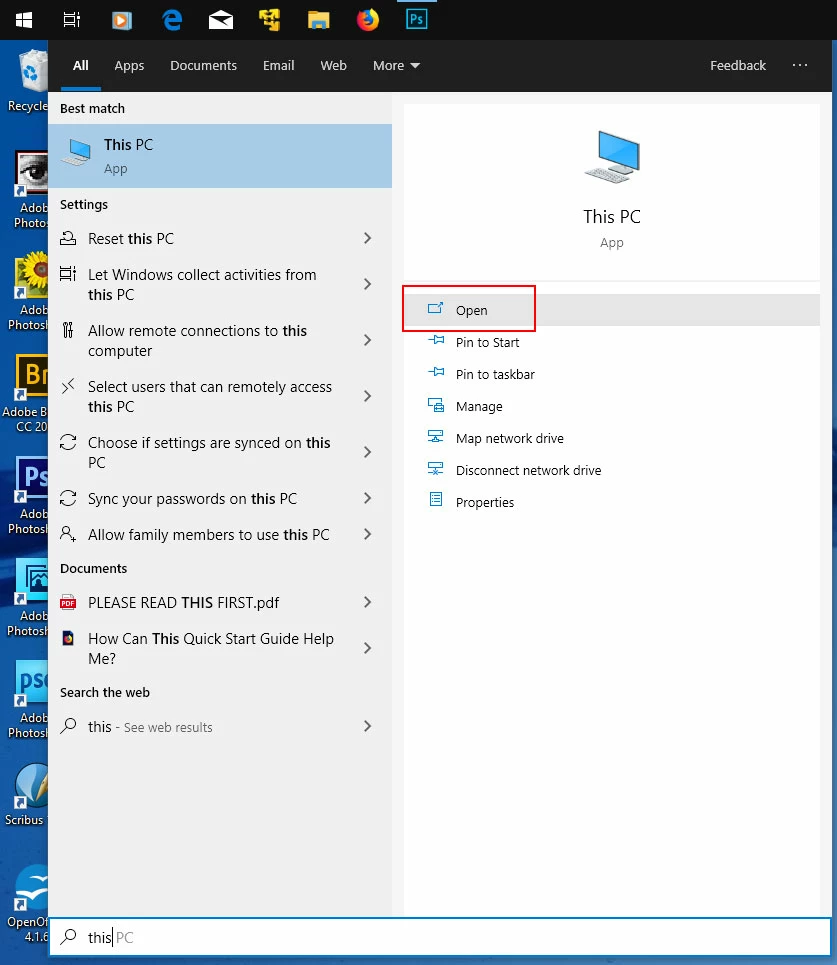
    If that doesn't happen, then click the Start menu icon in the taskbar and type This PC then click Open


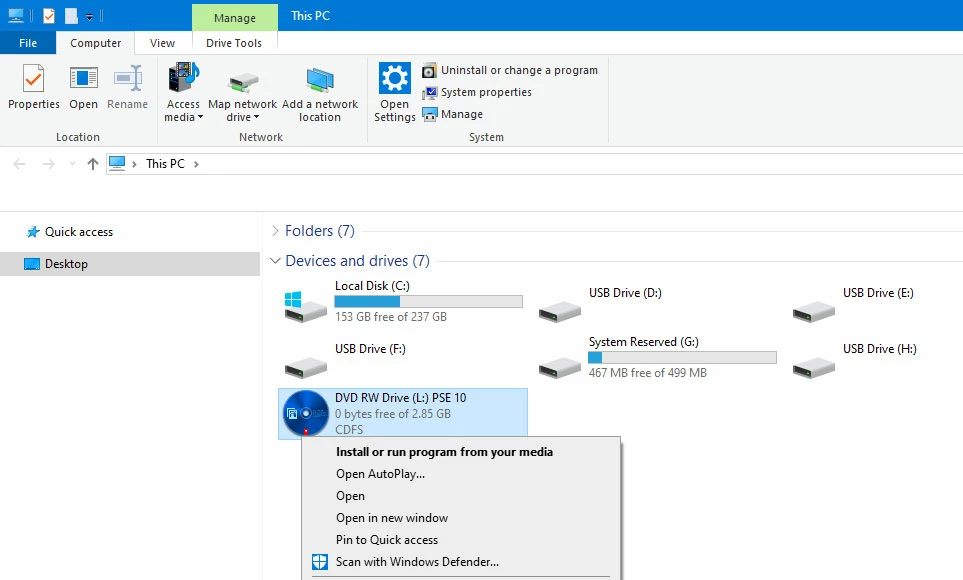
    In the windows explorer windows showing all your drives, right click on the PSE 10 dvd icon and there are several choices including

    Open AutoPlay....


    3 replies

    Jeff Arola
    Jeff ArolaCorrect answer
    Community Expert
    October 1, 2019

    I have the same boxed set you do except mine is an "Upgrade Edition"


    After you insert disc 1, ideally you should get the win 10 pop-up asking what to do and after clicking on it another dialog should appear that has a list of several choices.


    If that doesn't happen, then click the Start menu icon in the taskbar and type This PC then click Open


    In the windows explorer windows showing all your drives, right click on the PSE 10 dvd icon and there are several choices including

    Open AutoPlay....


    BadStarAuthor
    Inspiring
    October 7, 2019
    Installed it Friday night, Jeff! Thanks for the help!
    Jeff Arola
    Community Expert
    October 7, 2019

    Your welcome.


    Glad it worked.

    Peru Bob
    Community Expert
    September 30, 2019

    "Premiere Photoshop Elements"

    I think Jeff meant:

    Premiere Elements


    Jeff Arola
    Community Expert
    October 1, 2019

    Yes i did.

    Thanks for catching that.

    Jeff Arola
    Community Expert
    September 30, 2019

    You want to use Disk 1 which has photoshop elements 10, which yes is 32 bits, but still works on 64 bit windows.

    (there is also a 32 bit trial version of premiere elements)


    The second disk is for the Trial version of Premiere Elements which is 64 bits but is a video editing software.


    Disk 3 is for a mac.