


Answered
How to turn off the file location pop up?
Hello there, I have Photoshop Elements 10 and each time I hover or quickly run my mouse over the image taps, right under where the settings for tools would be (I have marked the said tap in the picture below), a file/image location pops up in a long thin box and then goes away. It is very distracting to say the least because I usually work pretty fast and fx adjust my brush size alot and thus cross the taps repeatedly with my mouse which causes the said box to pop up and disappear numerous times. Is there any way to turn that off?
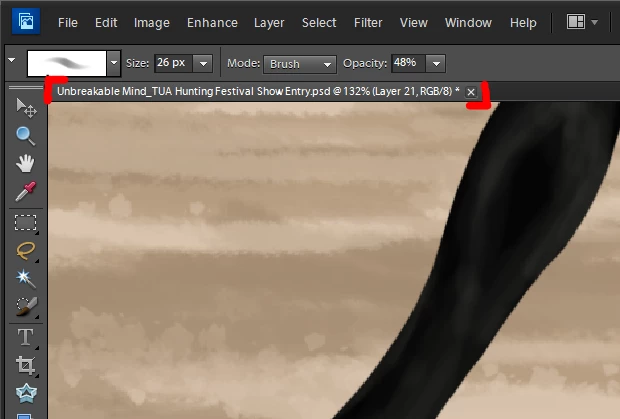
Best regards, Sofie
 AdChoices