



Answered
How to use Liquify and see both layers?
Hello I have a question. I'm trying to change a little the shape of the hat.
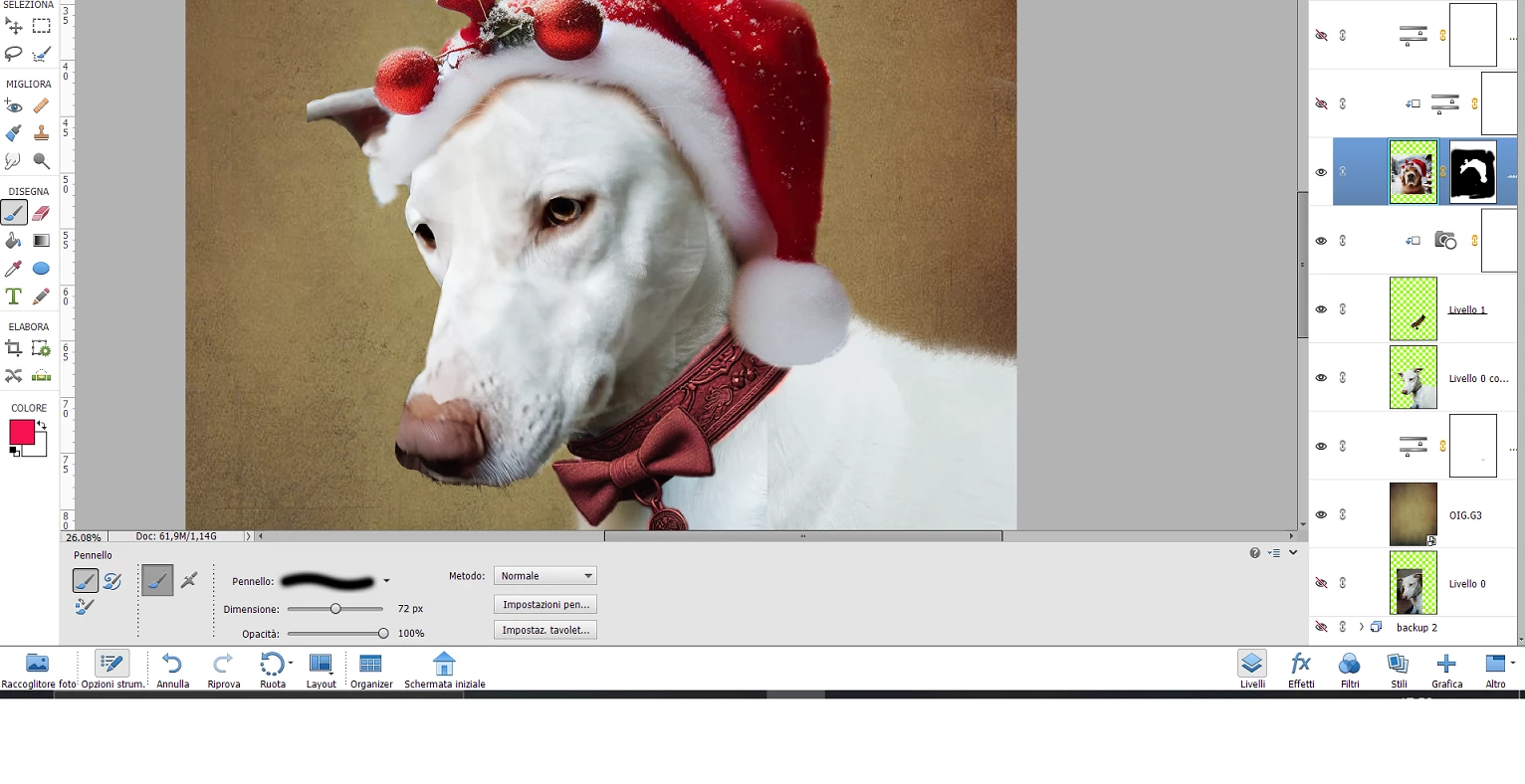
Now the problem is that when I select the hat - layer, and I go to Filter .-> Liquify,
the new windows opened show just the hat, I can't see the image of the dog.
So, I have to liquify the hat 'randomly'without actually see the shape I want to give because I can't see also the head of the dog.
So what I should do? I wish to see both dog and hat (even if are in 2 separated layers).
There's a way to liquify the hat by watching actually how it looks over the dog head? (his name is "Argo" ) 😄
Thank you in advance for the help!
 AdChoices