


Answered
Opening PSE Photo Editor and/or Video Editor
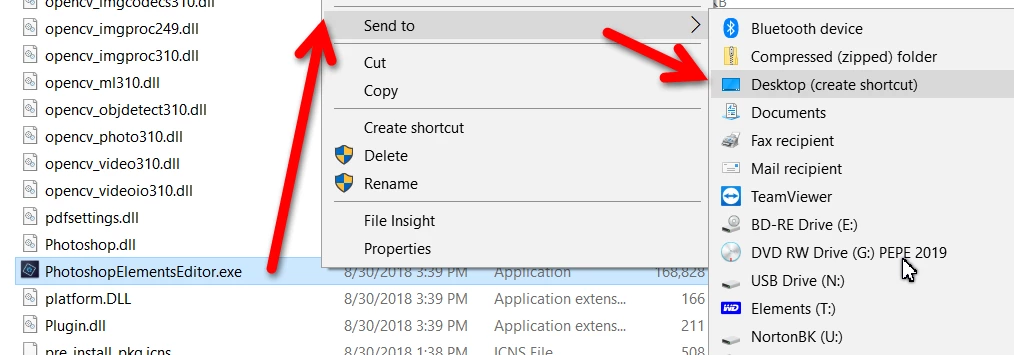
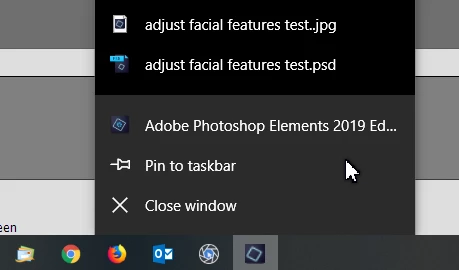
When I installed PSE 2019 it placed two icon short cuts on my desktop, one for Photoshop Elements and one for Premier Elements. When I click on either one to open the program it starts with a "default" screen where I must select one of three choices. Either Organizer, Photo Editor or Video Editor. How can I change that to open the specific part that I want to use...either the Organizer (never use it) or the Photo or Video editor program. I am not finding that under the preferences or have I overlooked/missed something? Thank you.
 AdChoices