


Richard___G
Inspiring
February 4, 2022
Question

Photoshop Elements 2022 not installing on Windows

  • February 4, 2022
  • 3 replies
  • 1538 views

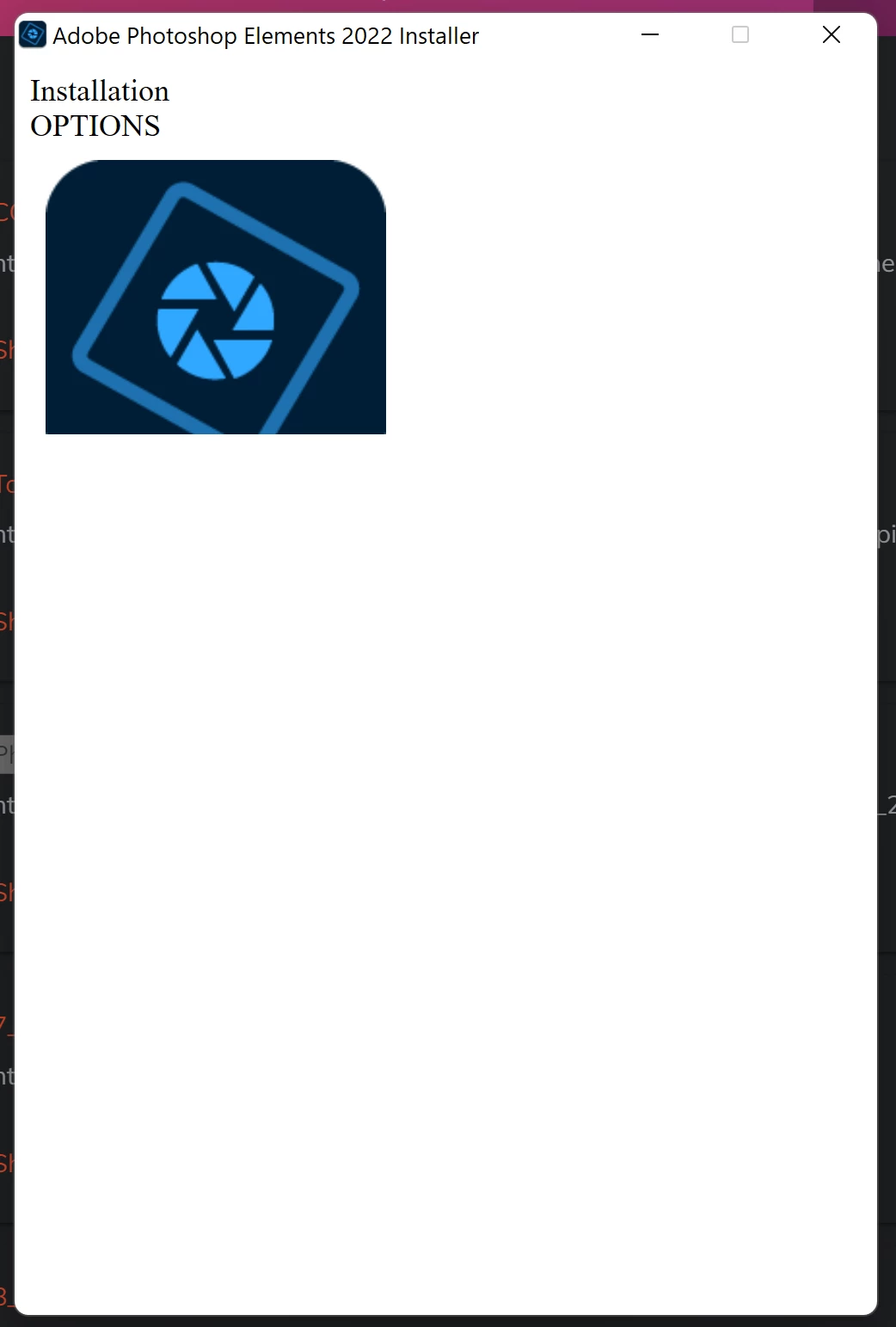
The PE installation is failing.  This is what comes up and then nothing happens  at all.  It just freezes there.  In Taskmanager there are 2 instances running but consuming zero CPU resources.  What to do?


{Thread title edited by moderator}

This topic has been closed for replies.

3 replies

Participant
August 26, 2022

I have exactly the same symptoms. Did anyone ever find a definitive resolution to this issue?

VipinGupta
Adobe Employee
Adobe Employee
February 14, 2022

Hi,


It seems like there is an issue with the loading of UI components in the installer screen.

Could you please try with an installer hosted here: https://helpx.adobe.com/download-install/kb/photoshop-elements-downloads.html


In case if you face the same issue again, there is an alternative to install the product silently from command prompt, which do not need any UI interactions for installation.


To install the product silently, Please follow the below steps:

1. Open command prompt

2. Change directory in command prompt using 'cd <Path of folder where the installer setup file is present>', for example:

 to set the folder path to desktop, use command: 'cd C:\Users\Administrator\Desktop', where ofcourse - the bold 'Administrator' is the user name which is used to login to your computer, please replace it with yours.

3. Once you set the path in command prompt to the folder, where the setup file is available, Please run the exe with a parameter '--silent=1'


This should install the product and will launch the home screen. You should also see the progress percentage in the command prompt.


Regards,

Vipin


Richard___G
Inspiring
February 14, 2022

Hi Vipin,


Thanks very much for the suggestions.


  1. I got the installer from the url you provided
  2. I opened the command prompt in admin mode
  3.  changed to the directory holding the installation file
  4. ran it with the parameter   <filename>.exe --silent=1
  5. And it returned "Exit Code: 81"   and nothing ran.  I even checked in task manager but found nothing running


???


Thanks again,

Richard

Richard
VipinGupta
Adobe Employee
Adobe Employee
February 14, 2022

Error code 81 is for when another Adobe installer is already running.

Could you check if there is another app from Adobe which is being updated?


You can try to restart your machine and then try to install from the command prompt.

Or you can check for any running installers and wait for them to complete and then try to install again.


Regards

Vipin

nikunj.m
Community Manager
Community Manager
February 4, 2022

Hi,


We're sorry about the trouble while trying to install Photoshop Elements 2022. Would you mind telling us which version of Windows are you working on? Have you tried running the installer as administrator to check if it helps? If not, please try that by right clicking on the installer & selecting the option to Run as administrator. Also, please try rebooting the machine before attempting the installation.


Let us know how it goes!

Regards,

Nikunj

Richard___G
Inspiring
February 5, 2022

Hi Nikunj,


I'm on win 11 pro and rebooted & ran as admin with the same result. Taskmanager show nothing happening with 2 instances running.


??


Thanks,

Richard

Richard