



Answered
Shape color and stroke not allowed
Hi everyone,
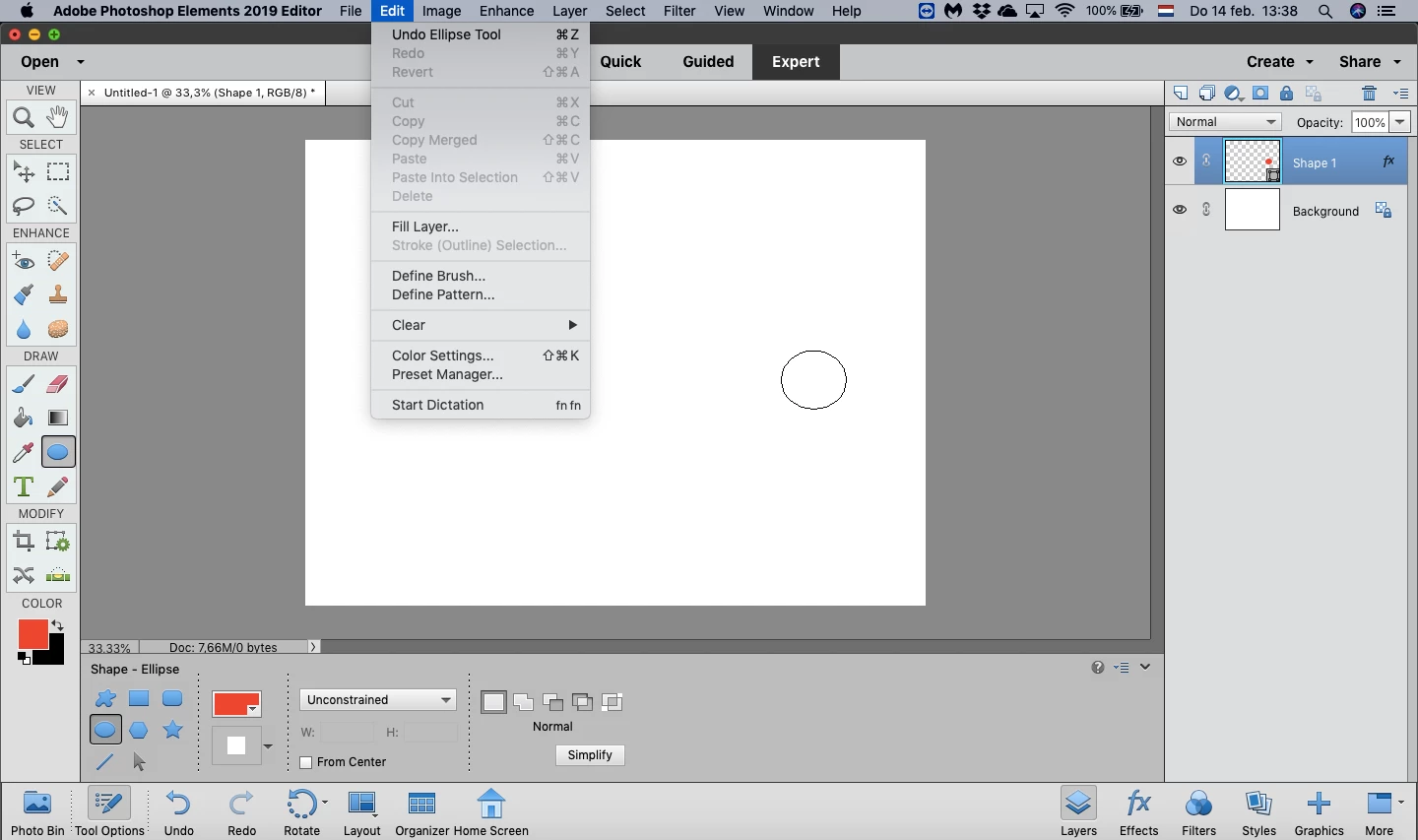
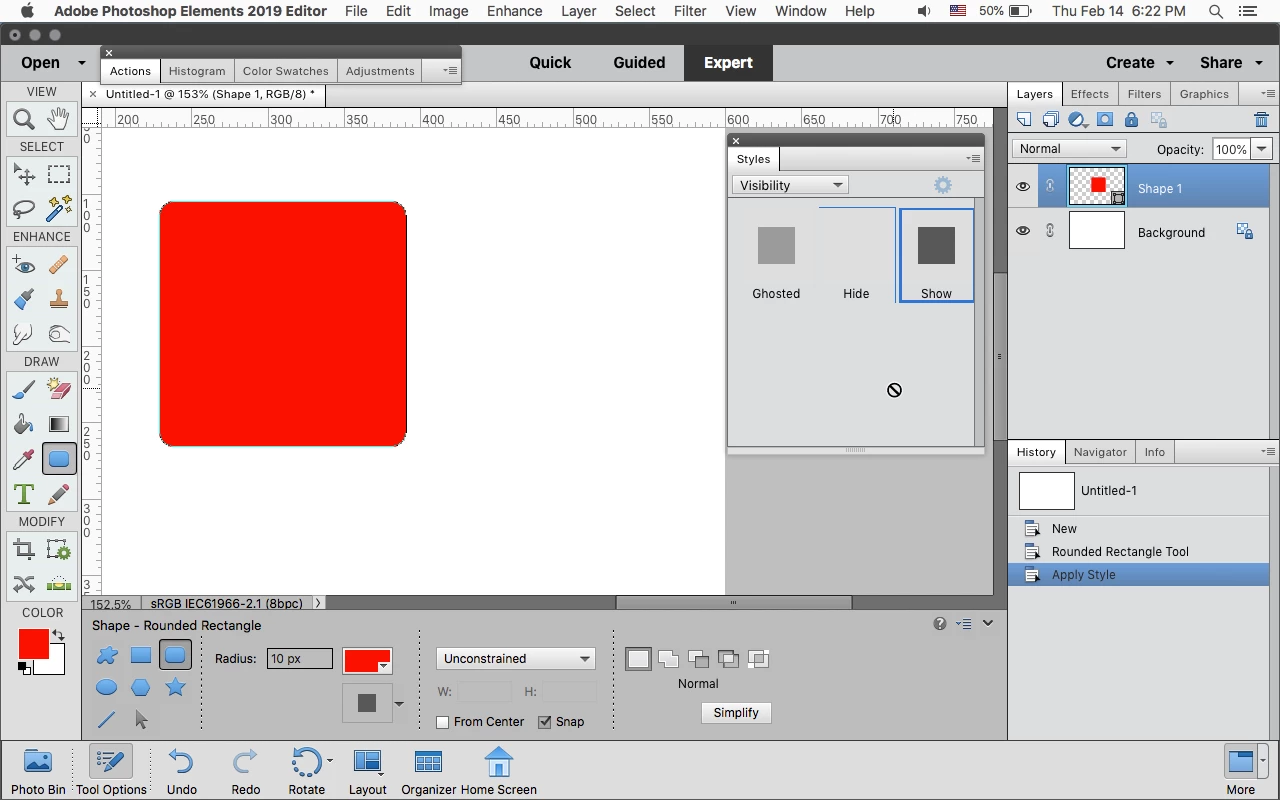
I am currently trying to add and edit specific shapes to my images. However, adding color and a stroke to the shape does not appear to be working. I have added an image to illustrate this: when I try to add a red circle, the circle remains white (and note that the circle does become red in the thumbnail in layers). I tried specifying the color both in the toolbox menu at the bottom of the screen and by clicking the thumbnail in layers twice, and neither did the trick. I have no specific layers switched added.Also, the function stroke appears to be disabled.
I was wrong if I'm doing anything wrong, or perhaps if some of my settings are wrong? I am currently working in the 30-days trail of Adobe Photoshop Elements Editor of 2019.


 AdChoices