


Thumbnails Not Displaying in Elements 2022 Organizer
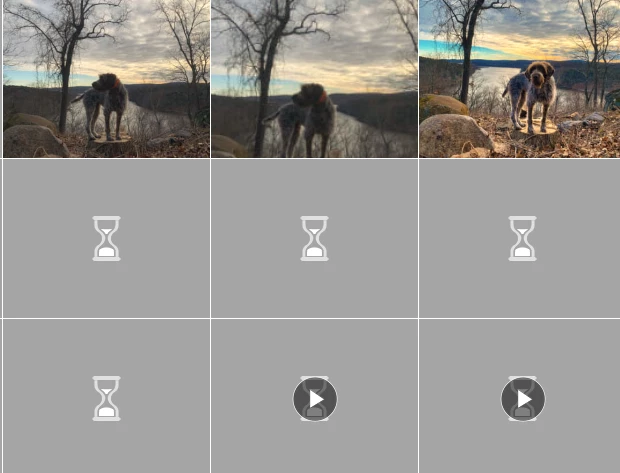
I am running Photoshop Elements 2022 on Windows 10 (64 bit). When I open the organizer, thumbnails do not appear for the majority of my pictures. I have pictures and videos going back to 2003 and none of them dispaly a thumbnail in the organizer. If I double click on a picture to open it, the same thing. This is for pictures or videos. Now I do have a very small number of photos that do display the thumbnails. A screem show below of what I see in the Organizer along with my system info below that.. How can this be fixed? Thanks!
Elements Organizer 20.0.0.0
Core Version: 20.0 (20210907.Git.master.dc62918)
Language Version: 20.0 (20210907.Git.master.dc62918)
Current Catalog:
Catalog Name: Wysor Family Catalog 1 1
Catalog Location: C:\ProgramData\Adobe\Elements Organizer\Catalogs\Wysor Family Catalog 1 1\
Catalog Size: 243.2MB
Catalog Cache Size: 798MB
System:
Operating System Name: Windows 10
Operating System Version: 10.0
System Architecture: AMD CPU Family:15 Model:1 Stepping:0 with MMX, SSE Integer, SSE FP, SSE2
Built-in Memory: 15.9GB
Free Memory: 4.1GB
 AdChoices