


Question
Truncated dialogs with display scaling
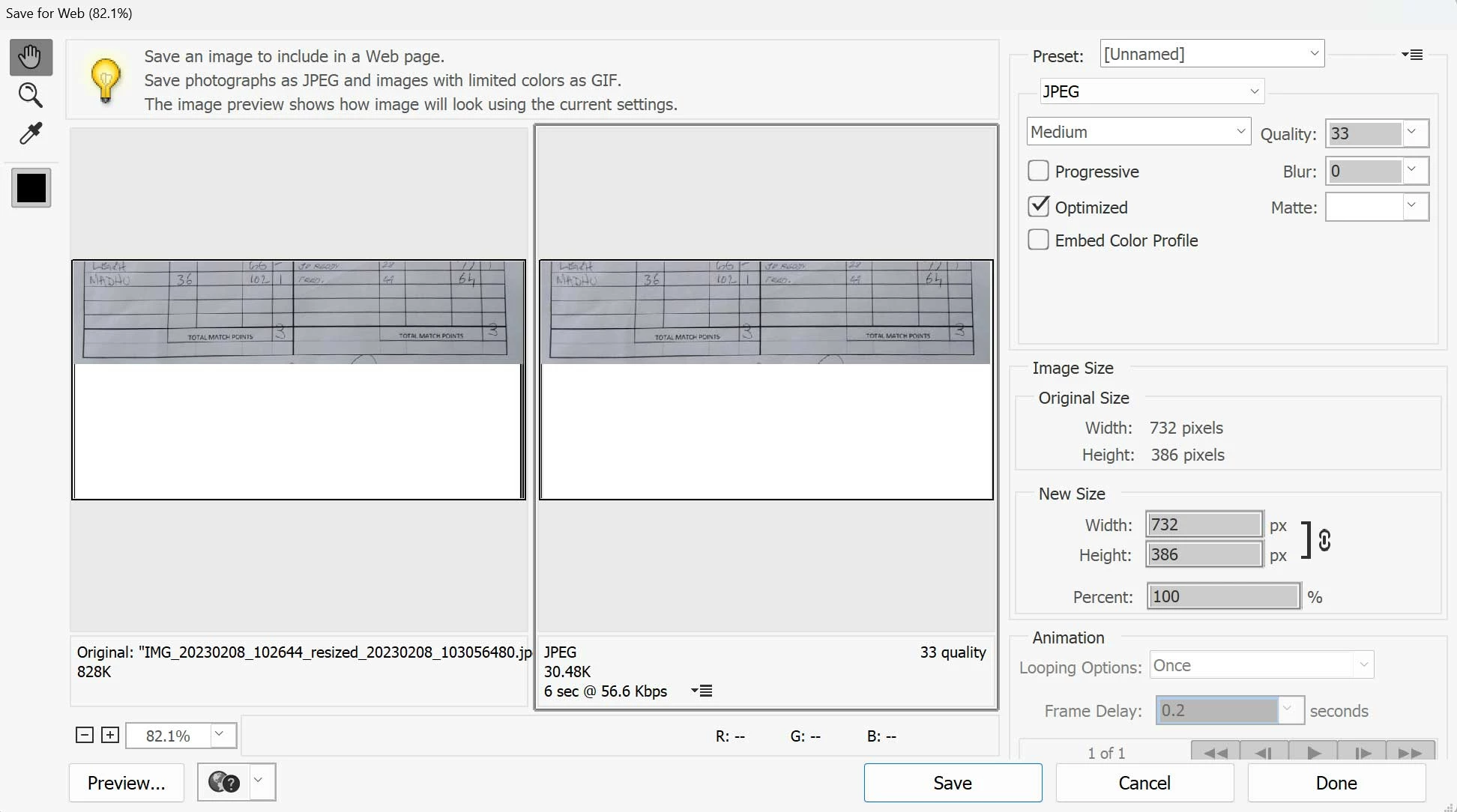
Windows 11 and PSE2023 on a 4k (3840x2160) monitor. The MS recommendation for display scaling in Windows Settings is 150%, which I use, as with the scaling at 100%, menus, text, buttons, icons, etc in the Windows UI are too small. The problem is that PSE can't cope properly with display scaling and truncates some elements in dialogs. As an example, see the screenshot below of the "Save for Web" dialog. The rendering of both images is truncated, and the animation loop buttons just above the "Cancel" and "Done" buttons are partially obscured. Both these problems disappear if I set scaling to 100%, but then everything else is too small. No other Windows application that I use has this problem with display scaling.
 AdChoices