


New Participant
November 14, 2025
Question

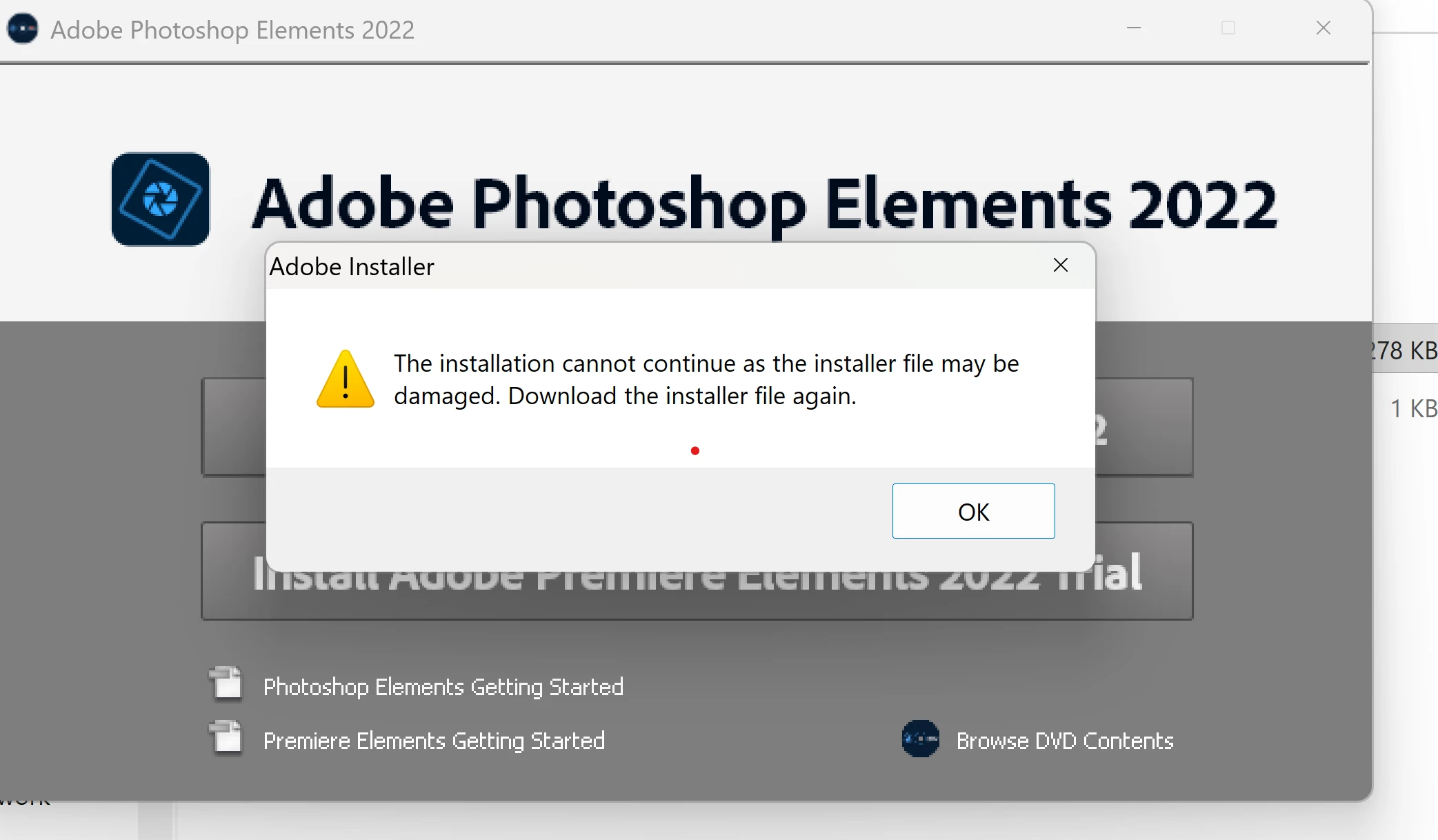
Unable to install Elements 2022

  • November 14, 2025
  • 6 replies
  • 123 views

I have a brand new in the box Adobe Photoshop elements 2022. I had it for awhile and never installed it on any of my computers. Now when I try installing I am getting and "installer may be damaged message".  I am not sure what to do with this? I have never even had the chance to use it. 
6 replies

Greg_S.
Braniac
November 21, 2025

I suggest you do as the message says and contact Elements support. You can start a chat session by going to the Contact Adobe Support page. (https://helpx.adobe.com/contact.html?rghtup=autoOpen) Make sure you are signed into your Adobe account and try typing Agent when the chat window opens. (If you use my link, the chat window should open automatically.)  With your permission, Support can take control of your computer and figure out what the problem is.

Greg_S.
Braniac
November 18, 2025

Are you installing as an Administrator?  (Adobe Error 16 is a file permissions error.) 


Added:  Also turn off any antivirus and firewall software during the installation.

New Participant
November 21, 2025

I ununstalled and re-installed as an administrator , paused my antivirus during the install and I still get the same error. 


Greg_S.
Braniac
November 16, 2025

Thanks for letting us know that this solution still works for Elements 2022.

New Participant
November 18, 2025

It did not work, I thought it was finally installing, but it got to 77% installed and I got this error. 

I uninstalled and re-installed as the meddage directed and it didn't work. Not sure where to go from here. I've done all that you've suggested. I registered the software and installed the redistribution packages (both the X86 and X64 versions)


Greg_S.
Braniac
November 14, 2025

What OS are you trying to install the program on.  If it is a newer Win 11 computer, try installing the Microsoft VS 2013 redistributable package.  Download and install both the X86 and X64 versions.

Greg_S.
Braniac
November 14, 2025

It is possible that the activation servers for Elements 2022 are no longer in service.  Please report back if you are able to register this older version as suggested by @Peru Bob.

New Participant
November 15, 2025

Thank you Greg!! I did these updates and it's installing as I type. Thanks bunches!!


Peru Bob
Braniac
November 14, 2025

If you have the serial number, you can register it with Adobe:

https://account.adobe.com/products


After registering, sign out and then back in. You might see a download link for an installation file.

New Participant
November 15, 2025

Thank you so much Bob, I followed yours and Greg's guidlines and it's installing right now. Thanks a bunch!!