Francis-Crossman17221443
Community Manager
Community Manager
October 14, 2022
Question

DISCUSS: Larger Magnification Factors in the Program and Source Monitors

  • October 14, 2022
  • 2 replies
  • 859 views

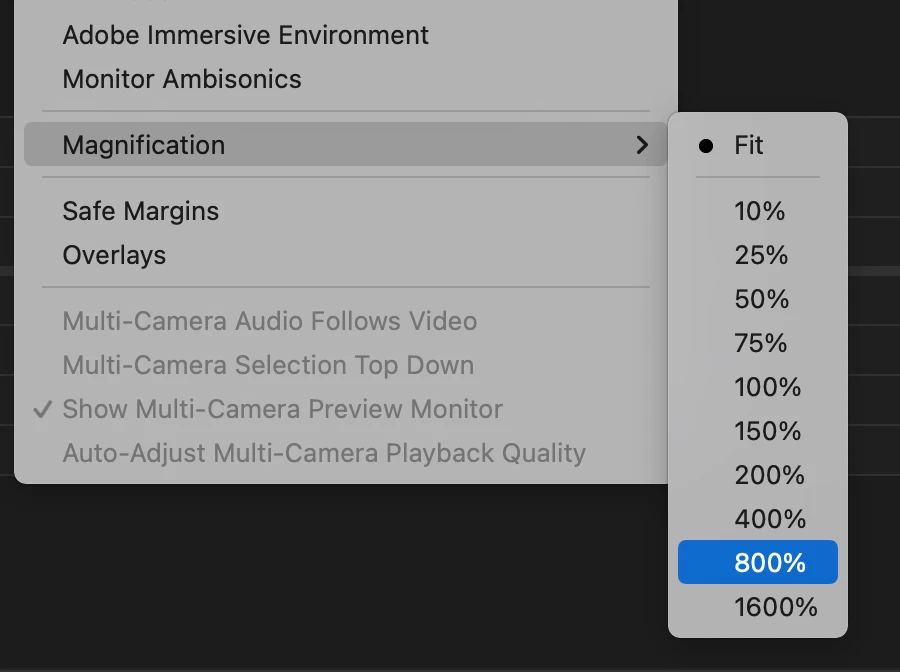
In Premiere Pro Beta version 23.1, build 40 or later, you will find new magnification (zoom) factors of 800% and 1600% have been added to the Source and Program Monitors. These new options can be useful for creating intricate masks or inspecting small details in your footage. 
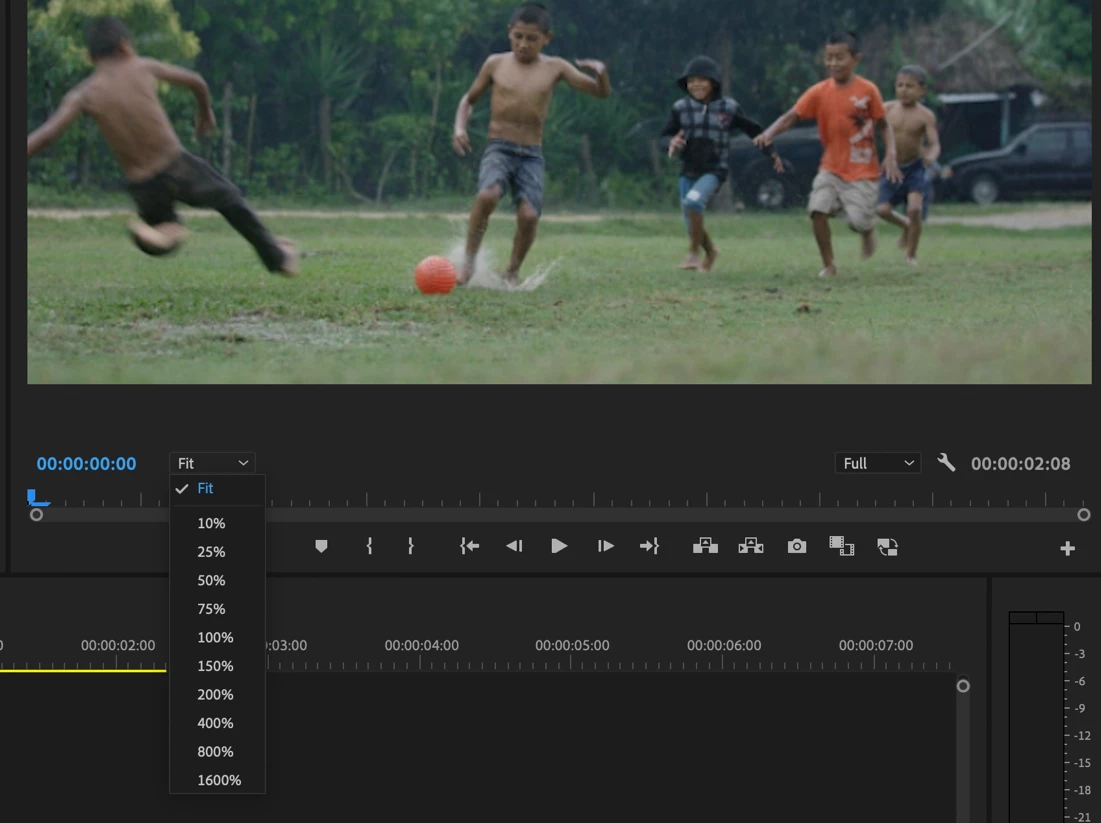


You will see these new options in the magnification menus in the source and program monitor window, the context menu, and the application View Menu


Note: Custom Keyboard Shortcuts can be assigned to the Program Monitor to make it easier and faster to zoom in, zoom out and zoom to fit.  The Program Monitor needs to be in focus for these shortcuts to work.  These functions do not have a shortcut mapped by default, but you can map your own.

  • Zoom Monitor In
  • Zoom Monitor Out
  • Zoom Monitor To Fit


We want to know what you think.  Please join the conversation below.


This topic has been closed for replies.

2 replies

Colin G Smith
Inspiring
October 15, 2022

LOVE IT! This makes working with everything, not just masks easier. But I always gotta ask for more:

1. Hold Spacebar for Hand tool like AE
2. Scrollwheel zoom in the Program monitor. (I'll ever take the fixed increments)

Wes Howell
Adobe Employee
Adobe Employee
October 17, 2022

Great suggestions.  We've also discussed these internally and would love to make this happen.  We will keep this in mind as we continue to fit in additional quality of life improvements.   

Community Expert
October 18, 2022

Would be nice if you could scale the Transmit out so that my BM connected reference monitor could also show the zooms.

Ann Bens
Community Expert
Community Expert
October 15, 2022