


Ann Bens
Adobe Expert
August 22, 2021
Question

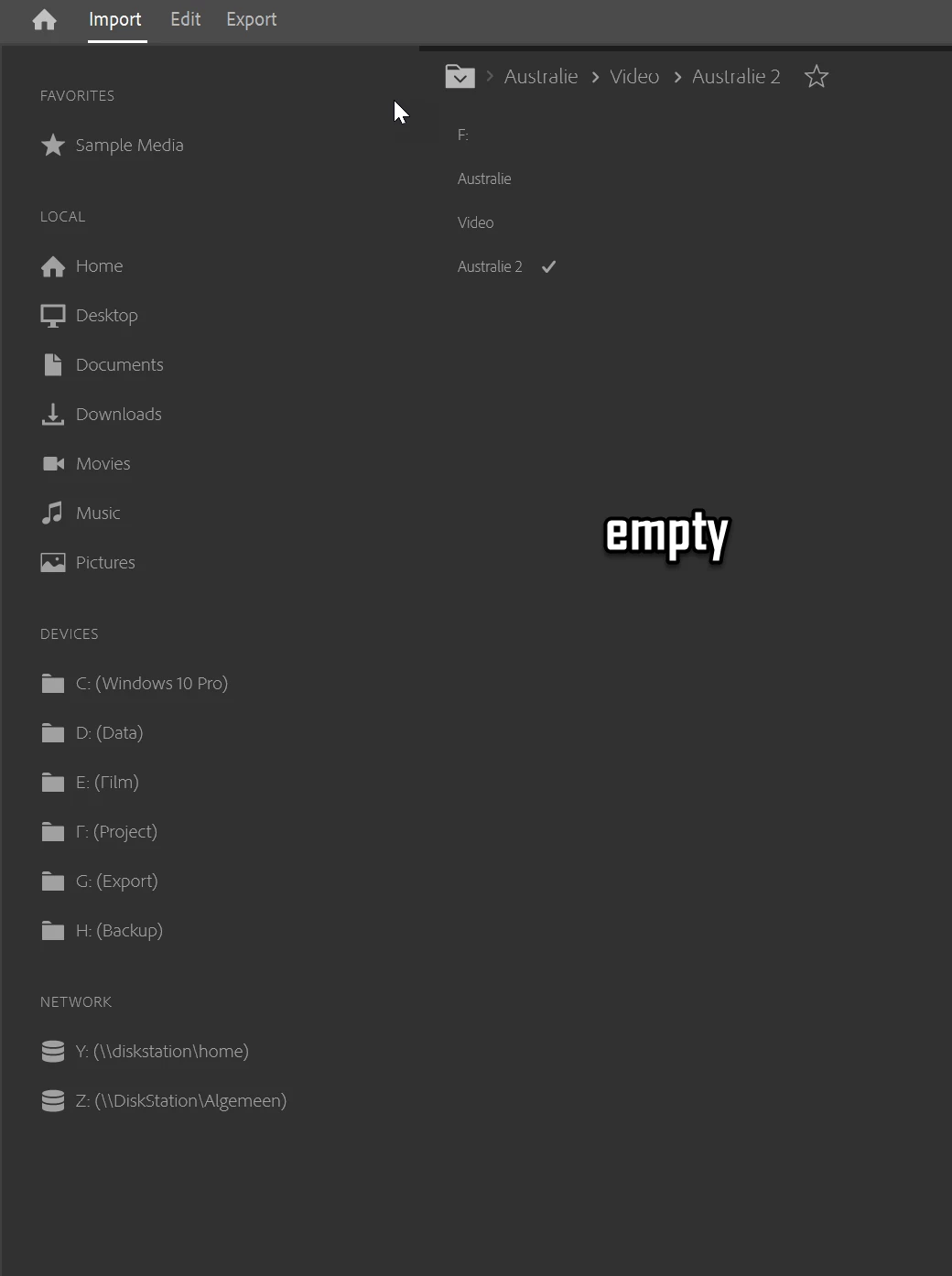
Import window does not show dv avi
  • August 22, 2021
  • 1 reply
  • 110 views

Same footage converted to prores no problem
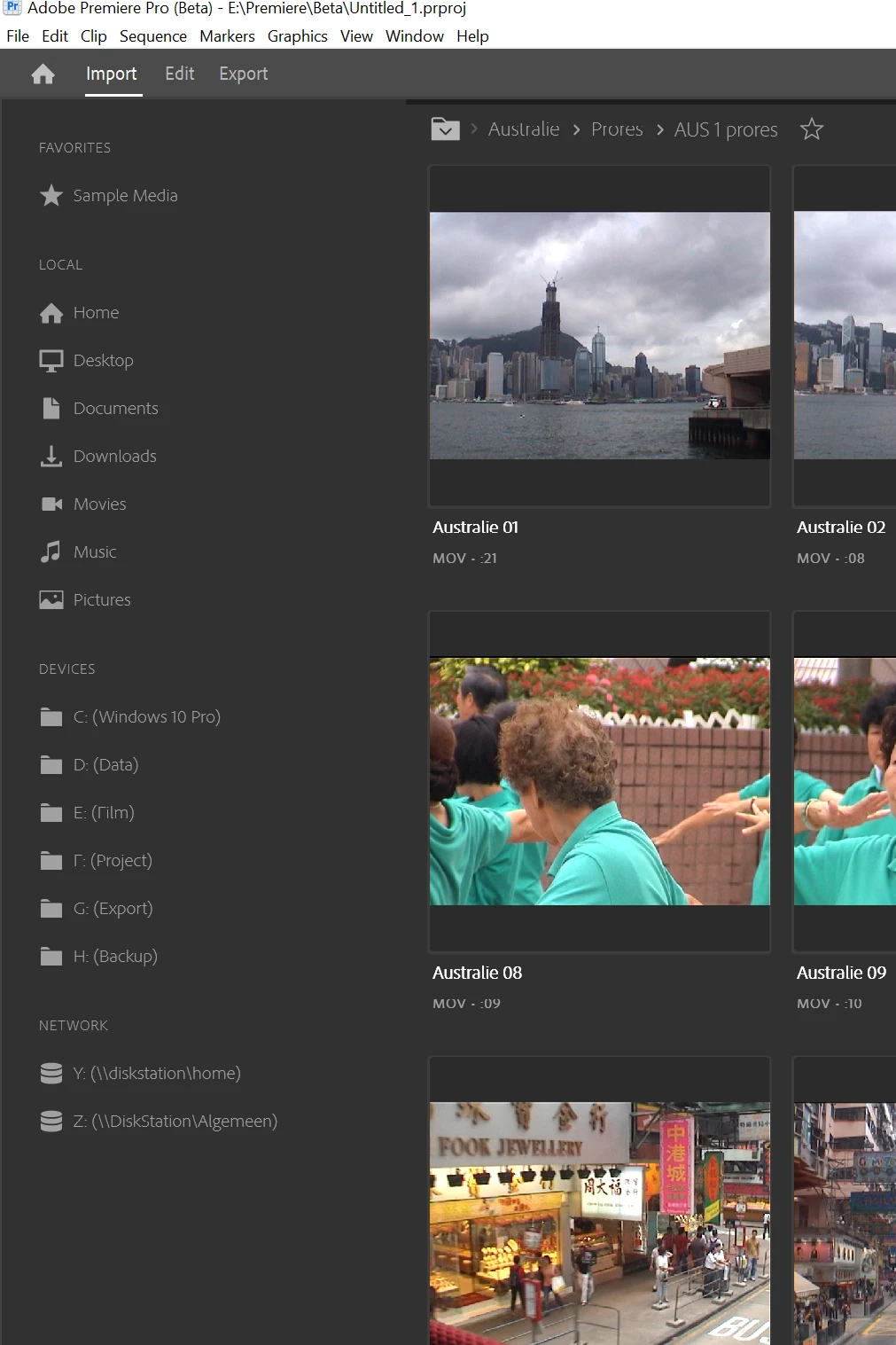
So guessing this is a codec issue?

I have 4 projects with old dv footage: non of them show in the import window.

This topic has been closed for replies.

1 reply

Stan Jones
Adobe Expert
August 22, 2021

Ha! I had not tried this. But I can't tell you whether I can see dv files! In Media Browser (Beta and Release versions), for some time, when I open it a new project, it is limited to .dng files. I have reset preferences, etc., but cannot get it to reset.


Now in the new Import window, when I browse to my folder, I see only the .dng file, and there is no setting I can see tht avoids this "filter." When I go to the filer and select "All Supported Files," it does nothing but show the .dng file.


Anyone know how to clear that setting?


Stan


Ann Bens
Ann BensAuthor
Adobe Expert
August 23, 2021

This what mine shows:

Does one file a bug report or do we go to the uservoice?