

AndrewTheGreat
Known Participant
November 18, 2024

P: Transcription leads to errors, video artifacts, glitches

  • November 18, 2024
  • 25 replies
  • 2103 views

Premiere Pro 25.0, Nvidia Studio driver 566.14, Intel Core-i7 14700k, RTX 4080, 64 Gb of ram, fast SSDs with plenty of free space.

Each time I try to use transcribation, it first starts and goes on but then it leads to multiple glitches.

This is how it looks:

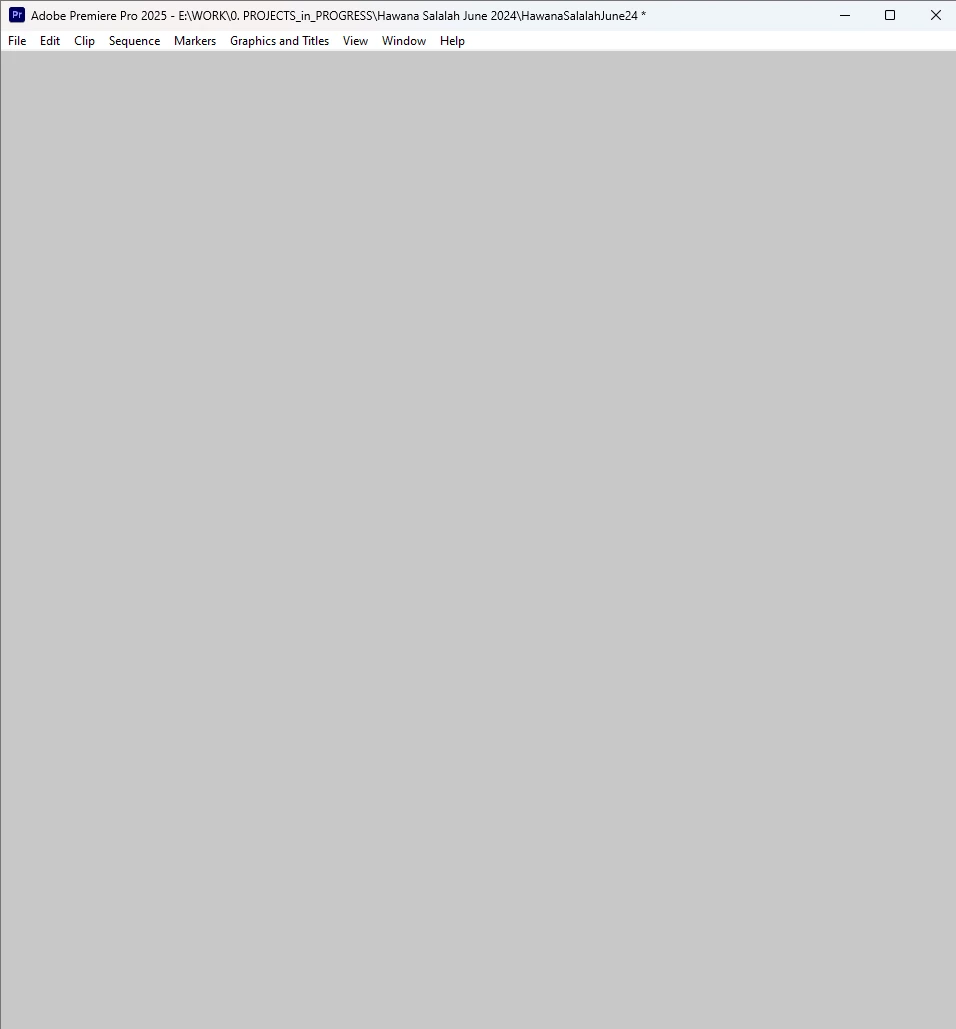
The process of transcribation goes on gradually but I cannot see the progress because Premiere Pro hangs though some its tabs continue to respond. After the transcribation is over, Premiere Pro stays unresponsive, so if you minimize it and maximize again you see this white window:
I would assume that it's the video driver but Ctrl+Alt+Win+B to reset it doesn't help.

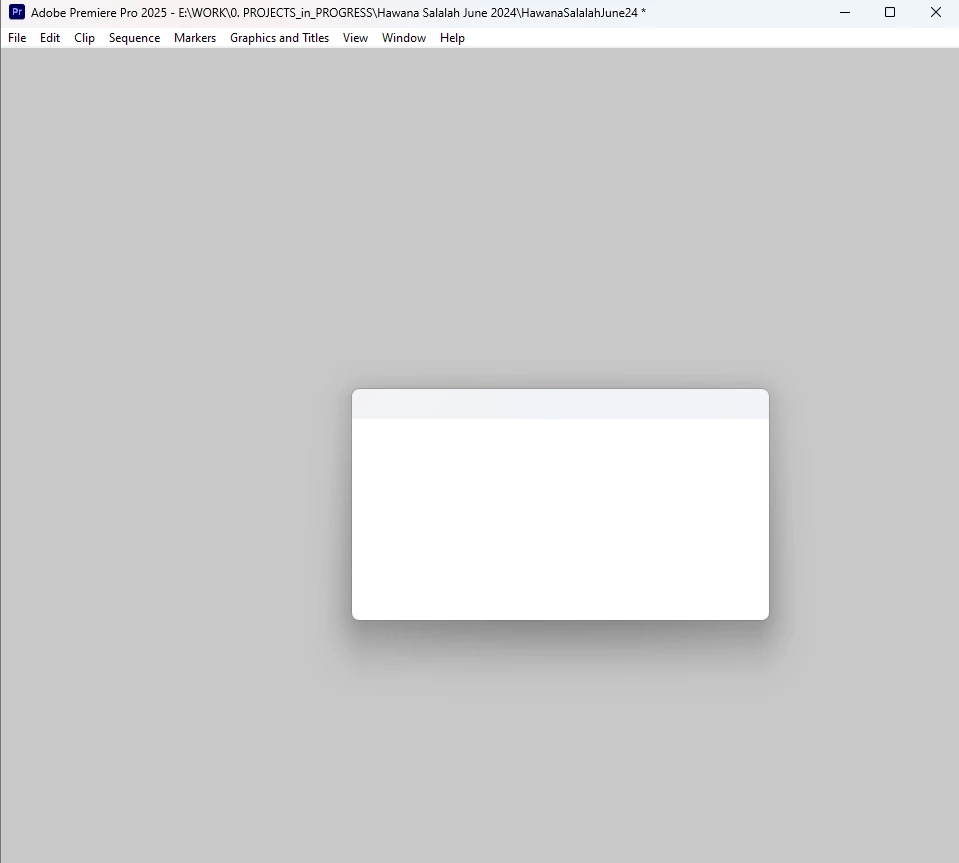
I cannot save the project because when I do that I see this and cannot click any button, ctrl+S doesn't work either:
 

Steps to reproduce:

Open Premiere Pro, import several video files (3840 x 2160, 23,976 fps, MP4 H.264 4:2:0), select them all, choose Transcribe.

My obserations: this may be happening when this process info window is opened:
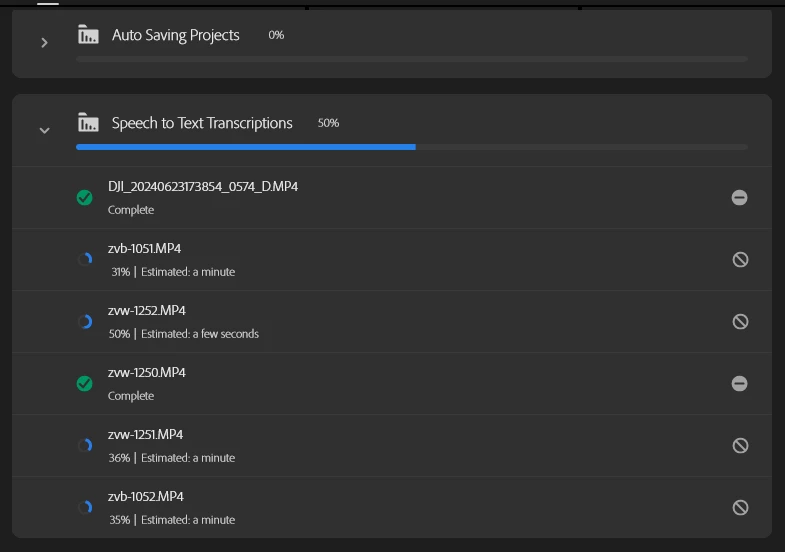
I tried to retranscribe several times and with this window closed it was fine. Only once I opened this window and got this glitch again. 

Also with this window not active the transcribation process never stops and goes much faster (as it should).

Another moment - there were suggestions that Premiere Pro v.25 my have vidual glitches like that if Chrome is running at the same time, like there may be a conflict between these two. I checked it - Chrome does not matter. Only this progress info in Premiere does.


UPD: a colleague of mine confirmed the same bug on his system using the same scenario on i5-13500, 64 Gb of Ram, 3070Ti, same Pr version, same video driver.


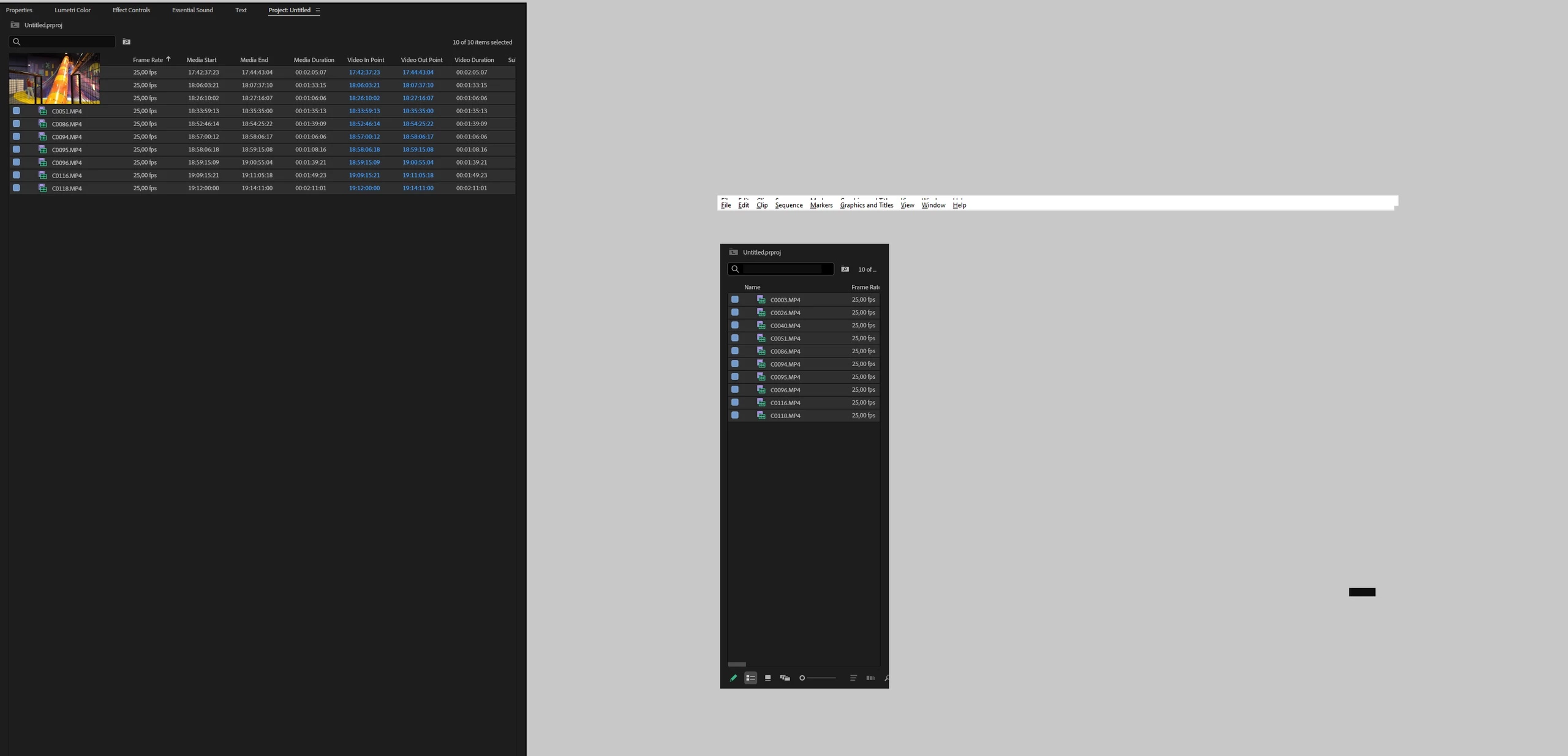
Upd2: same issue on Win11 / Pr 2025

14900k (igpu turned off in Bios) + Rtx 3080 + 128Gb
25 replies

Adobe Employee
March 7, 2025

Hi @angaelica - The issue with Transcription panel was a UI technology integration problem which specifically arose on Windows OS due to a rare interaction between the Progress Panel, and the change of the overall Premiere UI stack on Windows from the software based GDI UI platform to a hardware based Direct 2D platform which went out to release with V25.0. Once the problem was repro'ed, a fix went into Premiere Beta in December, for inclusion in Premiere 25.2, which allowed Progress Panel UI to operate safely once more on Windows.


The option to switch to GPU rendering allowed for going back to the old GDI system on Windows as a fallback option particularly for rare UI repro bugs which did not get discovered while D2D was in Beta during 2024, as well as a fallback for users with bad GPU drivers and unusual GPU issues on Windows.

The GDI system on Windows has a limitation in that if 10000 objects are allocated, the entire UI will simply stop functioning, which can occur even if memory utilization is relatively low.  On Mac OS, there was no corresponding change of  UI rendering system for premiere, nor does mac have such a 10k item limit failure mode like this.


I'd recommend checking other relevant threads, or starting a new one, as the specific problem which arose in the original post cannot occur on Mac OS. Your issue sounds like it may be an issue with the transcription scenario itself.

Known Participant
March 7, 2025

@Peter_Antal I am having the same or at least a similar issue, but I'm using Apple Sequoia 15.3.1. I do not have the option to turn off GPU Acceleration. I am using Premiere Pro 25.0 and whenever I try to transcribe it uses up to 100GB of RAM and then crashes. Another editor is working on the same Productions file and does not have this issue. Thanks!

Stan Jones
Community Expert
Community Expert
December 14, 2024

@AndrewTheGreat,


A second round of congratulations on your identifying the progress dashboard as an element in this. I found the same thing when testing a long transcription and finding one of the other D2D bug threads. Adding the GDI column to task manager was a real eye opener:

https://community.adobe.com/t5/premiere-pro-bugs/direct-2d-drawbot-error-invalid-widnow-handle-hresult-2147023496/idc-p/15021916#M41874


@Peter_Antal,


Just confirmation that I see this clearly in PR 25.0.0 and NOT in Beta 25.2.0.50. With the Progress Dashboard open, PR adds GDI counts till it maxed out and I get the white screen etc. If it matters now, I was transcribing a 58 minute .mp4 imported to a new project. Probably not relevant, but this was a file with 3 stereo audio tracks and I transcribed to Channel 1 so it did not need to do any special processing for the "mix."


I mistook the symptoms reported in the various "Direct 2D Drawbot" threads for a video driver issue and updated my RTX 3070 to 566.36 and, I now realize, as expected, it made no difference. I also updated the Intel graphics driver which also made no difference.


My experience of the PR unresponsive state was that I could get some function back by minimizing this and that until I could access the File -> Save command. This confirmed that the transcript had in fact finished and was available when the project was reopened.


I assume this problem is also present in 25.1.0. I am putting off updating until I complete a project.


Stan

Adobe Employee
December 7, 2024

Update: A fix for GDI resource leakage was applied for the kind of popups used by the Progress Dashboard as well as the Quick Export action, with resource usage in line with V5. That change will be part of Beta builds after today, and included with next release.


Adobe Employee
December 6, 2024

@AndrewTheGreat - We've got a candidate fix for the leak in review now, to correct for the interoperation issue between the UI tech of that panel, and hardware accelerated UI on Windows. The problem wasn't unique to that progress view, so this may also help for a narrow set of similar popups using the similar, but uncommon combination of components. I'll circle back when it's confirmed as included in Betaprime builds.

I've repro'ed and filed a separate bug about your flickering observation particularly on resize w/GPU acceleration is disabled. We'll want to make sure the fallback path remains usable for transient issues like GPU driver bugs, even after these initial issues are all mopped up. Thanks for bringing that to our attention.

AndrewTheGreat
Known Participant
December 5, 2024

Well, @Peter_Antal

I don't think this is usable with all this flickering and stuff... This is what happens if you turn off the UI acceleration. I think I'll keep this one on and wait for a fix...


Stop trying to edit and EDIT!
Stan Jones
Community Expert
Community Expert
December 5, 2024

@AndrewTheGreat Kudos to you for identifying the problem and persisting in helping sort it out. I tend to briefly turn the progress dashboard on and off, and never saw the issue.


And to you, @jamieclarke, for getting developer attention.


Stan


AndrewTheGreat
Known Participant
December 5, 2024

Hi, @Peter_Antal

Good to know there is a particular cause of this behavior. Switching it off as of right now.

Stop trying to edit and EDIT!
Adobe Employee
December 5, 2024

@AndrewTheGreat  - FYI we're looking more closely at the details, but it looks like there's an unique interaction of the recent D2D GPU UI feature which first shipped in with Premiere V25 release and the progress dashboard view. Toggling the hierarchy in that view especially drives a rapid leak.

Windows 10 vs 11 doesn't seem to matter for this one.


We're investigating the root cause of unusual resource use which doesn't clean up for that particular view, but the problem interaction does not repro if you disable "GPU accelerated UI renderering" from General Preferences. I'd recommend turning that mode off on your environment as a stable mitigation in the interim until a fix can be made available.


jamieclarke
Community Manager
Community Manager
November 22, 2024

Hi @AndrewTheGreat - I agree with you.  I believe it's a difference between Windows 10 and Windows 11, but waiting to hear from the developers.