Hi GFXD67,
I see your message and it sounds like the steps given earlier did not work for you. Is that right? If so, try the following.
- Open the Apple menu > System Settings.
- Select Privacy & Security > Developer Tools.
- Click the ( + ) button and navigate to the folder where the damaged app resides.
- Select the app and click Open.
Is that working for you? Please let us know. It could help others. Sorry for the frustration.
Thanks,
Kevin
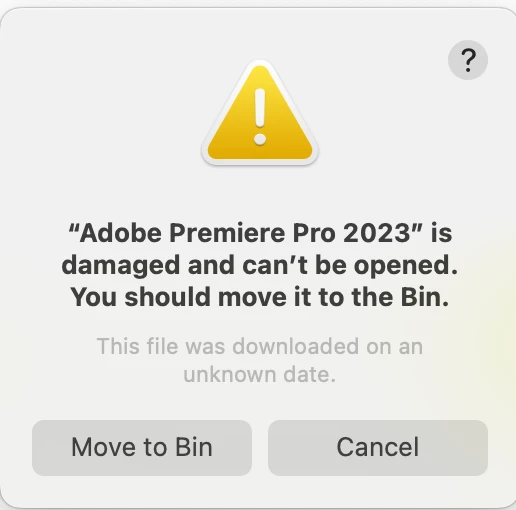
Thanks for the reply. Unfortunately I didn't see this message in time and so cannot test it, but I did manage to solve the issue after seeing from a web search a page that said that the message doesn't mean the the app is actually damaged and could be a security issue.
So I went to Privacy & Security and I found there one of those messages you get when installing certain software about something being blocked from doing something to the system and you need to manually go into System Settings to allow it. (Either 'system extension blocked...' or '[app] was blocked from use because it is not from an identified developer').
Either the message didn't appear when I first installed Premiere or it was hidden behind some other window (or perhaps hidden by Stage Manager in Ventura?), but either way I didn't see it. After now clicking on the option to allow whatever it was (and probably restarting my mac), Premiere 2023 is working again. So I could have done all this without any uninstall/reinstall process it seems. I certainly think that this guidance should be given in troubleshooting FAQs if it isn't already, and if the error message was about Ventura thinking PP is not from an identified developer then that should be looked into.



 AdChoices