
All export attempts have failed.
With no video editing experience, I started using Premiere Pro three days ago. I managed to edit the file, but all attempts to export the generated clips failed. Please keep in mind in your answers that I have no experience, so what may be obvious to you is not obvious to me.
**HW/SW configuration**
Ryzen 7 2700X, 32GB 2400mhz, NVMe + SSD + SK Nvidia GT1030 disks
Win 10 2021 LTSC updated 21H2 Build 19044.6332
I am aware that there is a bottleneck, but this configuration should be sufficient to complete basic editing work (cutting and exporting) such as the one in question.
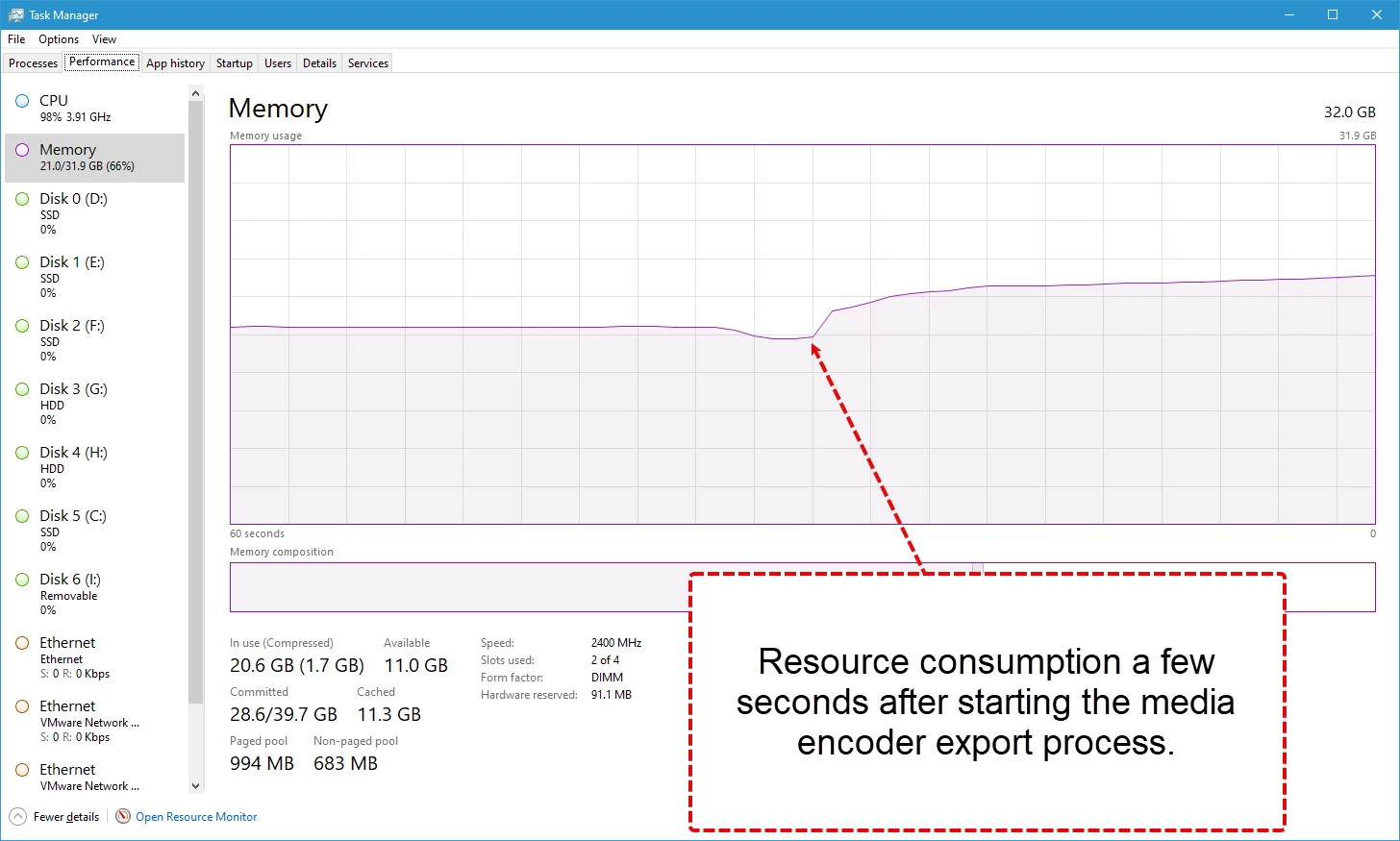
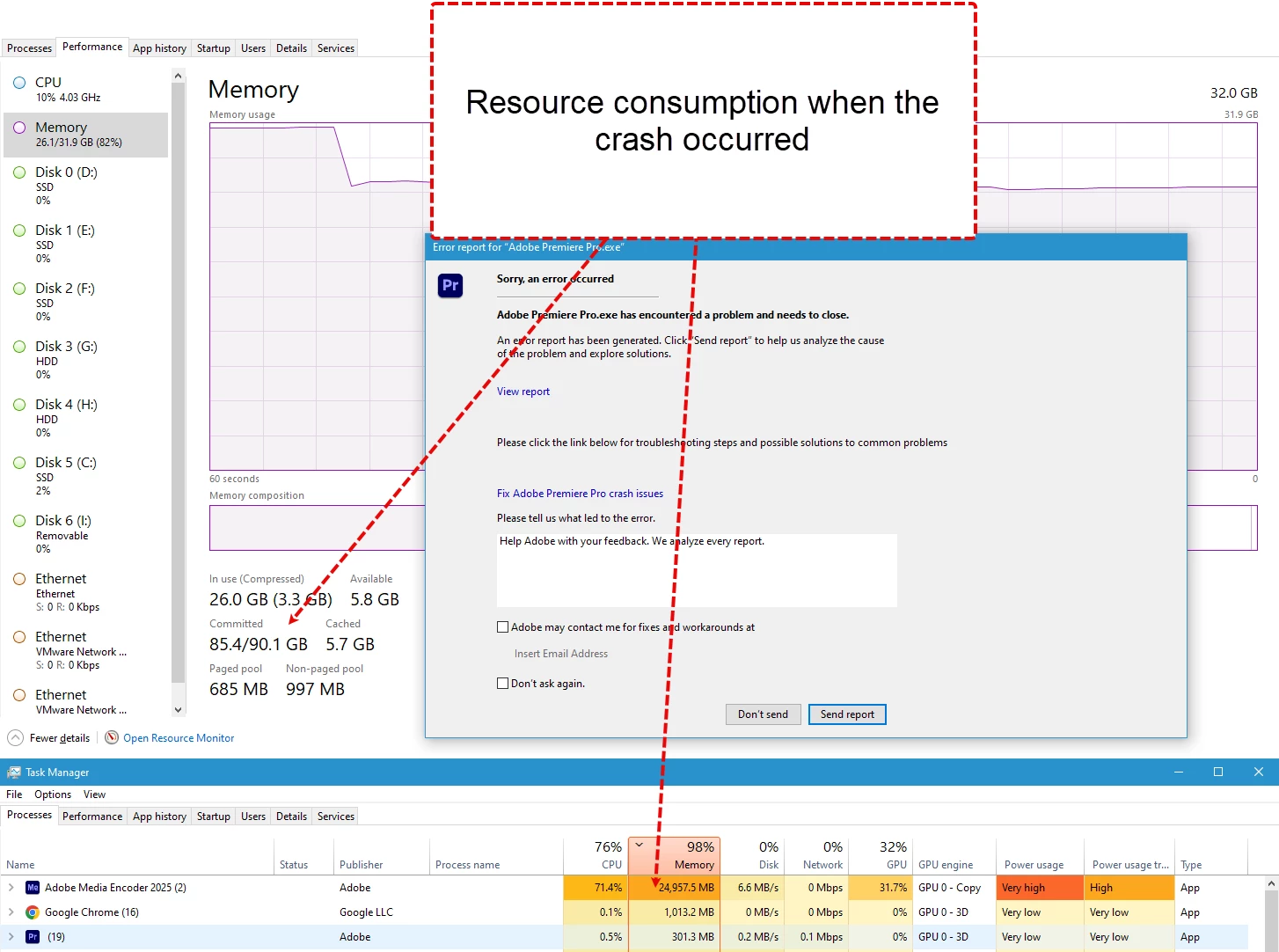
I monitored the last attempt and found the following.
Resource consumption a few seconds after starting the media encoder export process compared to the noticeable increase recorded at the time of the crash. See screenshot.
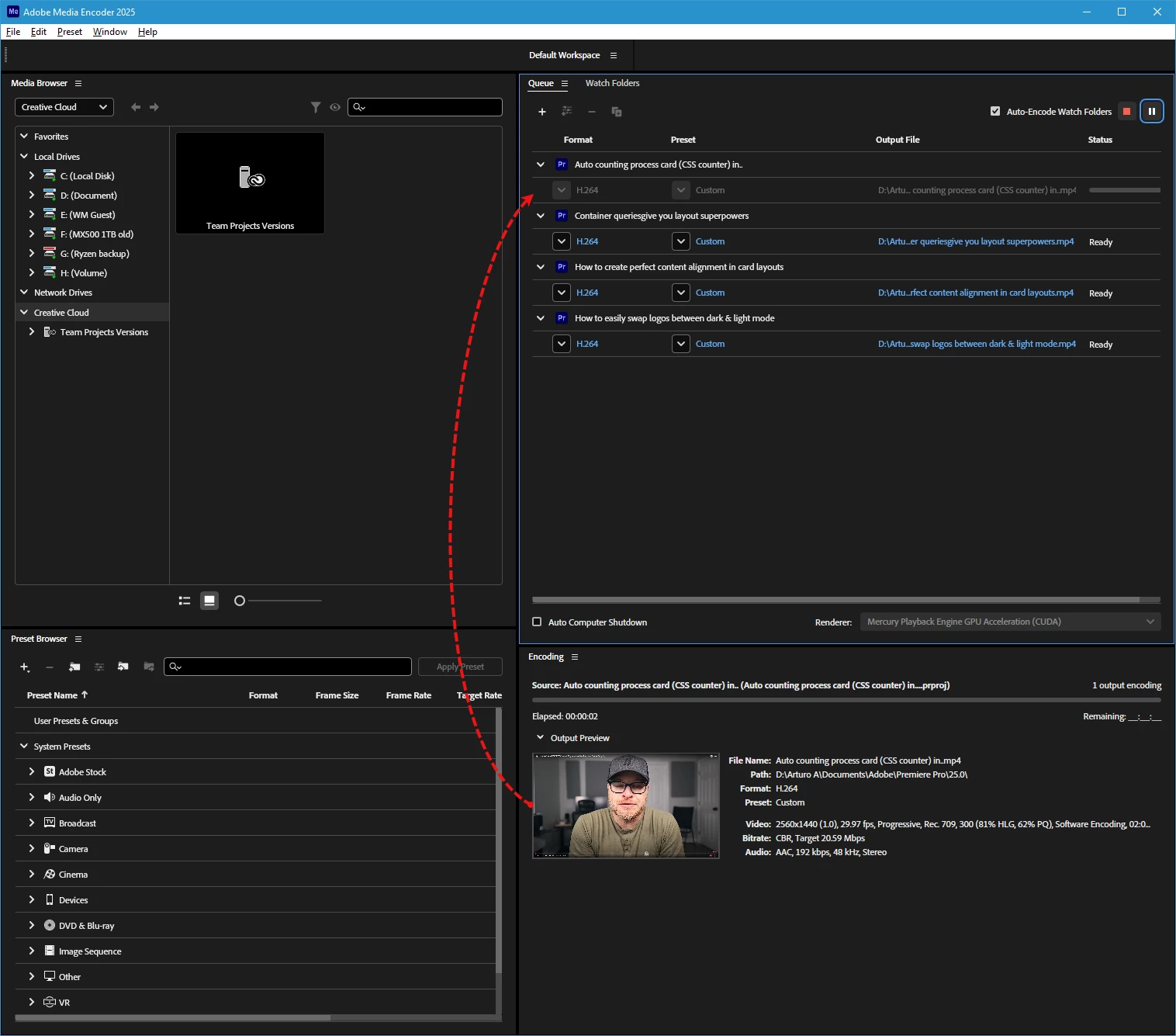
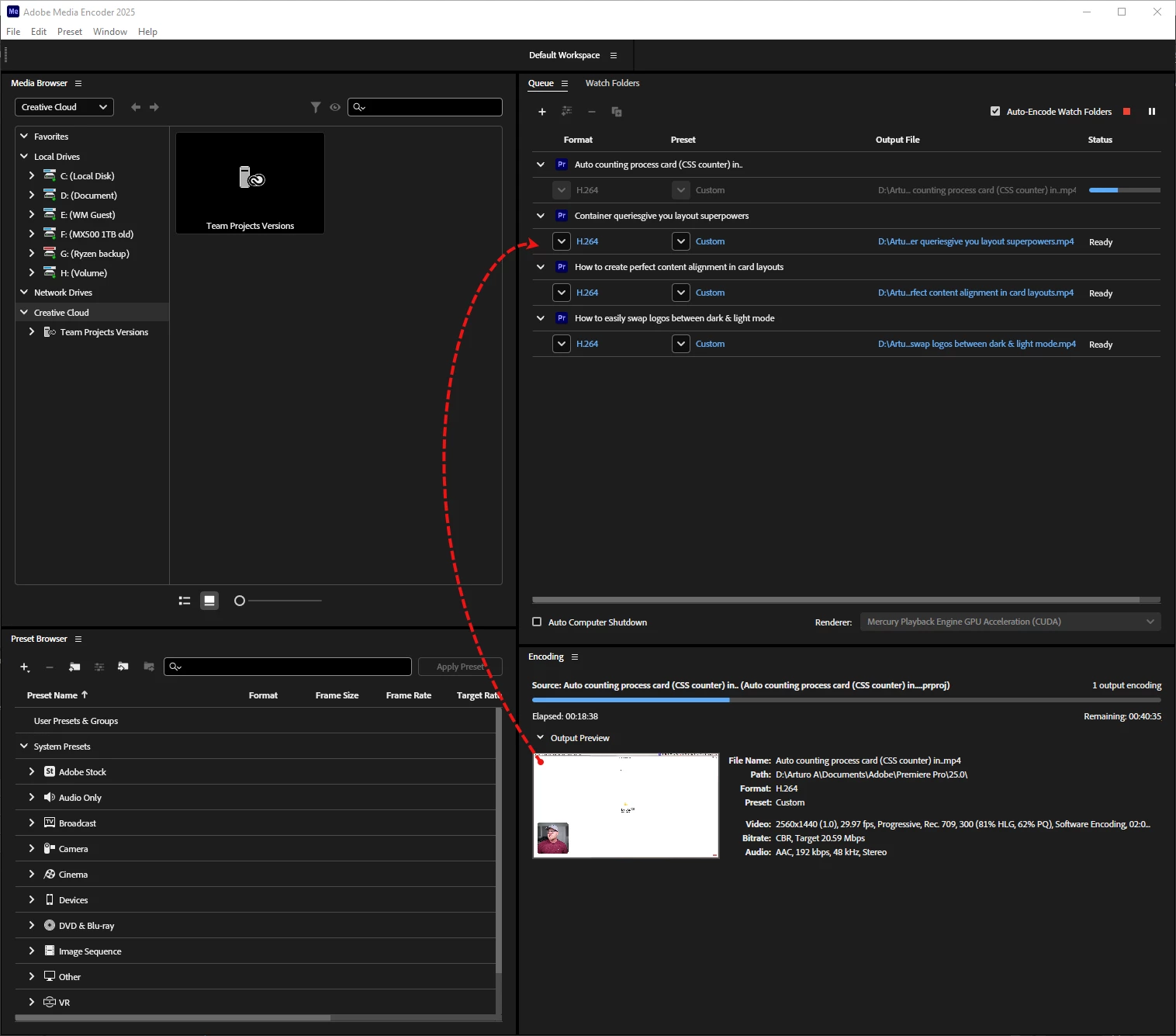
**Inconsistency of the information displayed in Media Encoder. See screenshot**
The crash occurred shortly after processing of the second clip in the queue began, but the information displayed does not match.
The thumbnail in the lower panel shows the content of the second video in the queue, while the upper panel shows that the first video in the queue is still being processed.
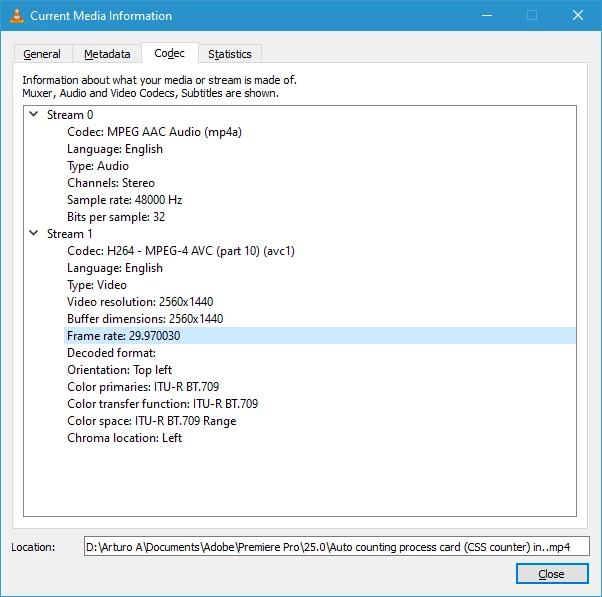
After the crash, which spread to the OS and resulted in a restart, I found the first file in the queue containing the first clip in the list plus part of the second clip in the saved files. The subtitles are missing. I am attaching a screenshot with the codec info for the saved video.
**Appearance of the Premiere Pro alert modal.**
This is the first time the crash detection modal has appeared.
In conclusion, can anyone tell me how


 AdChoices