See the correct answer from staff (Trent Happel via Kevin Monahan):
https://community.adobe.com/t5/premiere-pro/srt-import-with-right-to-left-language-e-g-hebrew-arabic-text-is-reversed/m-p/11909031#M335759
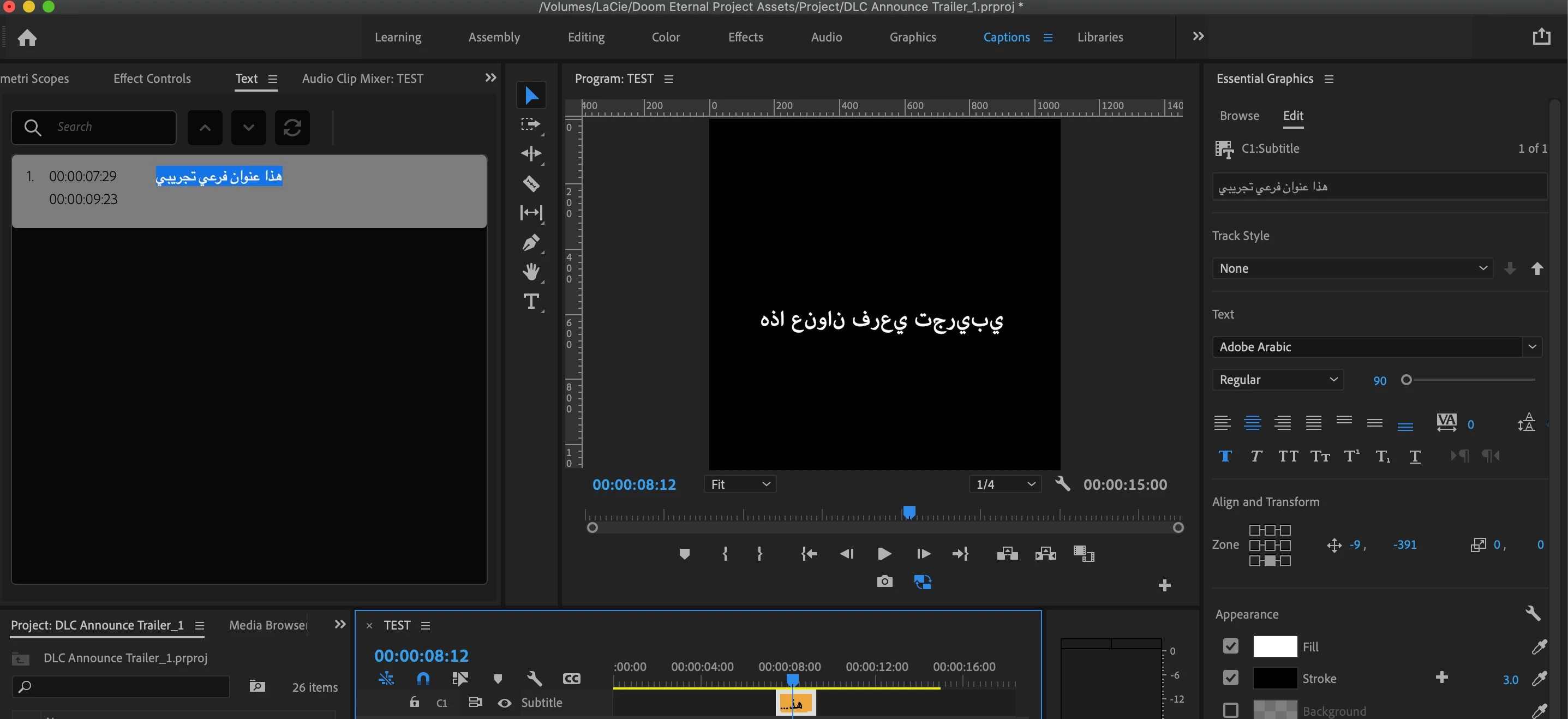
"Do you have South Asian and Middle Eastern set in your Caption Track Settings? Right-click on the Caption track header, choose Track Settings... and then under Styling Options > Text Engine, click button for South Asian and Middle Eastern. Then click Ok button."
Interestingly, I don't think you need to set the regular preferences to South Asian and Middle Eastern as long as you set the caption track. But when I set the regular preferences to that and created a new track, it set the caption track to the same.
Stan



 AdChoices