

Can you instantly locate marked ranges in Premiere like you can in Final Cut Pro???
Because I'm using Photoshop, Illustrator, and above all After Effects more than ever now, I'm looking to move on from Final Cut Pro to Premiere. I'm also very impressed with all the frequent updates Premiere Pro is getting such as the recently unveiled text based editing, whereas Final Cut Pro seems to be lagging far behind with no major update in years. I'm starting to seriously wonder if Final Cut Pro might not be in its end-of-life stage.
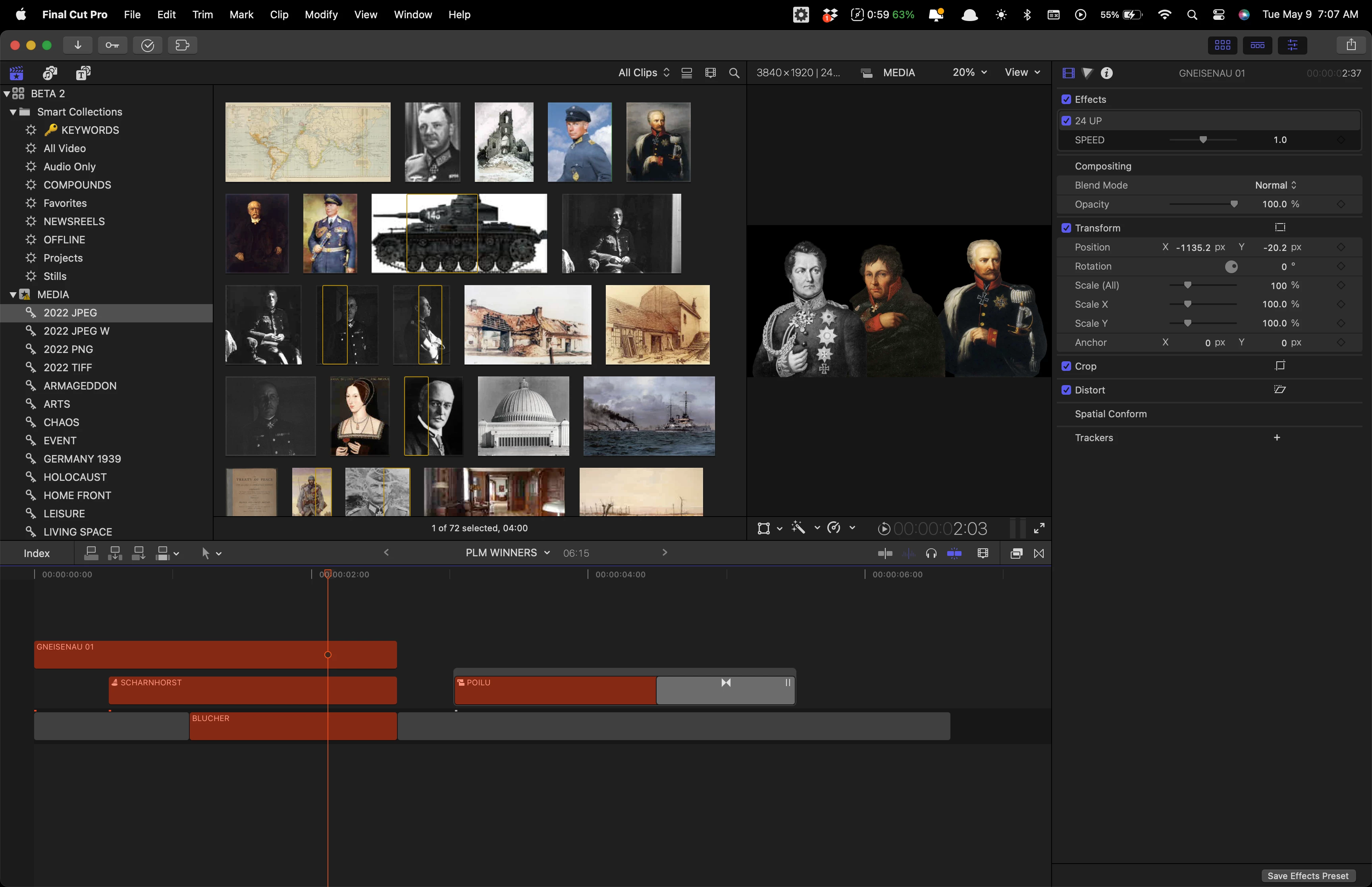
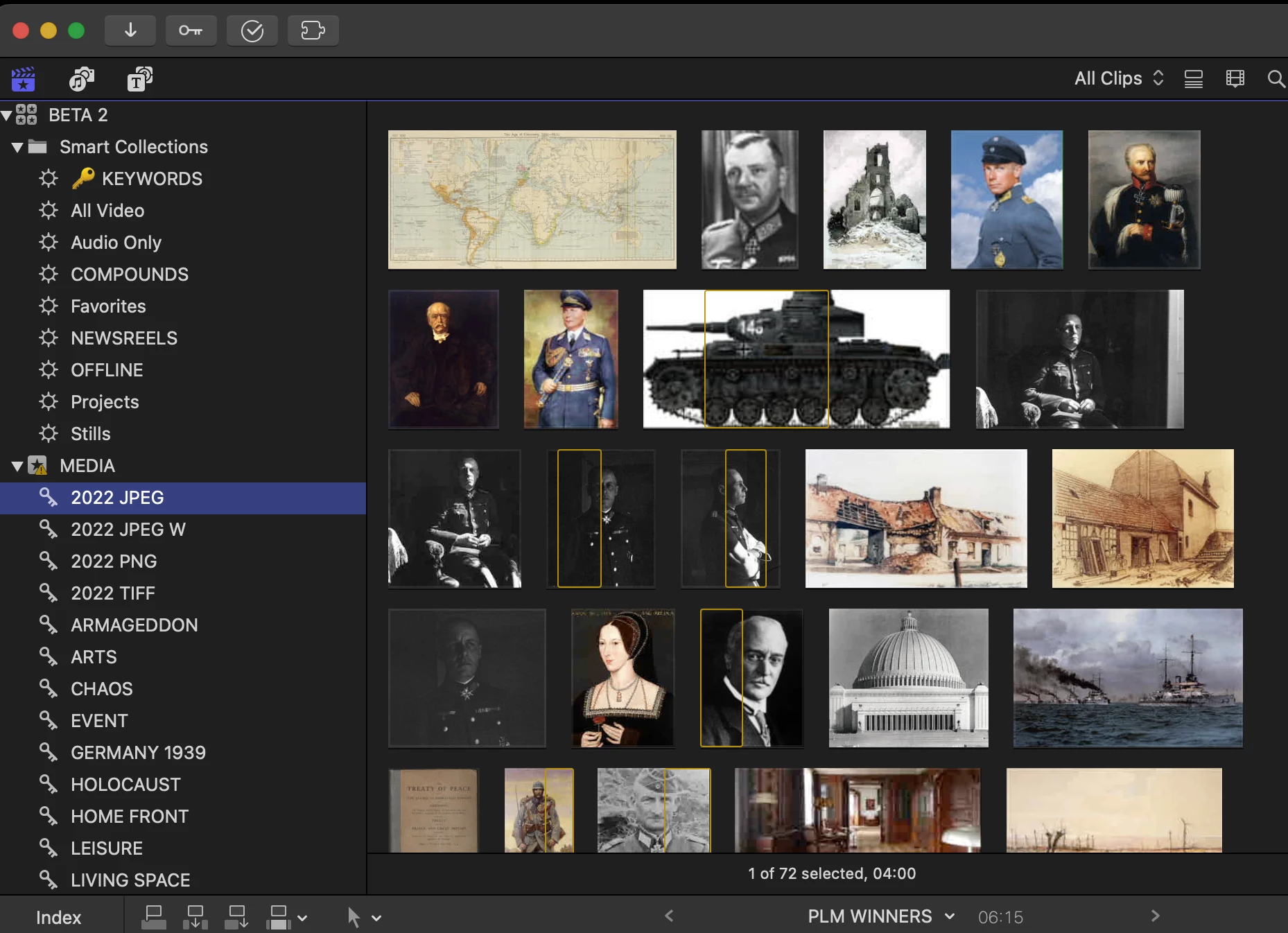
I'd like to know if there's any way to instantly locate files and marked footage in Premiere like you can in Final Cut Pro (see pics below). In Final Cut Pro you can mark footage in any clip and instantly locate it across all your clips by using keywords, the notes field, and smart collections which is a huge time saver. What would be the equivalent in Premiere? Is there a way in Premiere to instantly find footage in any clip by typing the name of the marked range when you're at the top level in the browser window? Thank you in advance.
 AdChoices