


Copy link to clipboard
Copied
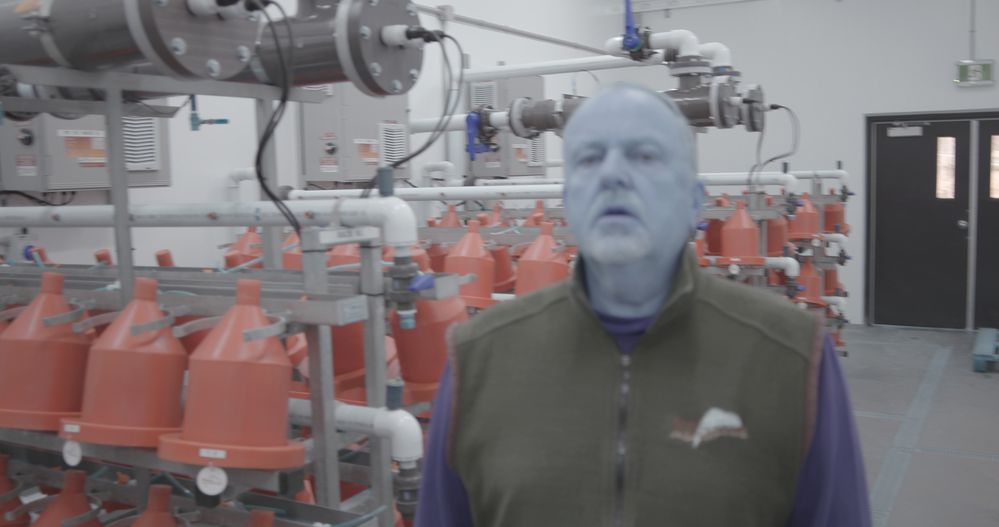
The color does no display correctly (it appears that the green channel is completely gone in my previews for clips on video channel 1 and 2). The clips look this way in the preview monitor, source monitor while in the project and in the source monitor using media browser. I have multiple copies of the same clip in different directories (backup/archive) and they all react the same way. If I open a different project file, the color looks proper for that project, but when I import or browse to the other project’s clips, they show improperly (without the green channel in them). The affected clips show properly when using Bridge. Any ideas?


 1 Correct answer
I logged a call with Adobe and they identified this was a bug with 15.0 (which I was still on). An upgrade fixed the issue. Thanks for your reply Neil!

 5
Replies
5
5
Replies
5

Copy link to clipboard
Copied
I'm on a windows machine
OS Name Microsoft Windows 10 Enterprise
Version 10.0.19043 Build 19043
System Manufacturer HP
System Model HP Z4 G4 Workstation
System Type x64-based PC
Processor Intel(R) Core(TM) i7-7820X CPU @ 3.60GHz, 3600 Mhz, 8 Core(s), 16 Logical Processor(s)
BIOS Version/Date HP P62 v02.68, 2021-04-06

Copy link to clipboard
Copied
What is your graphics card? Have you tried updating the driver for it?
What is the media?
If you make a new project, and import the clips into that project, do they show correctly there?
Neil
Copy link to clipboard
Copied
Name NVIDIA Quadro P4000. I updated the drivers a few weeks ago, but could try that again for sure. The media is MXF files from a canon c300mk2. Some of the files from that camera are doing this, while others are not. When I went to another project and imported the clips in that other project, they appeared the same way. The appear the same way when I use media browser as well.
Copy link to clipboard
Copied
I logged a call with Adobe and they identified this was a bug with 15.0 (which I was still on). An upgrade fixed the issue. Thanks for your reply Neil!
Copy link to clipboard
Copied
Any way you could send up a few seconds of one of those clips, to see if my rig or others here get the same problem?
Oops ... you were probably typing as I was! Glad you got an answer!
Neil


Find more inspiration, events, and resources on the new Adobe Community
Explore Now
 AdChoices