Participant
January 13, 2023
Answered

Colors change after export even though settings are Rec. 709

  • January 13, 2023
  • 2 replies
  • 4949 views

Hi Guys!!


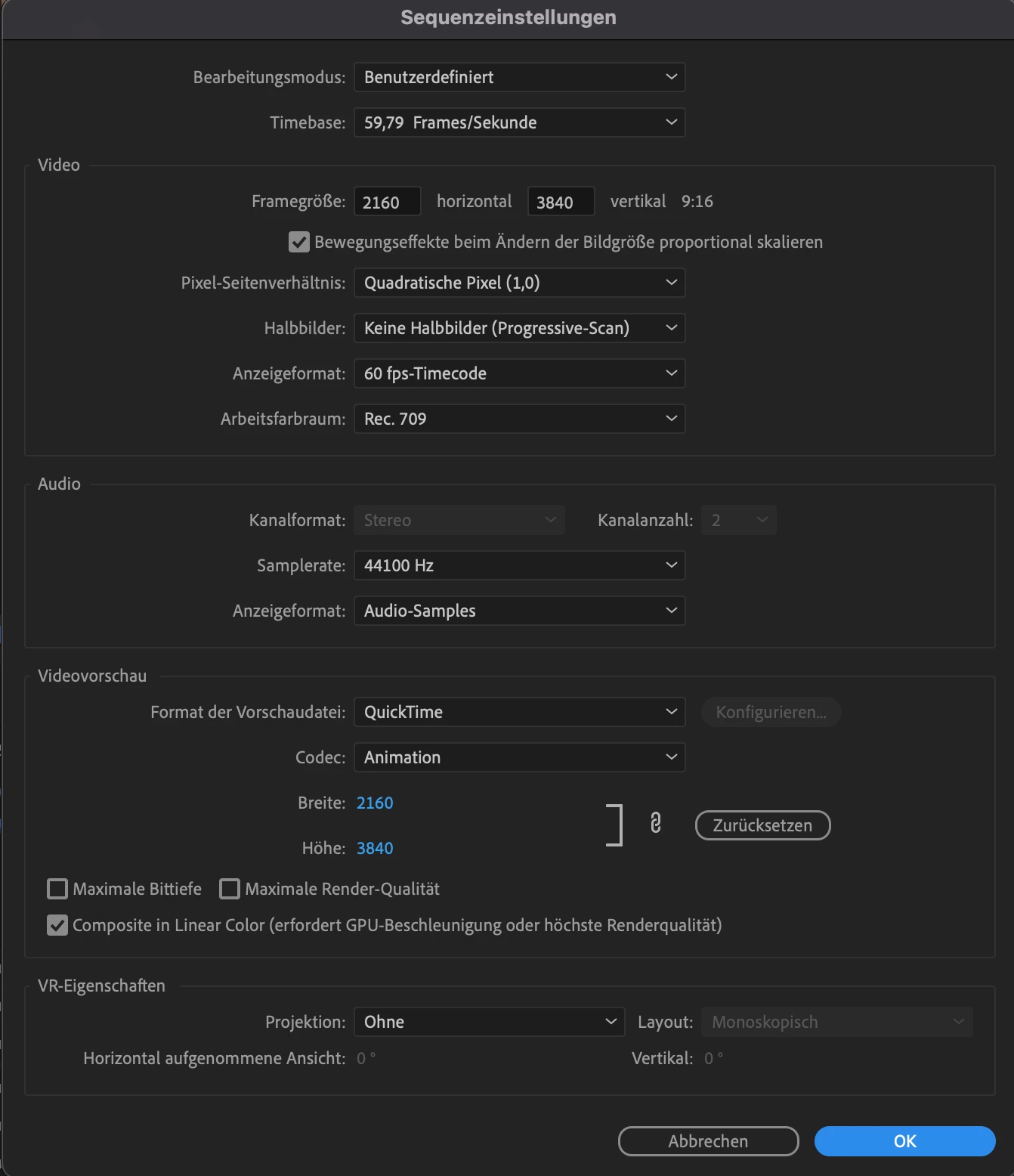
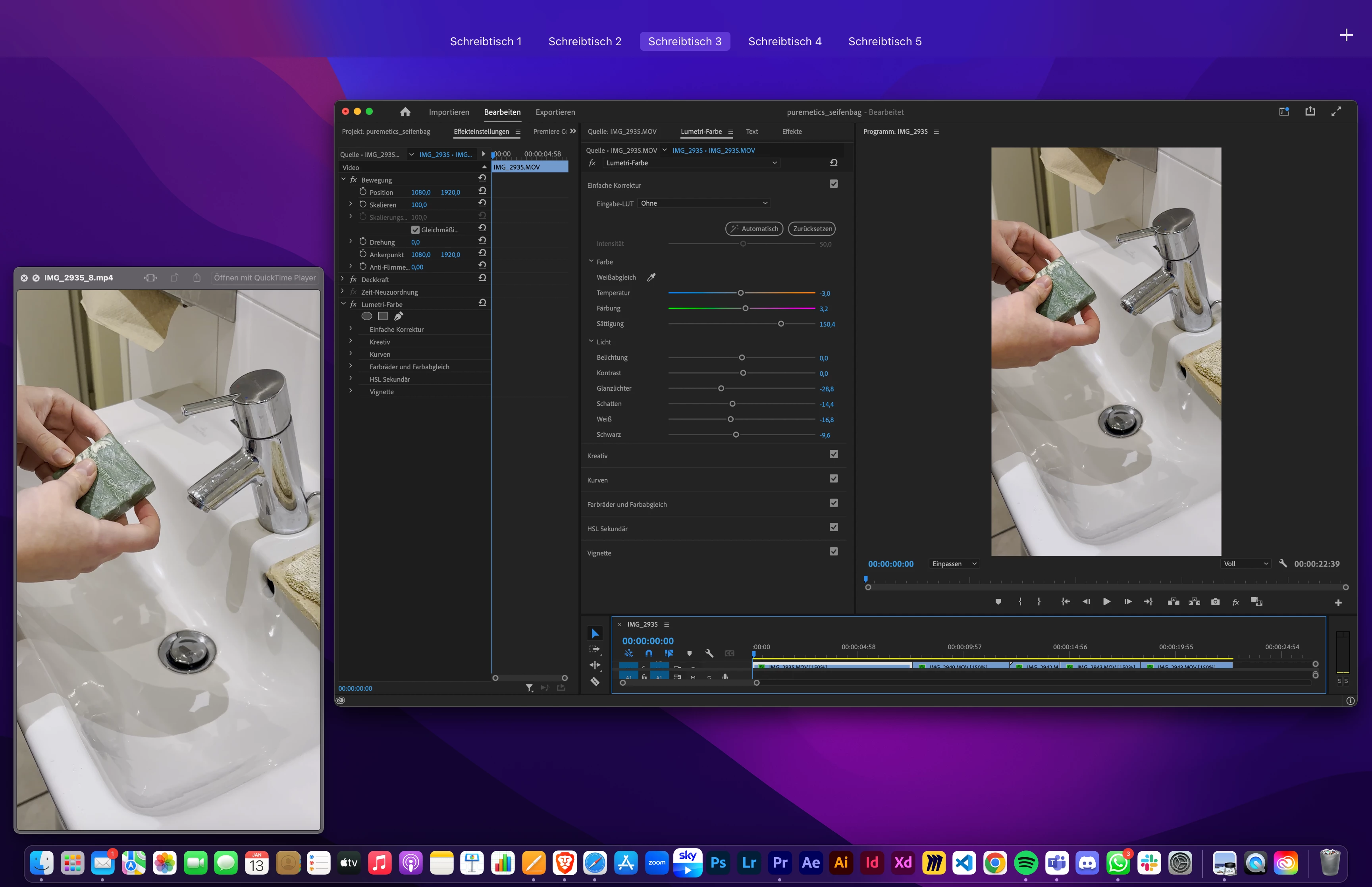
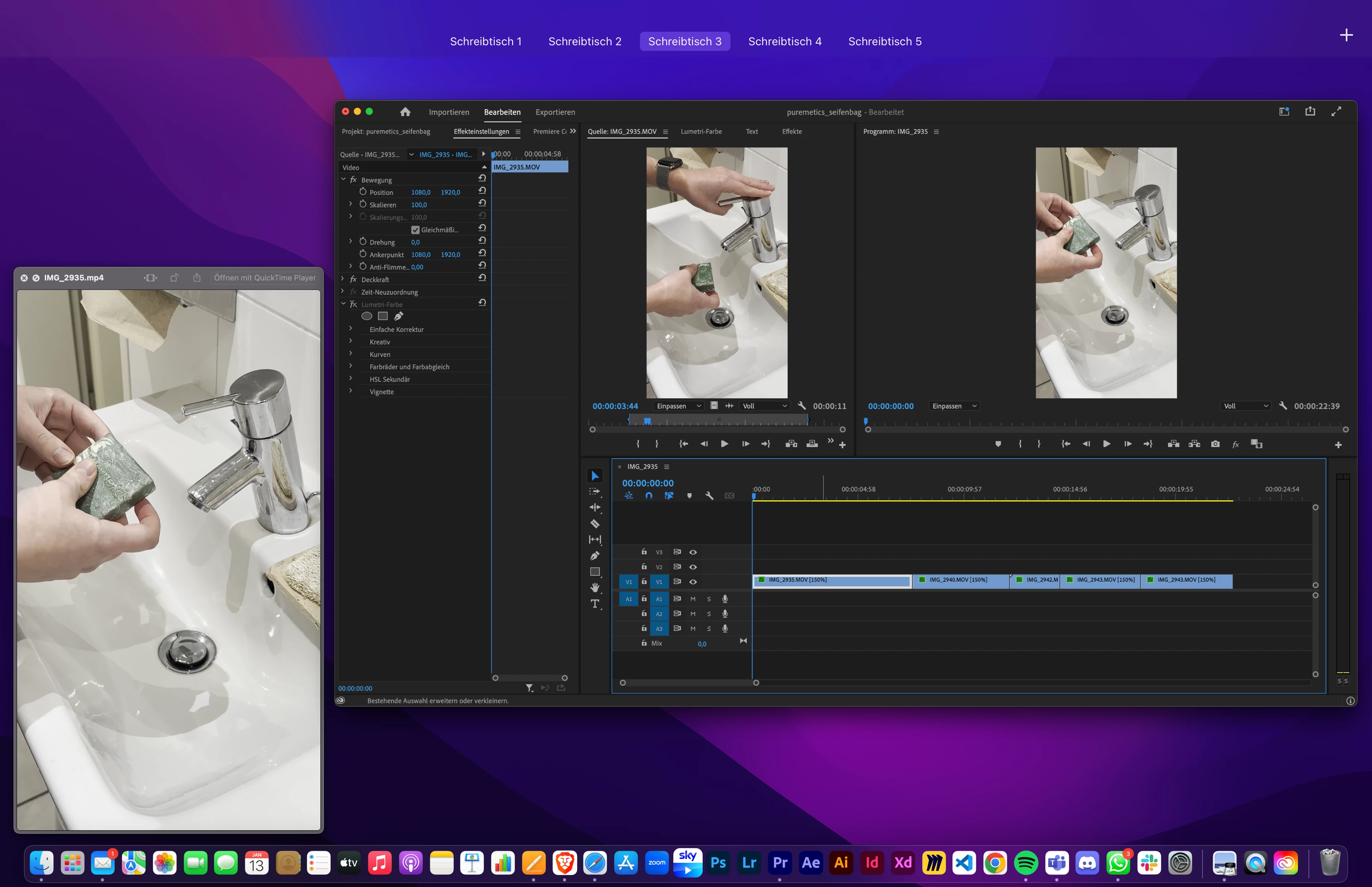
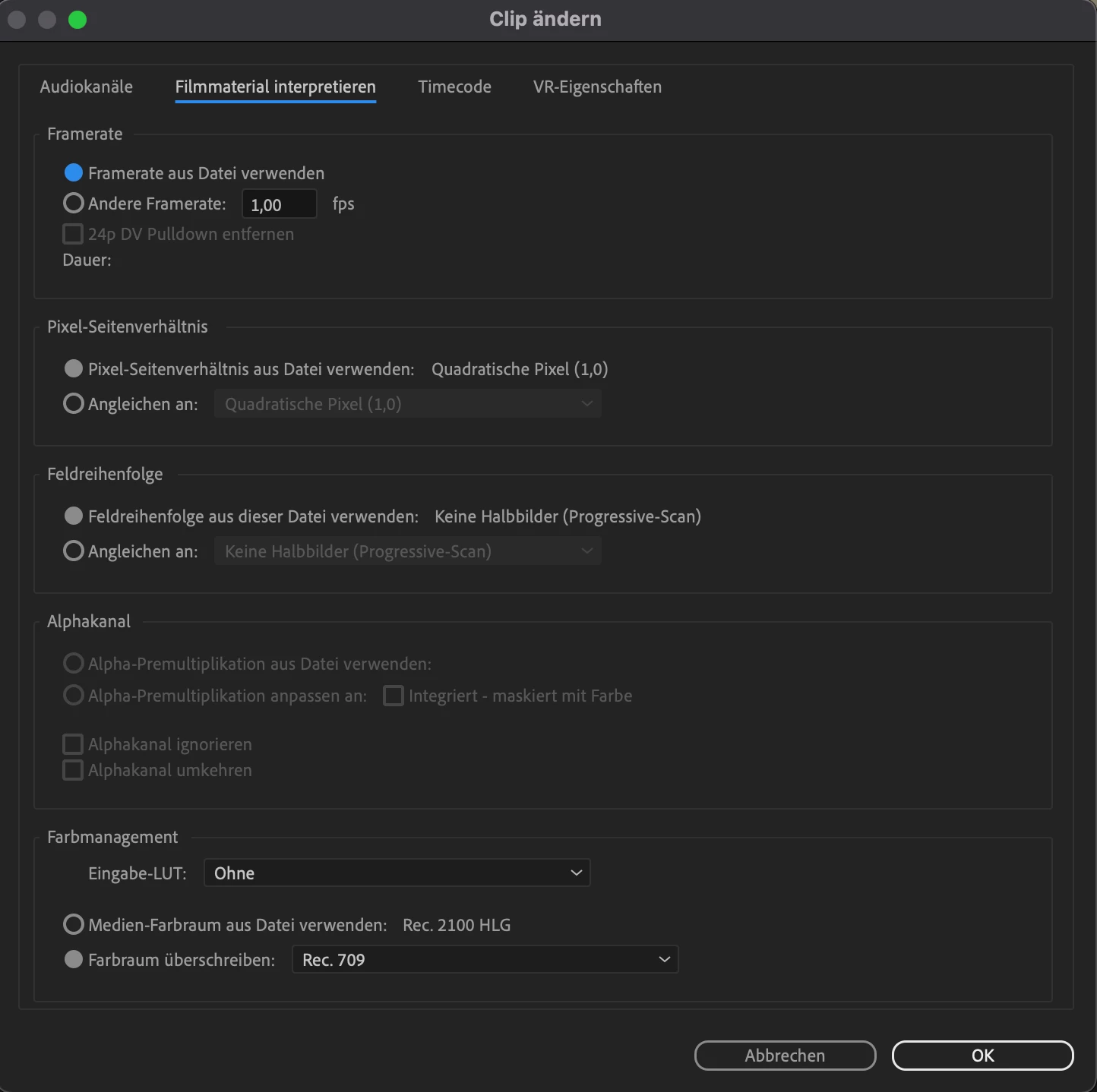
Lately I've been really frustrated when exporting videos in premiere pro 2022. the video always changes color after exporting. ive already put the color seetings to Rec. 709 for the footage and in sequence settings as well but its still happening. its super time consuming to try to get the color right if it changes every time i export the video. the clip ends up really bright and unsaturated even if i try to fix it with color correction. this has never happened before even though i also worked with premiere 2022? it started two or three days ago.


can anyone explain why its still happening even though i already changed the color profile?
 

This topic has been closed for replies.

2 replies

R Neil Haugen
Legend
January 13, 2023

You seem to be on a Mac, correct? And if so, that is the problem.


Why?


The Rec.709 standard was initially only including a camera transform (mathematical function). Back when digital cameras were first created, and we were still using CRT ... cathode ray ... TV like monitors. Those had a 'native' transform or 'curve' to their response, ergo the camera transform was designed to match up with those monitors.


And that transform was adopted by all camera makers.


Then came digital monitors, which had a linear shadow area, not the 'curve' of the CRT monitors. So to make the thing work, Bt.1886 was added to Rec.709, setting a display transform function. Essentially a gamma of 2.4, to the displayed data. Not a change to the actual data, just how it is displayed.


That has been used for over a decade as The Rule.


Then came the Mac Retina monitors, and for some reason unknown outside of Cupertino, Apple chose to create a color management utility that only applied the original camera transform, but does not apply the also-required Bt.1886 display transform.


So effectively, that Mac monitor, with a player like QuickTime or browsers Safari & Chrome, will display Rec.709 SDR video files with a display gamma of 1.96 ... resulting in the lifted shadows and "apparent" lower saturation. It's not a bad file, it's just the monitor is not using appropriate display standards.


Play that same file on any fully broadcast-compliant Rec.709 system, or on most PCs and Android systems, it will look pretty much as you saw within Premiere and expected to see outside it.


Because Premiere does play by the rules, all of the rules. Your Mac doesn't.


And it does that on every SDR/Rec.709 video you see played via QuickTime/Safari/Chrome.


Have you noted you were seeing lifted shadows? Maybe ... probably ... not. Because you didn't see the "original" of the files.


That's what it means to be "out in the Wild". Once we send a file out to a company or upload to a delivery service like YouTube, we have no control on what anybody else ever sees.


And they will not see exactly what we did, that's the only guarantee we have. No colorist can do better.


Neil

Everyone's mileage always varies ...
Peru Bob
Community Expert
Peru BobCommunity ExpertCorrect answer
Community Expert
January 13, 2023
jana_bAuthor
Participant
February 9, 2023

thanks!! this fixed the problem 🙂