



Error Code: -1609629690 Accelerated Renderer Error
So I'm working on a big project with tons of 4k footage and every time I try to render or export I get this error (file name changed for client privacy):
"Export Error
Error compiling movie.
Accelerated Renderer Error
Unable to produce frame.
Writing with exporter: H.264
Writing to file: \\?\C:\Users\User\Desktop\video file.mp4
Writing file type: H264
Around timecode: 00:00:44:09 - 00:00:45:01
Rendering at offset: 44.375 seconds
Component: H.264 of type Exporter
Selector: 9
Error code: -1609629690"
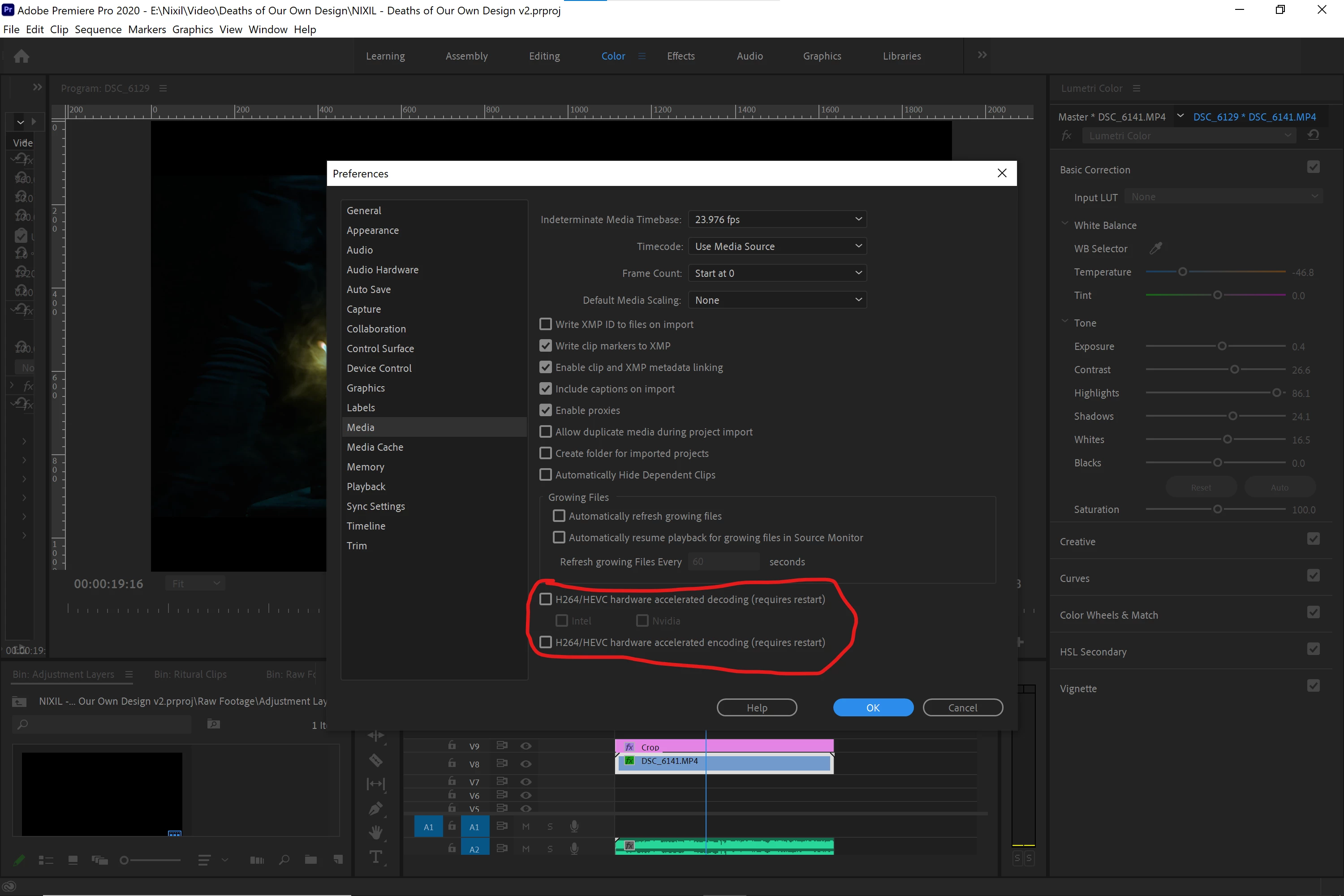
I tried multiple solutions that others have found useful, namely exporting to a different location, turning off CUDA (see below), and editing things at the time codes that the errors are referenced to be in (changes nothing).
I've updated my NVIDIA graphics card drivers (both to game ready and studio ready drivers), updated premiere CC, all the normal things to look out for as far as I know.
Still get it. Also, when rendering without cuda it gives me blocks of weird checkered graphics throughout the video:
Never ever seen that before. But obviously eliminates that option.
As far as I can tell, removing my color grade with Lumetri is the only thing that lets it render and export as normal, but that's obviously an issue because this is a lot of v-log footage that I can't just export without a grade.
I would transcode all the footage, but this is a BIG session, so I'd be doing that with just so many files that I don't want to do that if I can help it, and I am already using proxies so I'd have to go through that again too.
I can export on my other system at home just fine (I'll post those specs too if need be) but I don't think it's as powerful CPU or GPU wise as this system, so I don't know what's happening.
System Specs:
Windows 10 Home 64-bit
Intel i7-4790K 4. GHz (8CPUs)
16 GB RAM
NVIDIA GeForce GTX 1080
Premiere CC 2019 (current version up to date)
Any help would be greatly appreciated. Thank you for your time.
 AdChoices