


Export as Motion Graphics Template Greyed Out - only text and simple graphic
I am trying to save a simple little name intro that will slide in and then disappear from the bottom left.
This was two layers - the text itself and a black matte background layer that I transformed and changed to yellow. I created this in Premiere Pro, and NOT in After Effects.
I've tried exporting this combination for future projects as a Motion Graphics Template, but that option is greyed out when I right click on it and when I select Graphics and Titles from the top (see image).
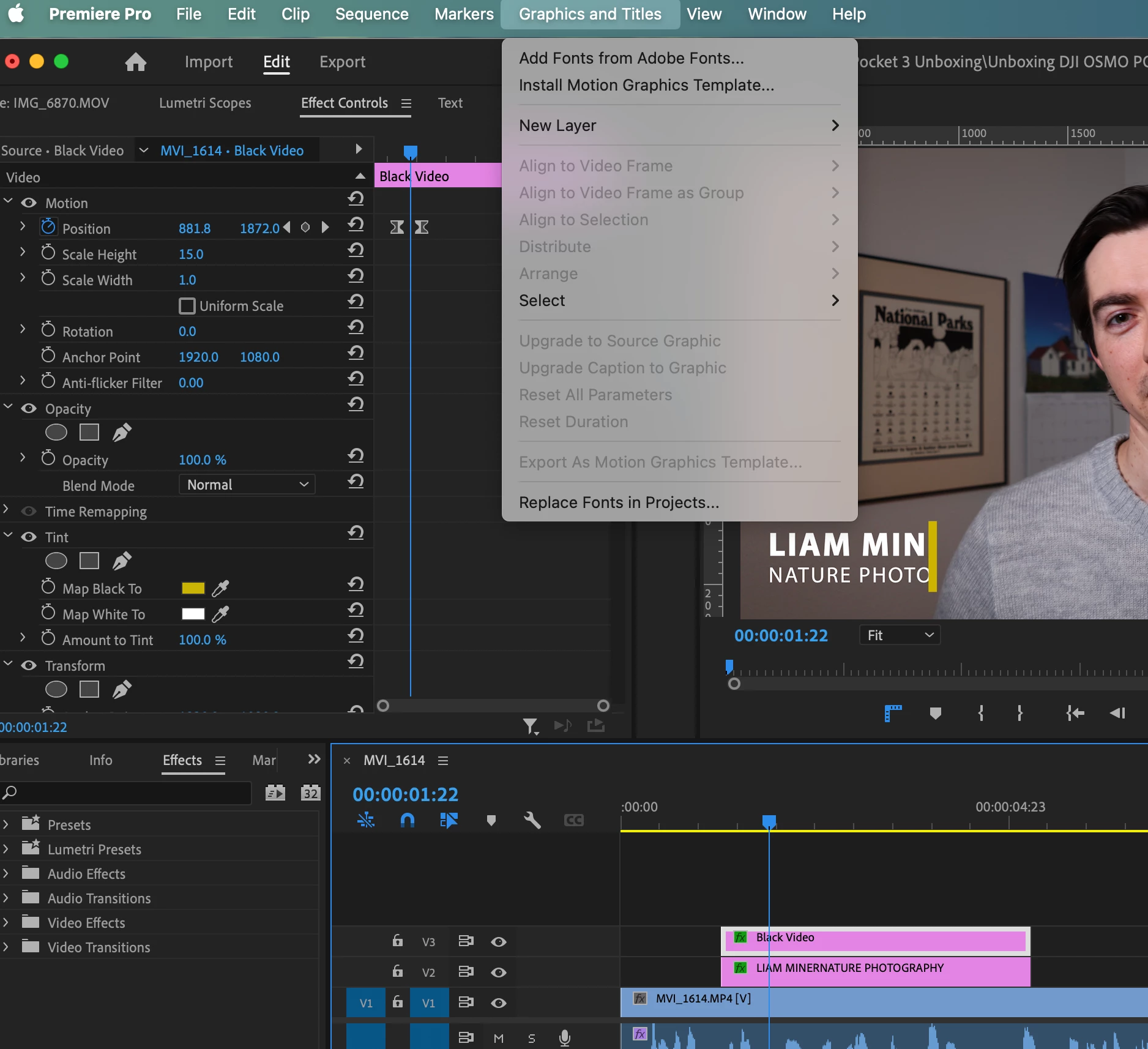
I also tried "Nesting" the two layers, and the Motion Graphics Template option is still greyed out.
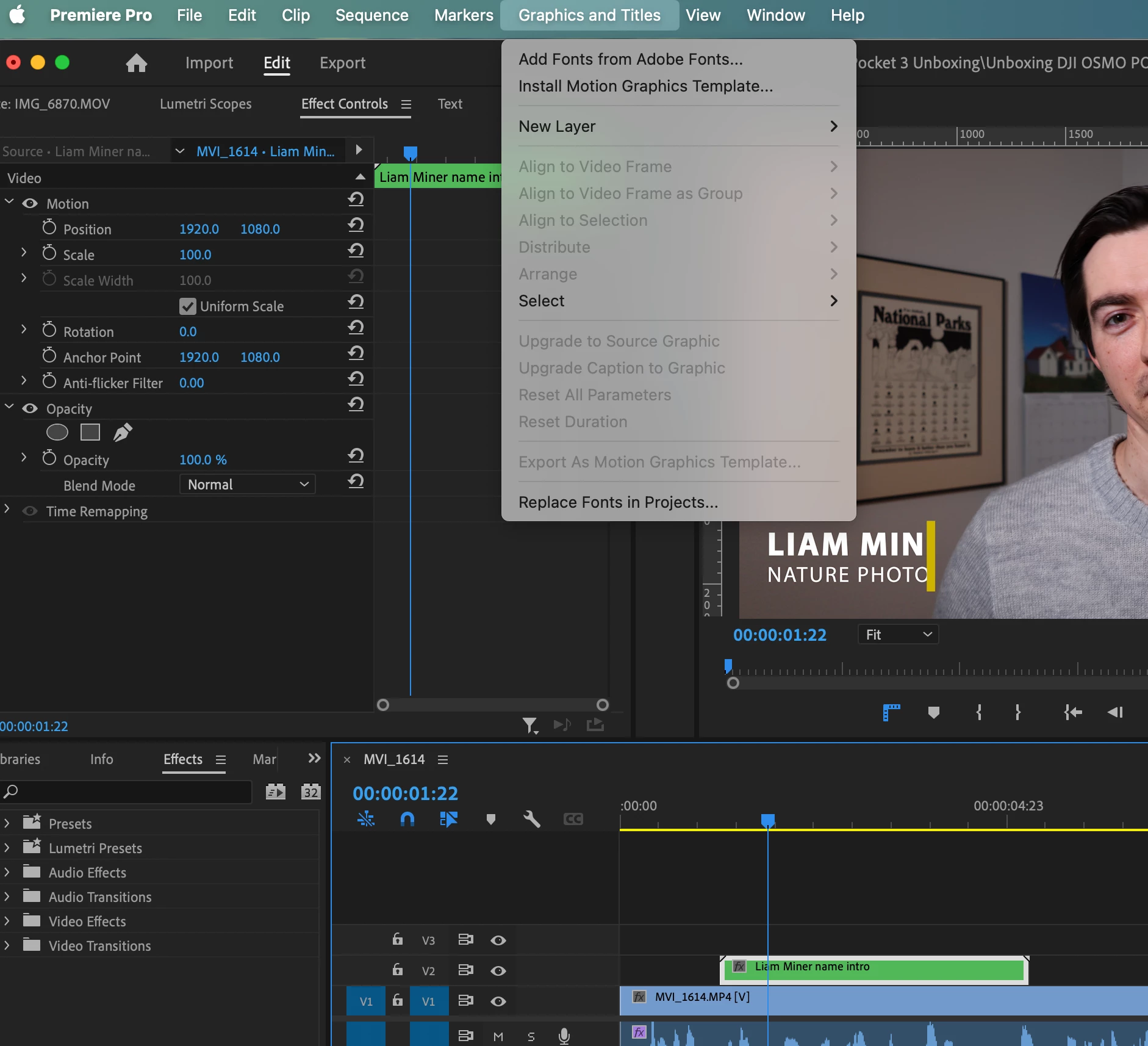
How do I save this for future use?
I don't want to have to re-open previous projects all the time and copy it over, because they may not always be on the same hard-drive and therefore couldn't be opened.
 AdChoices