Participating Frequently
August 15, 2019
Question

Exported file size 30 times larger than the estimated file size.

  • August 15, 2019
  • 1 reply
  • 382 views

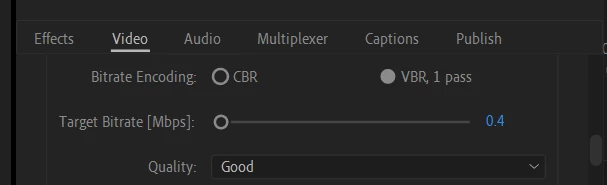
I imported a file that is 33.9MB large and tried to export it to make it smaller. Below are details of the imported file, the export settings, and the exported file.

Source file
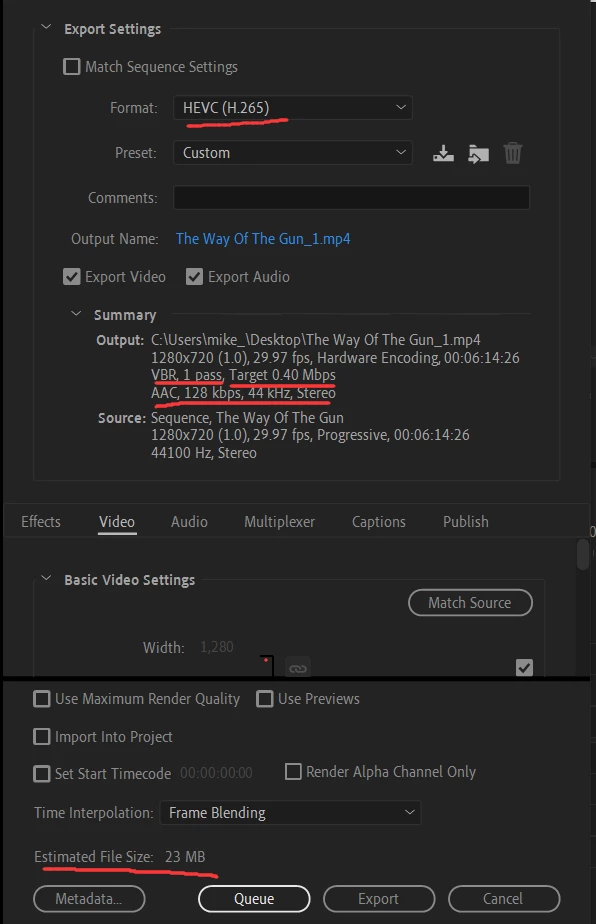
Export Settings
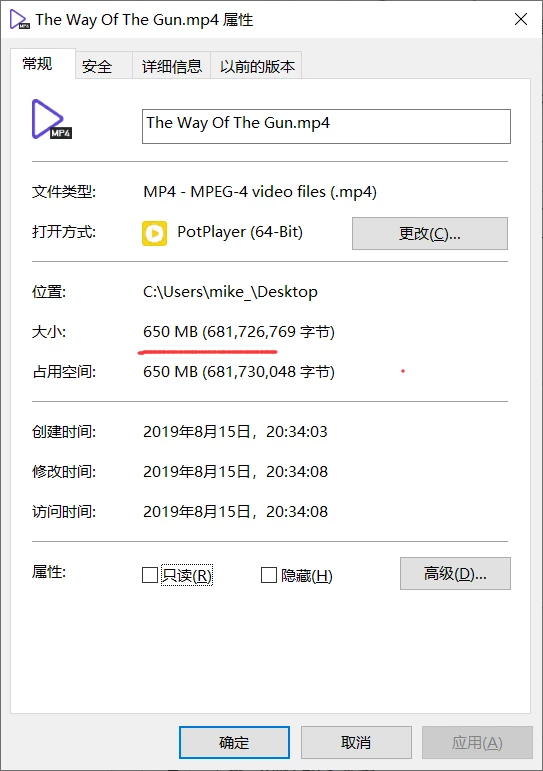
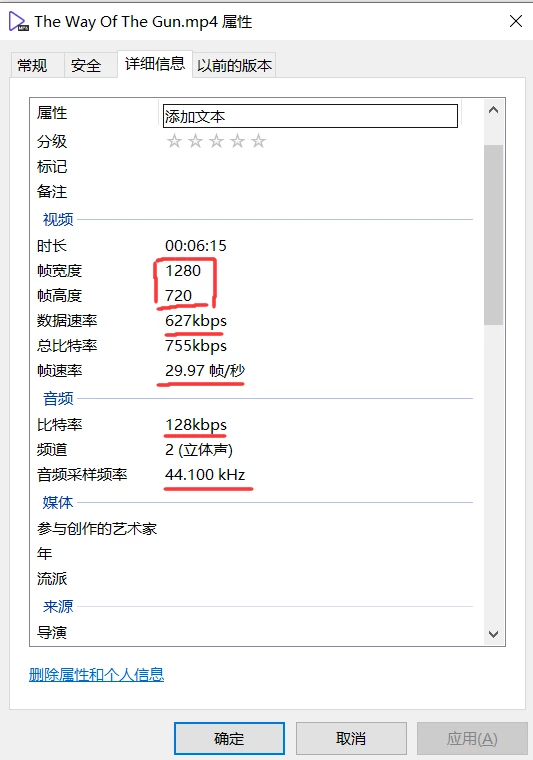
Exported File
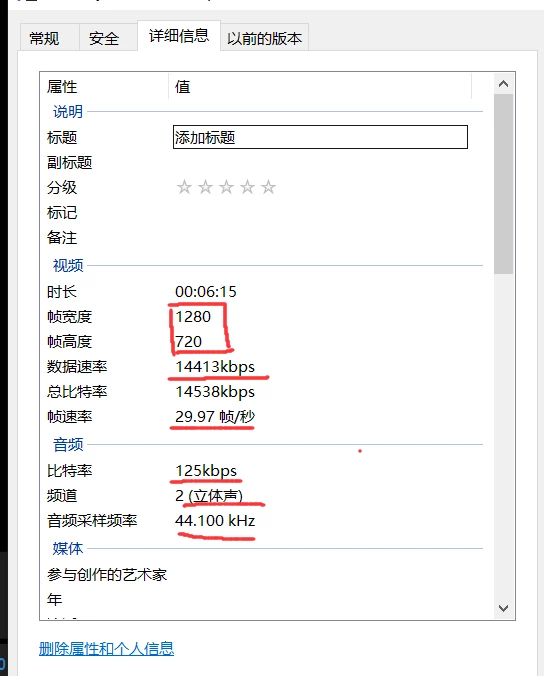
I ended up with a file that's 650MB large. I find that the audio bitrate and sample rate match the export settings but somehow the video bitrate(14413kbps) doesn't honor the export settings(0.4Mbps) and is way larger than what I specified in the export settings.

I've tried changing metadata to none to no avail.

Hope you guys can give me some insight on this.

This topic has been closed for replies.

1 reply

Richard van den Boogaard
Community Expert
Community Expert
August 15, 2019

Don't know, but could it be that your version supports comma's instead of points?

0.40 or 0,40 Mbit/s is extremily low, btw...

Participating Frequently
August 15, 2019

Since the summary section says 0.4Mbps with no problem and the math adds up for the estimated size, I think using the point should be fine.

I'm using 13.1.4 (Build 2), which is the latest version I believe.

I'm trying to send the video over an app which has the limits of 25MB for video files thus the extremely low bitrate.

Richard van den Boogaard
Community Expert
Community Expert
August 15, 2019

I have just exported out a test video at such ridiculously low bitrate and all you're really getting are a collection of macro blocks you can count on the screen. Nothing you would want to upload anywhere...

Please lower the audio bitrate to sth like 32 kbps, in order to make more room for the video portion of your encode.

It will probably sound horrible, but you have to make a trade-off between audio and video.

Why it does export at 14mbps instead of 0.4mbps is a question I cannot answer...