Participant
May 31, 2024
Question

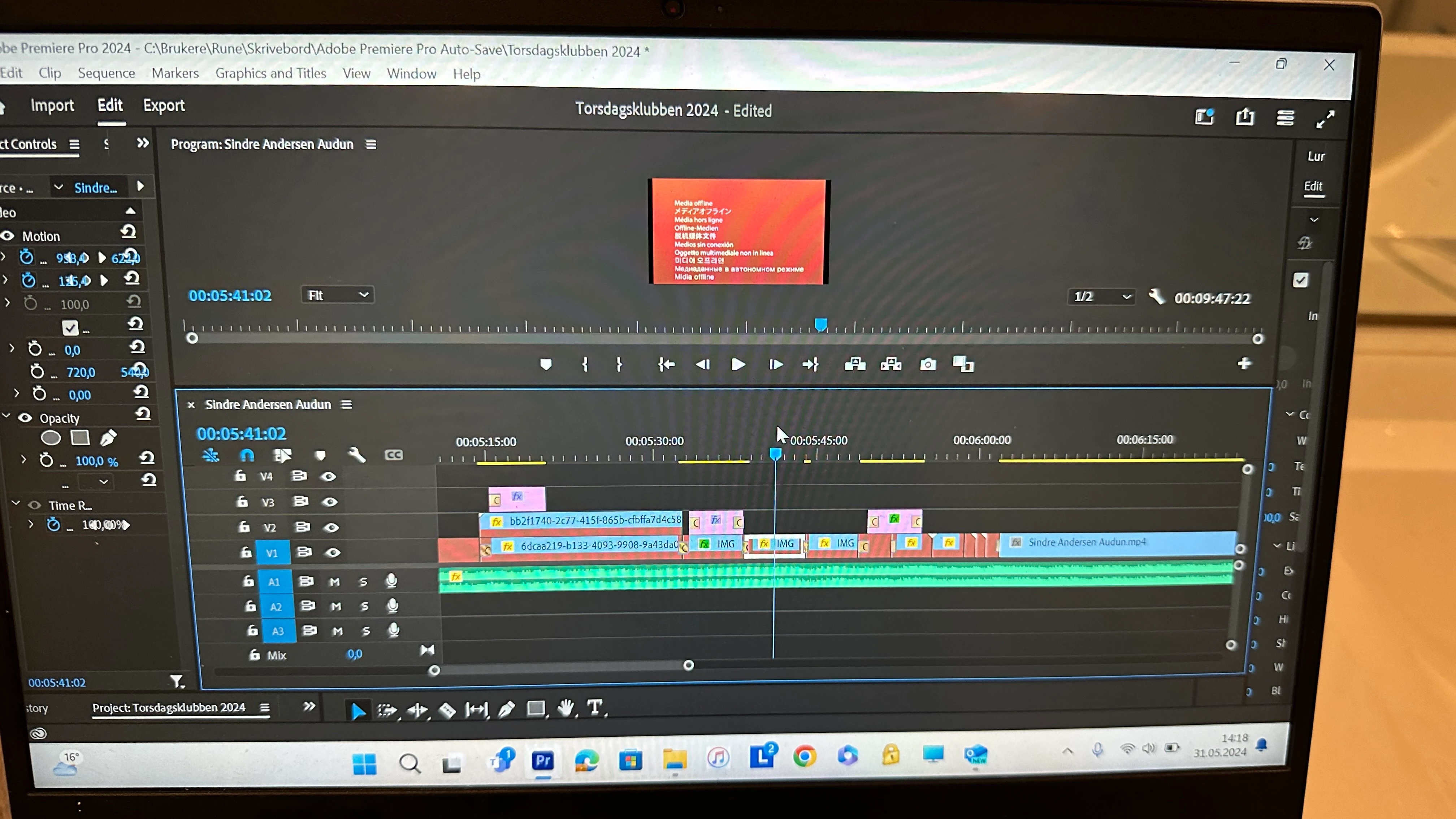
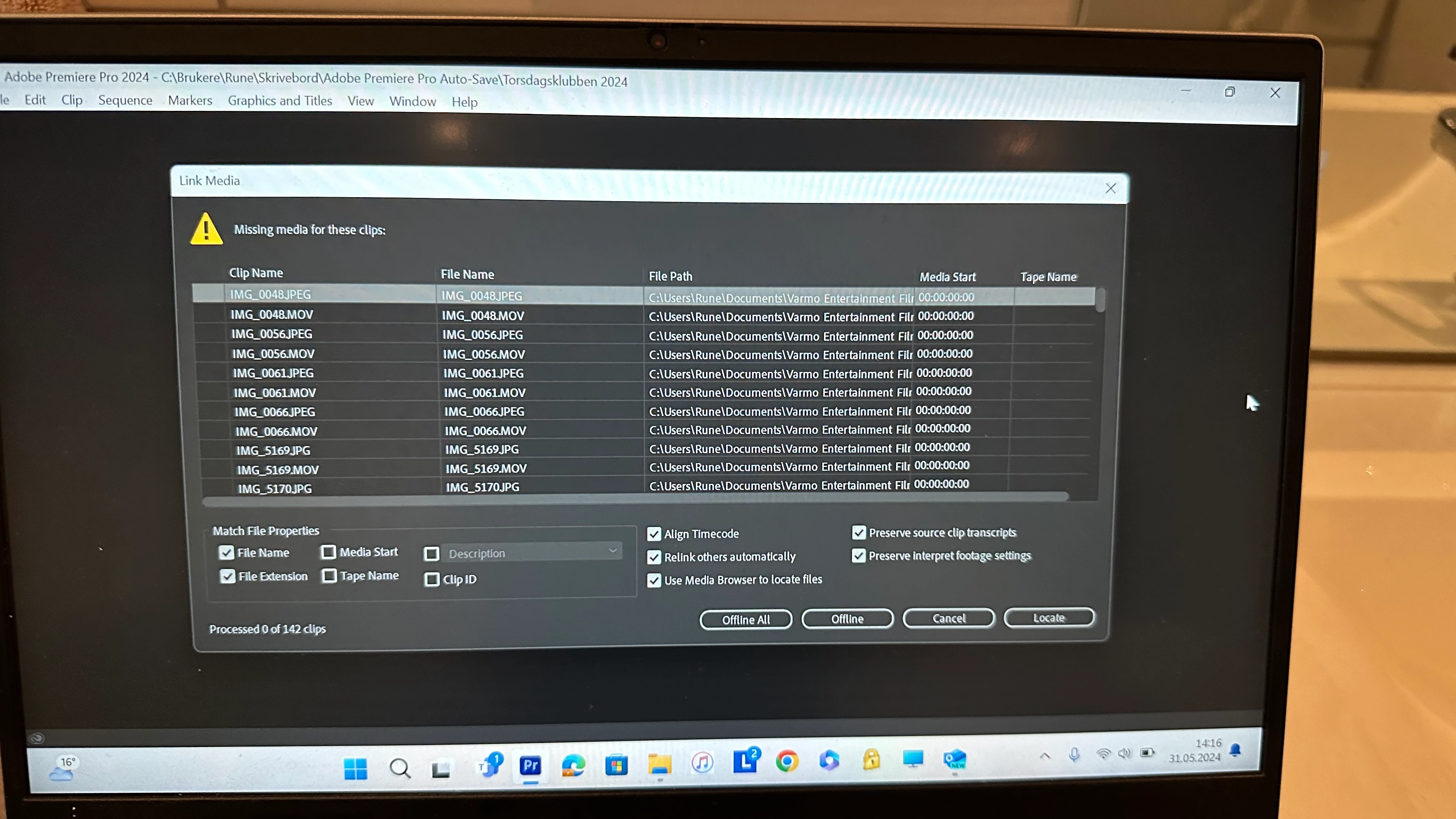
Missing media. What has happened? Help😩

  • May 31, 2024
  • 2 replies
  • 188 views

This topic has been closed for replies.

2 replies

Community Expert
May 31, 2024

You C: drive is your main system drive isn't it? 

Either one of two things has happened:

  • You've moved the source media folder to another place on your system
  • You've changed the folder name or file names of your media

Either way, as Ann mentioned, you must relink the media. Either by the Locate button in the offline dialog box or by selecting the media in the project bin and right click + relink. 

Ann Bens
Community Expert
Community Expert
May 31, 2024

Hard to tell what really happened.

Did you hit LOCATE to find your media?

Relinking offline media in Premiere Pro